
For clinics and service businesses
Every patient and client, answered at any hour.
An AI assistant answers questions about your services, prices and hours on your website, WhatsApp, Instagram and the phone, saves each request with a name and number in your CRM, and passes the conversation to your staff when a person is needed.
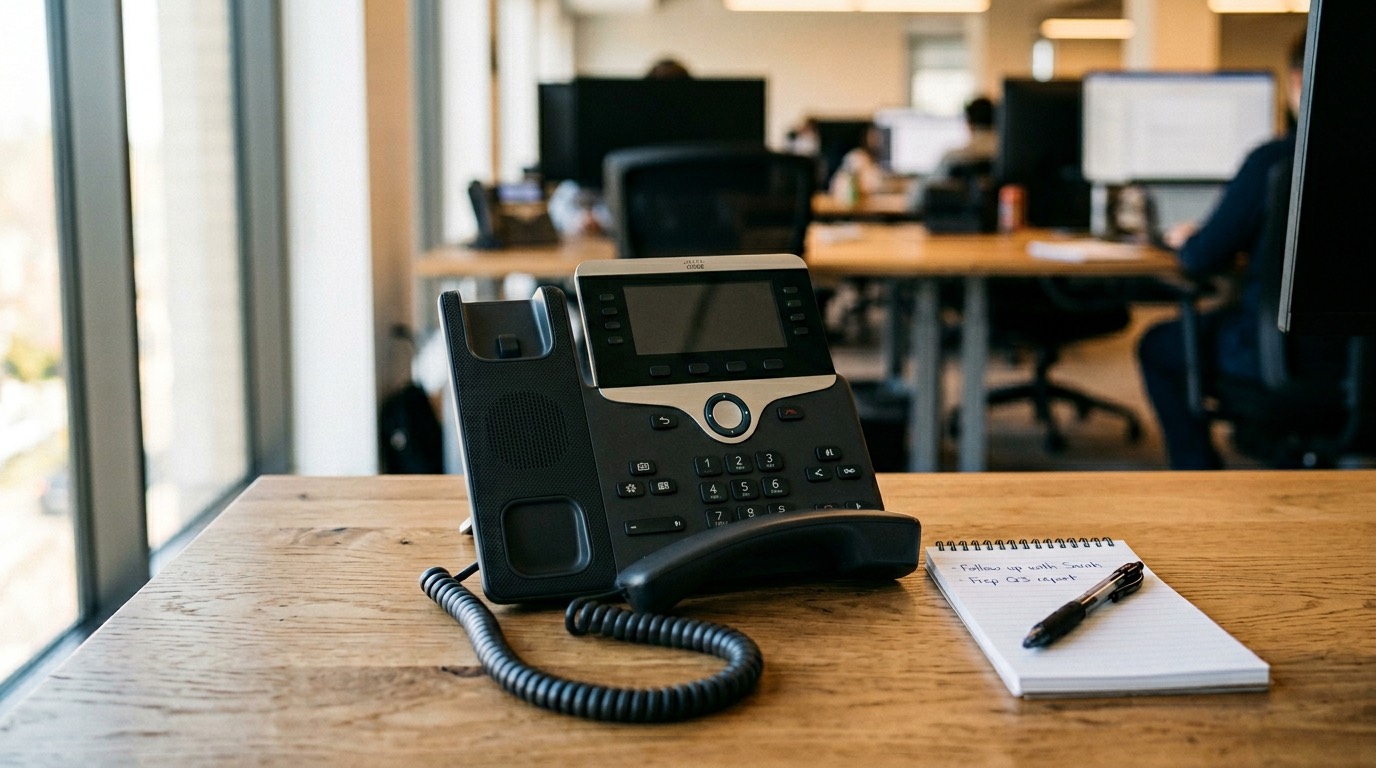
What is an AI receptionist for a clinic?
An AI receptionist is an assistant that answers the questions a front desk hears every day, takes down each request with the person's contact details and passes the conversation to staff when a person is needed. Fineguide's AI assistant does this for clinics, salons and other appointment-based businesses on the website chat, WhatsApp, Telegram, Instagram and Messenger, and on your own phone number over SIP in 14 languages, answering only from the services, prices and rules you give it. Each request is saved on a CRM contact with the fields you choose, and the assistant can check free slots or create an appointment in your own booking system through an action.
How clinics use it
Four everyday workflows, and the tools behind them.
Each one is built from features you switch on for an assistant; nothing has to be programmed.
- Evening enquiry, request by morning
- A client asks on WhatsApp at 21:00 what a consultation costs, and the assistant answers from your price list. When they want to come in, it asks for a name, a phone number, the service and the day they prefer; on paid plans these are saved on their CRM contact with the conversation, and a follow-up task due the next day waits for your front desk.
- Booking in the system you already use
- An assistant action calls your booking system's API during the chat to check free slots or create an appointment. Build it from a cURL command in your provider's documentation or from an n8n workflow, keep API keys as stored secrets, and try it in the test panel first.
- The front-desk phone
- The same assistant answers your clinic or salon number over SIP. Callers whose number is in your contacts are greeted by first name, a caller who asks for a person is put through to reception, and outside hours the assistant takes a callback request that lands on your CRM task board.
- Handover when staff are needed
- Describe in your own words when a chat goes to a person, such as a complaint or a question only a specialist should answer. The client is told someone is coming, the assistant stops, and your team picks the chat up in Messages with a briefing: a summary and the key facts.
- Answers only from your information
- Give the assistant your service pages, price list, preparation instructions and exact answers for cancellation rules, then set it to answer only from what it has learned. Anything else gets the reply you write, such as an offer to have someone call back.
- Instagram messages and comments
- Salons and studios that win clients on Instagram can let the assistant answer direct messages and, when you switch it on, reply to comments under posts.
- Follow-ups on the calendar
- CRM tasks with a deadline sync both ways with Google Calendar. On paid plans, workflow templates open a follow-up task for each new contact with a phone number, sort finished chats into answered, needs follow-up or complaint, and write a call summary on the caller's contact.
- Review of reception calls
- Send recorded reception calls to Voice QA, and each one is scored against your own rules, such as greeting the caller and confirming the date and time, with quotes from the call and a suggestion for each rule.
How to start
From your price list to an assistant on the front desk.
Most businesses start with one channel and add the phone once the answers are right.
- 01 Create an assistant and give it your service pages, price list, opening hours and exact answers to your most common questions.
- 02 Set it to answer only from what it has learned, and write the reply it gives to anything else.
- 03 Add the fields a request needs, such as service and preferred day, and turn on lead collection.
- 04 Connect the website chat, WhatsApp and Instagram, then your phone number over SIP.
- 05 Choose when a conversation goes to your staff, and connect your booking system through an action if it has an API.
Facts
In numbers and names.
Channels
Website chat, WhatsApp, Telegram, Instagram (messages and comments), Facebook Messenger, your phone number over SIP and email in the shared Inbox.
Languages
Chat replies in the language the client writes in. Phone calls in 14 languages, and the chat window's buttons and labels in 24.
Booking
Through an assistant action to your own booking system, built from a cURL command or an n8n workflow. CRM tasks with a deadline sync both ways with Google Calendar.
Request fields
5 field types: text, number, yes or no, one of a list and several from a list. The answers are saved on the client's CRM contact.
Credits
An AI chat reply is 1 credit. An AI phone call is 10 credits per answered minute, with a one-minute minimum.
Plans
Start on the free plan with 200 credits and no card. Lead collection and workflows come with paid plans, from the Starter plan.
Related
The modules behind your front desk
- AI Assistants
Assistants that answer on your website, WhatsApp, Telegram, Instagram, Messenger, Slack and Discord.
- AI Telephony
The same assistant on live calls over your own phone number.
- CRM
Contacts, deals, tasks and calendar sync behind every request.
- Messages & Inbox
Chats from every channel and your email in one team inbox, with handover to a person.
- Automations
Workflow templates for follow-ups, finished chats and call summaries.
Further reading
- AI assistant for clinics and service businesses: a practical setup
- Assistant actions: let your AI check orders and book slots
- An AI Phone Assistant for a Small Business: What It Handles
- Human handoff: when your AI should pass the chat to a person
- Session variables: how a chat becomes clean CRM data
- WhatsApp Business API: connect your number and answer with AI
AI receptionist for clinics: common questions
- What is an AI receptionist?
- An AI receptionist is an assistant that answers the questions a front desk gets, takes requests with contact details and passes conversations to staff. Fineguide's assistant does this on the website chat, messaging apps and your own phone number.
- Can a chatbot book appointments for my clinic?
- Yes, in your own booking system: an assistant action can check free slots and create an appointment when the system has an API. Without one, the assistant takes the request with the service and preferred day and leaves a follow-up task for your team.
- Can I stop the chatbot from answering questions it should not?
- Yes. Set it to answer only from what it has learned, such as your services, prices and procedures, and write the reply it gives to everything else. Conversations you describe, such as complaints, can go straight to your staff.
- Can an AI answer my clinic's phone?
- Yes. Connect your number over SIP and the assistant answers calls in up to 14 languages, puts callers through to reception on request and takes callback requests as CRM tasks outside your hours.
- Do I need a separate CRM for my clinic or salon?
- No. The CRM is part of Fineguide: contacts with the answers the assistant collected, deals on boards with your own stages, and tasks that sync with Google Calendar.
- Does it work for salons and other service businesses?
- Yes. The same setup fits any business that runs on appointments, such as a dental practice, a beauty salon, a physiotherapy studio or a car service.
- Is there a free plan?
- Yes. You can start on the free plan with 200 credits and no card. Lead collection and workflows come with paid plans, from the Starter plan.
Ask your front desk a question tonight.
Give an assistant your price list, connect WhatsApp and ask it what your clients ask. Or book a 30-minute demo and see chat, phone and CRM working on your own business.