Transform how your business interacts with customers.
Unify conversations, CRM, channels, and workflows, powered by AI from the ground up.
The platform
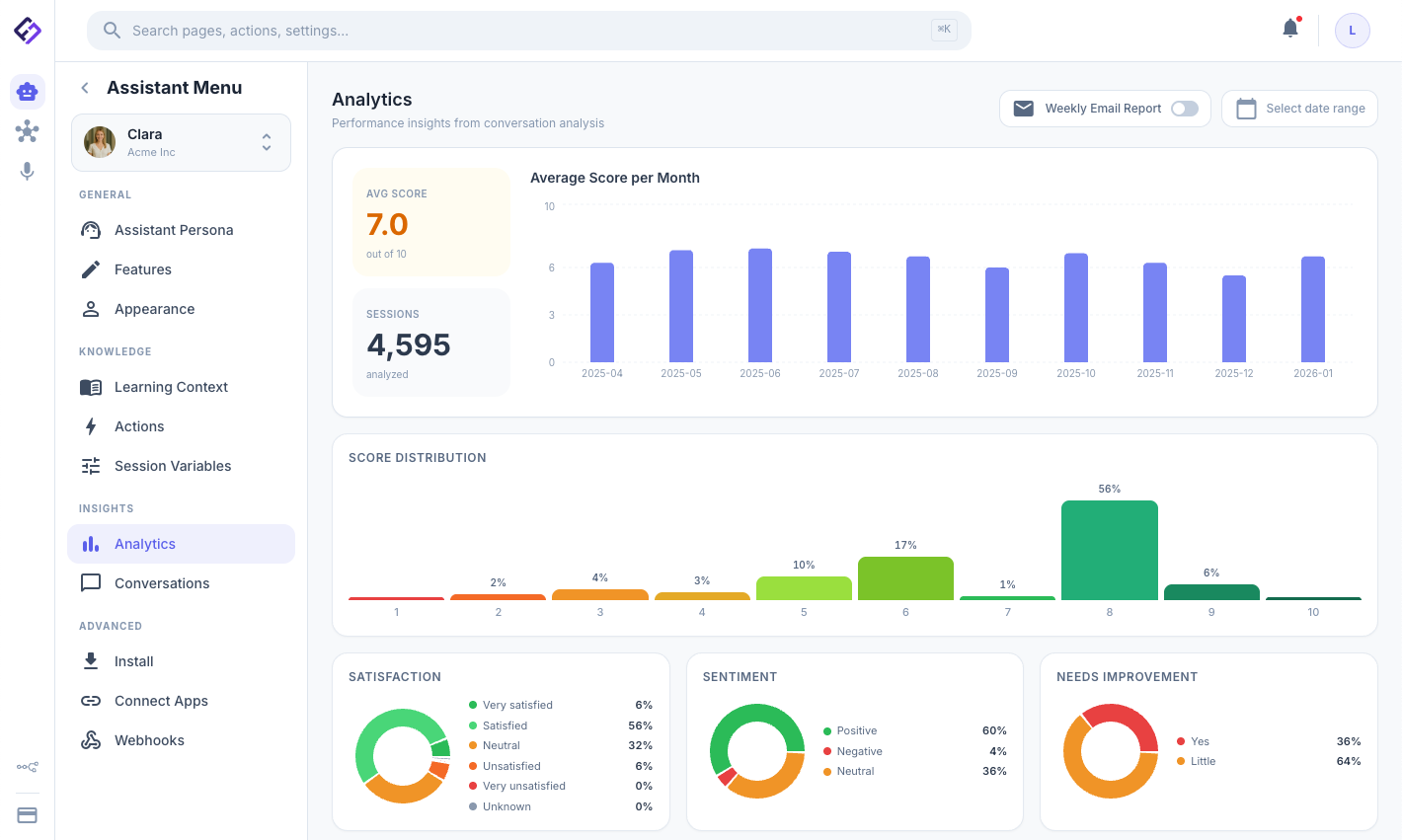
Fineguide is a unified system that contains everything your team needs to manage customer relationships: AI Assistants → Leads → CRM → Voice Automations → Analytics. Every conversation across every channel is connected, every customer record, every voice interaction, and every internal document, connected on one platform.

- Assistants
- AI that answers customers on web, WhatsApp, Telegram, Instagram, Messenger, Slack, and Discord.
- CRM
- Contacts, companies, deals and pipelines, tasks, duplicate review, and sales reports.
- Voice
- Quality assurance on every call, plus AI-driven inbound and outbound telephony.
- Messages
- Every conversation your assistants handle, in a team inbox with a routing queue, handover to a person, and its own reporting.
- Inbox
- Email proper: connect your own mailboxes and domains over IMAP and SMTP, with routing rules.
- Workspace
- Documents, decisions, and team knowledge alongside the customer record.
- Automations
- n8n automations, on an instance Fineguide hosts for you or your own, plus assistant actions and webhooks that connect Fineguide to the rest of your tools.
- QA & Analytics
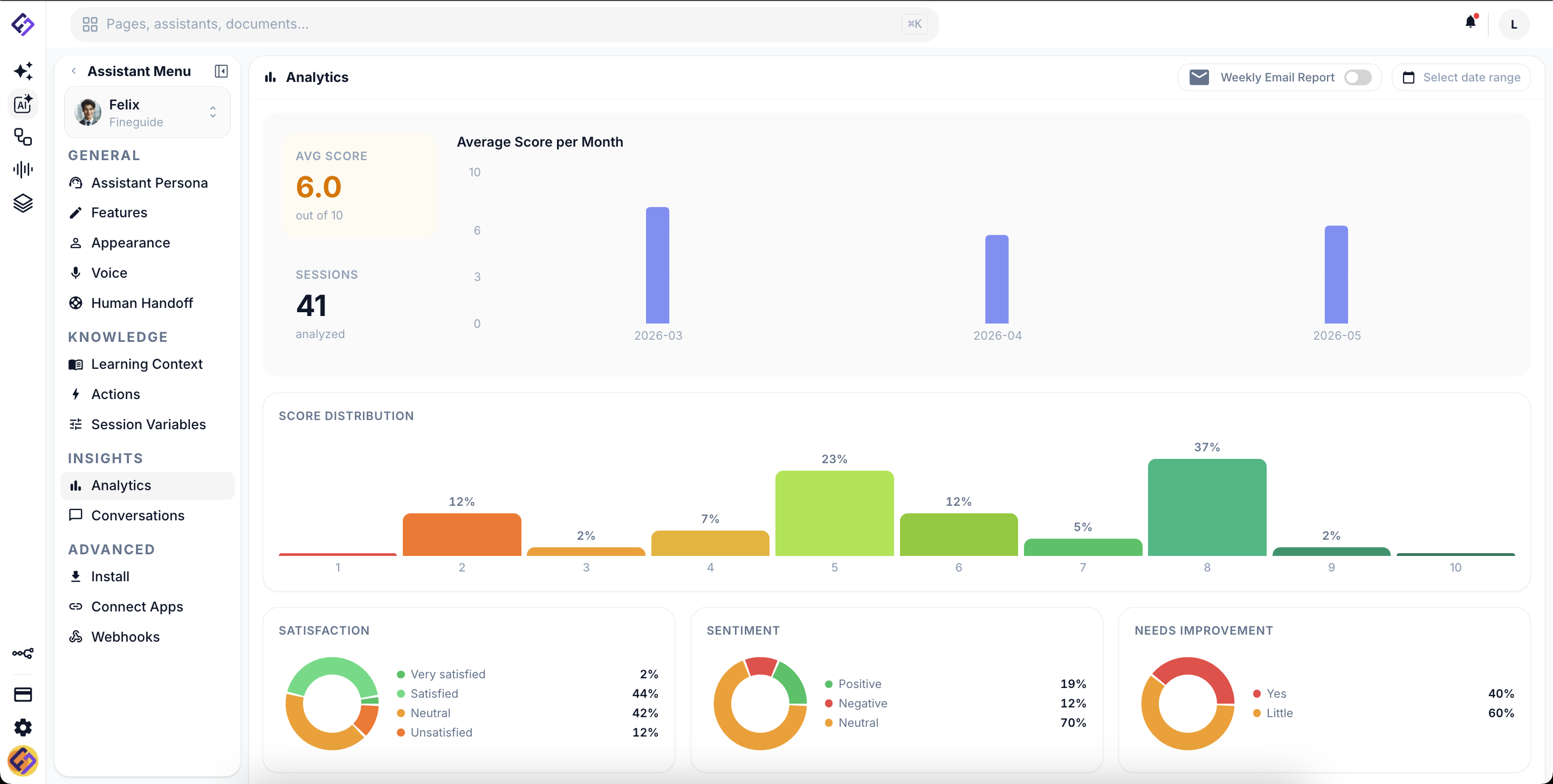
- Score every interaction, track performance across teams, and surface insights that drive improvement.
Assistants
AI that handles conversations, every time.
Deploy assistants that read your knowledge, follow your rules, and capture what matters. They greet customers on every channel where you do business, and turn each conversation into structured records your team can act on.
- Channels: Web · WhatsApp · Telegram · Instagram · Messenger · Slack · Discord
- Knowledge from URLs, documents, and PDFs
- Configurable persona, voice, and escalation rules
- Extracts intent and customer data directly into CRM leads
- Live conversation monitoring, analytics, and feedback loops
CRM
One customer record. Every team. Every conversation.
Sales sees the deal. Support sees the ticket. The call center sees the queue. Everyone sees the same customer, the same conversation history, the same context, without the export and import dance between tools.
- Pipelines and stages, Kanban and table views
- Tasks, assignments, and due dates
- Company records with their own email and history
- Duplicate review, with a person confirming every merge
- Custom fields auto-filled by assistants
Messages & Inbox
Every conversation lands somewhere a person can take over.
Chat and email arrive in one team inbox, with a routing queue, rules and departments behind it. The assistant handles what it can; the moment it cannot, a colleague already has the thread and the customer record in front of them.
Explore Messages & InboxVoice
Every call, scored and structured.
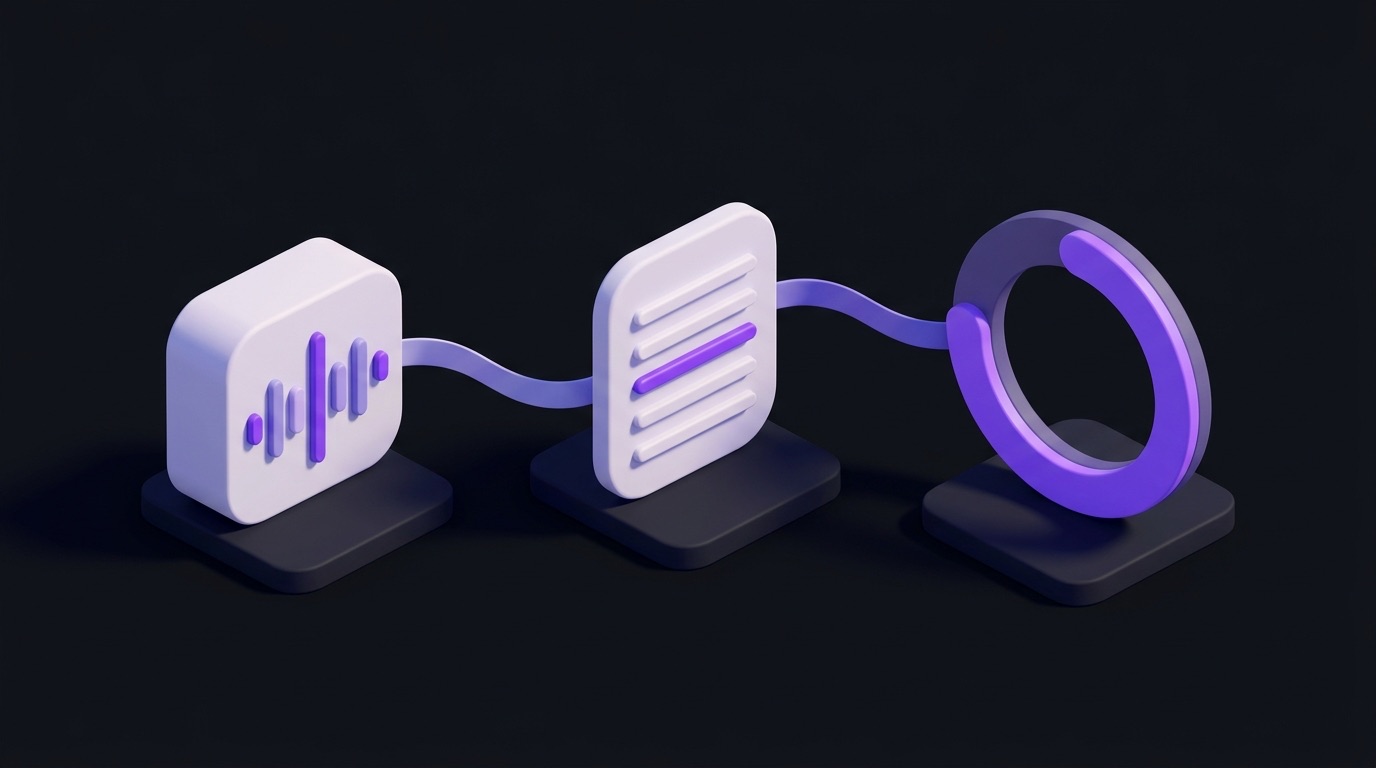
Voice QA evaluates calls automatically, across departments, against your rules, in the languages your team speaks. AI Telephony puts the same assistants that handle chat on the other end of the phone.
- Automatic transcription and scoring on every call
- Per-department evaluation criteria and weights
- Agent feedback and trend dashboards
- Connects to your phone system over SIP
- AI agents on live inbound and outbound calls
Campaigns
Outbound calling that runs itself.
Build an audience, choose what the call is for, and let your assistants work the list. Test against your own number first, watch it run, and pause it whenever you want.
Explore campaignsWorkspace
Documents that live with the customer.
A block-based editor for playbooks, briefs, and team knowledge, connected to the same contacts and customers your team is already working with.
- Block editor with slash commands
- Folder hierarchy and drag-drop
- Search by document title
- Trash with recovery
Automations
Connect Fineguide to the rest of your tools.
Run n8n automations on an instance Fineguide hosts for you, or connect the one you already run. Give your assistants actions that call your own systems, and send what happens in a conversation to any address that accepts a webhook.
- An n8n instance hosted for you by Fineguide, or your own connected to it
- Import an n8n workflow that starts with a webhook as an assistant action
- Custom actions built from a pasted cURL command, with stored secrets and a test panel
- Webhooks on messages, sessions, tickets, ratings and collected information
- Facebook Lead Ads form submissions passed on as a webhook event
- Hundreds of ready-made integrations through n8n

By the numbers
24/7 assistants answering on every channel you have connected, nights and weekends included.
30 languages for call-quality reports. AI phone calls speak 14, and the website chat widget comes in 24.
One platform replacing the seven tools you would otherwise duct-tape together.

Built for
Sales teams use Fineguide to qualify faster. Support centers use it to handle volume without growing headcount. Call centers use it to score every call and coach agents with the evidence behind each mark. Customer success teams use it to keep accounts coherent across channels.
Sales · Support · Customer success · Call center operations

Integrates with what you already use
- Telegram
- Messenger
- Slack
- Discord
-

- Kommo
- Zendesk
- HelpScout
- n8n


Security
Your data, on your terms.
When you need it, Fineguide can be deployed on your own infrastructure under an enterprise contract, so you decide what leaves your network. We also support your compliance reviews and security audits.
See enterprise deployment
Ready to consolidate?
See Fineguide running on your operation in a 30-minute walkthrough.