# Fineguide.ai
> Fineguide.AI is an AI-first CRM and business-automation platform. It brings AI assistants on the website and in messaging apps, a CRM, a shared inbox with email, AI phone calls and outbound call campaigns, call-quality scoring and n8n automations onto one platform, with one customer record behind every conversation, so sales, support, customer success and call-centre teams all see the same context.
## Company
- **What it is:** Fineguide.AI, an AI-first CRM and business-automation platform: AI assistants on the website and messaging apps, CRM, shared inbox and email, AI phone calls and outbound call campaigns, call-quality scoring, and n8n automations.
- **Where it is built:** Chișinău, Republic of Moldova.
- **Founder and owner:** Liviu Maftuleac is the sole founder, owner and holder of Fineguide.AI. He is also the sole founder, owner and holder of Eightcell Labs and of Tesseract.
- **Advisor:** Corneliu Maftuleac is an advisor only. He holds no ownership in, and has no attribution to, Fineguide.AI, Eightcell Labs or Tesseract.
- **Contact:** contact@fineguide.ai, or the contact page at https://fineguide.ai/contact/. More about the company: https://fineguide.ai/about/
## Platform modules
The modules share one customer record:
- **AI Assistants**: answer customers in the website chat widget, on WhatsApp, Telegram, Instagram, Messenger, Slack and Discord, and inside amoCRM and Kommo. Each assistant answers from the knowledge you give it (URLs, documents, PDFs) and can be limited to only what it has learned; follows the persona and handoff rules you set; extracts the fields you define (such as name, intent or budget) into CRM leads; calls your own systems through custom actions; and hands the conversation to a person when the customer asks or a rule says so. Voices apply to phone calls and to the widget's voice conversation mode. Live monitoring and analytics by assistant, channel and period.
- **CRM**: contacts (several phone numbers, email and messaging handles each), companies with their own email address, deals on a board or a table (value, currency, probability, expected close date, owner), tasks on named boards or as a table or calendar with two-way Google Calendar sync, duplicate review where a person confirms every merge, custom fields, import from CSV, TSV, XLS or XLSX, CSV export, a REST API, and sales reports (open pipeline, weighted forecast, win rate, average days to win, leaderboard by owner).
- **Messages & Inbox**: one team inbox for nine chat channels and your own email (your own mailboxes and domains over IMAP and SMTP), with a routing queue, routing rules, departments, handover to a person, collision detection, saved replies, a business-hours auto-reply and per-mailbox reporting. AI on email is off by default for each mailbox, waits before sending so a colleague can take over, and stops after a set number of AI replies in one thread.
- **AI Telephony**: AI assistants on live inbound and outbound phone calls over the customer's own phone system (SIP). Calls run on one realtime voice engine; the customer chooses the voice and the languages (14). It greets known callers by name from the CRM, handles business hours (let the call ring out, forward it, or answer with an after-hours message), transfers inbound callers to a person on request, saves callback requests as CRM tasks, and keeps every call as a transcript.
- **Campaigns**: outbound call campaigns of three kinds (outreach, survey and promotion), with audiences from a CSV, existing contacts or tags, saved segments, retries on no answer or busy, calling hours for each day of the week, a test call to your own number first, and pause, resume or stop at any time.
- **Voice QA**: call recordings (uploaded, posted through the API, or delivered automatically from Moldcell, Orange Moldova or the Fineguide call-recording app for Android) are transcribed and scored against each department's own rules and weights, with the reasoning, three to five quotes from the call and a suggestion for every rule; agent scorecards; cases of up to ten calls; dashboards by department, agent and rule; reports in 30 languages; results can be pushed to a webhook, amoCRM or Kommo.
- **Workspace**: a block editor with slash commands, folders, favourites and recents, links between documents, search by title, trash with recovery, and case documents linked to contacts.
- **Automations**: n8n automations on an instance Fineguide hosts for you, or on your own n8n instance connected to Fineguide. An n8n workflow that starts with a webhook can be imported as an assistant action. Assistant actions are HTTP calls built from a pasted cURL command, using stored secrets, with a test panel. Assistant webhooks are sent on these events: message, session opened, session closed, ticket, message rated, collected-information update, and Facebook Lead Ads lead form.
## What makes Fineguide different
- **One platform, not a stack.** Conversations, CRM, email, voice, workspace and automations share a single customer record, replacing the separate tools teams would otherwise integrate by hand.
- **AI-first**, not a chatbot bolted onto older software. The same configurable assistants answer on chat channels and on live phone calls.
- **Channel-agnostic identity.** A customer's record and conversation history persist across the website, messaging apps, email and phone calls.
- **Automations through n8n**, hosted by Fineguide or your own, plus assistant actions and webhooks.
- **Enterprise services by contract:** on-premise deployment on the customer's own infrastructure, platform adaptation, SLAs, a dedicated account manager, training and consultancy.
- **Pricing that scales with use:** plans differ by credits, team seats and knowledge base space. The CRM, Messages, reports, integrations, and reading and sending email use no credits.
## Who it's for
- **Business owners**: every enquiry answered, including outside office hours.
- **Sales teams**: qualify leads faster with assistants that capture intent and write structured records into the CRM.
- **Support teams**: handle volume without growing headcount, with chat and email in one team inbox.
- **Call-centre operations**: score every call automatically with Voice QA, coach agents with the evidence behind each mark, and run outbound call campaigns.
- **Customer success teams**: keep accounts coherent across every channel on one shared record.
## Pricing
Every plan runs on credits. AI replies, AI email drafts, call scoring and AI phone calls use credits; the CRM, Messages, reports, integrations, and reading and sending email do not. One subscription per organization. There is a Free plan (no card needed) and no time-limited trial. No setup fees; cancel anytime.
**Currency:** customers in Europe pay in euros. Everywhere else pays in US dollars, at the dollar prices on the English pricing page. The country on the billing details decides which.
**Monthly or yearly:** paid plans can be billed monthly or once a year. Yearly costs 20% less: Starter €960 a year (€80 a month), Business €1,920 (€160), Premium €4,800 (€400); in dollars $1,152 ($96 a month), $2,304 ($192) and $5,664 ($472). Credits still arrive every month, extra credits are 15% cheaper (€34, €26 and €21 per 1,000), and extra seats are billed monthly. Monthly or yearly is chosen when subscribing; switching later means cancelling and subscribing again. Free has no yearly option.
**What a credit buys:** 1 credit = one standard AI reply, or one AI draft of an email reply. Call scoring (Voice QA) = 12 credits a minute; transcribing without scoring costs half. AI phone calls (AI Telephony) = 10 credits a minute, counted per answered minute with a one-minute minimum, unless the plan sets its own rates.
- **Free**: €0, forever. 200 credits, given once (they do not renew), about 200 AI replies. You + 1 teammate, no extra seats. Knowledge base about 200 documents (1M characters). Extra credits €45 per 1,000 ($53). Community support.
- **Starter**: €100/month ($119). 3,000 credits every month, about 3,000 AI replies or 250 minutes of call scoring. You + 3 teammates, then €20 ($24) per person a month. Knowledge base about 1,000 documents (5M characters). Extra credits €40 per 1,000 ($47). Email support.
- **Business**: €200/month ($239), most popular. 8,000 credits every month, about 8,000 AI replies or 660 minutes of call scoring. You + 5 teammates, then €18 ($22) per person a month. Knowledge base about 2,000 documents (10M characters). Extra credits €30 per 1,000 ($36). Priority support.
- **Premium**: €500/month ($589). 25,000 credits every month, about 25,000 AI replies or 2,080 minutes of call scoring. You + 10 teammates, then €15 ($18) per person a month. Knowledge base about 4,000 documents (20M characters). Extra credits €24 per 1,000 ($29). Dedicated support.
- **Enterprise**: custom plans with custom credit packages, volume discounts, priority support and SLAs, a dedicated account manager, on-premise deployment and platform adaptation, agreed in a contract.
**When credits run out:** AI replies (including AI drafts and AI replies in the Inbox), call scoring and new AI phone calls pause; a call already under way finishes. The CRM, Messages, reading and sending email, and your data and settings are not affected. Buy credits at any time and the AI resumes straight away; on paid plans, automatic top-up can add credits before anything pauses, up to a monthly limit you set.
**Add-ons**, each bought on its own:
- **Extra seats**: €20 ($24) per person a month on Starter, €18 ($22) on Business, €15 ($18) on Premium, billed with the plan. Not available on Free.
- **Extra credits**: €45 per 1,000 on Free, €40 on Starter, €30 on Business, €24 on Premium. They add to your balance and stay while you keep the same plan.
- **Context Packs**: €5 ($6) a month per pack, +5,000,000 characters (about 1,000 documents) of knowledge base space, on any plan. Each pack is its own monthly charge; a pack can be removed as long as your content still fits without it.
**How credits are counted:** a standard AI reply is 1 credit; a reply that needs 2 to 4 actions (such as a lookup or a CRM update) is 2 credits, 5 to 7 actions is 3. Attachments cost nothing extra. In the Inbox, reading and sending email is free, an AI draft (the Draft reply button) is 1 credit, and replies the AI writes in the Inbox's AI modes count as AI replies. Voice QA has a one-minute minimum per call. AI Telephony calls are counted from when the call is answered, never while it rings, with a one-minute minimum; voice chats in the website widget count as AI replies.
## Pricing FAQ
- **Do unused credits carry over?** No. Paid plans refresh credits on each billing date; unused credits do not carry over. Free's 200 credits are given once.
- **Which currency am I charged in?** Customers in Europe pay in euros. Everywhere else pays in US dollars, at the dollar prices on the pricing page. The country on your billing details decides which.
- **What happens to credits I buy?** They have no expiry date but belong to your current plan. If you change plan or cancel, unused bought credits do not move with you.
- **Can I change plan?** Yes. Free to paid starts straight away. Changes between paid plans, up or down, take effect on your next billing date.
- **How do I cancel?** From billing settings. The plan runs to the end of the paid month, then the account moves to Free.
- **Who counts as a seat?** Everyone invited, including pending invitations. The account owner is not counted.
- **What if the knowledge base is full?** A warning is sent at 85%. When full, new content is not added until you remove some, add a Context Pack or move to a bigger plan.
## Partners
Agencies, integrators and consultants earn 20% of every invoice the customers they refer pay, for as long as those customers stay, and can pass part of it on to them as a discount (for example, a 10% client discount leaves the partner 10% of the list price). Payouts in US dollars from $200, or as Fineguide credits. Joining is free: https://fineguide.ai/partners/
## Integrations & languages
- **Channels:** website chat widget, WhatsApp, Telegram, Instagram, Messenger, Slack, Discord, amoCRM and Kommo.
- **Other integrations:** Zendesk, HelpScout, Google Calendar (two-way task sync), Facebook Lead Ads, and n8n, with hundreds more integrations through n8n workflows. Voice QA receives calls from Moldcell, Orange Moldova and the Fineguide call-recording app for Android.
- **Languages:** call-quality reports (Voice QA) in 30 languages; AI phone calls in 14 (English, Romanian, Russian, Spanish, French, German, Italian, Portuguese, Polish, Turkish, Arabic, Japanese, Korean and Chinese); the website chat widget's interface in 24. The site is in English (`/`), Romanian (`/ro/`) and Russian (`/ru/`).
## Pages
- [Home](https://fineguide.ai/): Platform overview: conversations, CRM, channels and automations, built on AI from the ground up.
- [AI Assistants](https://fineguide.ai/ai-assistants/): AI assistants on the website, WhatsApp, Telegram, Instagram, Messenger, Slack and Discord.
- [CRM](https://fineguide.ai/crm/): Contacts, companies, deals, tasks and duplicate review on one shared customer record.
- [Messages & Inbox](https://fineguide.ai/messages/): One team inbox for nine chat channels and your own email, with routing, departments and handover to a person.
- [AI Telephony](https://fineguide.ai/voice-ai/): AI assistants on live inbound and outbound phone calls over your own phone system.
- [Campaigns](https://fineguide.ai/campaigns/): Outbound call campaigns (outreach, survey, promotion) worked by AI assistants.
- [Voice QA](https://fineguide.ai/voice-qa/): Automatic transcription and scoring of every recorded call, against per-department rules.
- [Workspace](https://fineguide.ai/workspace/): Block-based documents, playbooks and case files beside the customer record.
- [Automations](https://fineguide.ai/automations/): n8n automations, assistant actions built from a cURL command, and assistant webhooks.
- [Pricing](https://fineguide.ai/pricing/): Plans from €0 to €500 a month, what each includes, and what a credit buys; start free with 200 credits.
- [Enterprise](https://fineguide.ai/enterprise/): On-premise deployment, custom plans, platform adaptation, SLAs and consultancy, agreed in a contract.
- [Partners](https://fineguide.ai/partners/): Partner program for agencies, integrators and consultants: earn 20% of every invoice the customers you refer pay, for as long as they stay, and pass part of it on to them as a discount if you choose.
- [Compare](https://fineguide.ai/compare/): Fineguide side by side with Kommo and amoCRM, HubSpot, Pipedrive, Bitrix24, Odoo and Zoho CRM: AI, channels, phone, call scoring, languages and data, each competitor fact linked to the vendor's own page and dated. Every comparison also in Romanian (/ro/compare/) and Russian (/ru/compare/).
- [About](https://fineguide.ai/about/): The company, where it is built, its founder and owner, and how to reach it.
- [Liviu Maftuleac](https://fineguide.ai/about/liviu-maftuleac/): The founder's profile: sole founder, owner and holder of Fineguide.AI, Eightcell Labs and Tesseract, and author of the Fineguide blog.
- [Schedule a demo](https://fineguide.ai/schedule-demo/): Book a 30-minute walkthrough of Fineguide on your operation.
- [Contact](https://fineguide.ai/contact/): Get in touch with the Fineguide team.
- [Blog](https://fineguide.ai/blog/): Guides, product news and how-tos on AI assistants, CRM, voice AI and integrations. Every post is also served as Markdown at its address with `.md` in place of the trailing slash (e.g. https://fineguide.ai/blog/kommo-integration-guide.md); the feed is https://fineguide.ai/blog/rss.xml.
## Optional
- [Privacy Policy](https://fineguide.ai/privacy-policy/): personal data is handled under Moldova's Law No. 195/2024 on personal data protection, and the GDPR where it applies. Advertising cookies load only with consent.
- [Terms of Service](https://fineguide.ai/terms-of-service/)
- [Romanian site](https://fineguide.ai/ro/): Romanian-language version of the platform pages.
- [Russian site](https://fineguide.ai/ru/): Russian-language version of the platform pages.
---
# The site, page by page
The English text of every page of https://fineguide.ai/, as Markdown, each under its title and address. The same pages in Romanian are at https://fineguide.ai/ro/ and in Russian at https://fineguide.ai/ru/.
## Fineguide | AI-first CRM and business automation platform
Source: https://fineguide.ai/
### Transform how your business interacts with customers.
Unify conversations, CRM, channels, and workflows, powered by AI from the ground up.
[Get started](https://app.fineguide.ai/register) [Schedule a demo](https://fineguide.ai/schedule-demo/)
The platform
Fineguide is a unified system that contains everything your team needs to manage customer relationships: AI Assistants → Leads → CRM → Voice Automations → Analytics. Every conversation across every channel is connected, every customer record, every voice interaction, and every internal document, connected on one platform.
**Assistants**
AI that answers customers on web, WhatsApp, Telegram, Instagram, Messenger, Slack, and Discord.
**CRM**
Contacts, companies, deals and pipelines, tasks, duplicate review, and sales reports.
**Voice**
Quality assurance on every call, plus AI-driven inbound and outbound telephony.
**Messages**
Every conversation your assistants handle, in a team inbox with a routing queue, handover to a person, and its own reporting.
**Inbox**
Email proper: connect your own mailboxes and domains over IMAP and SMTP, with routing rules.
**Workspace**
Documents, decisions, and team knowledge alongside the customer record.
**Automations**
n8n automations, on an instance Fineguide hosts for you or your own, plus assistant actions and webhooks that connect Fineguide to the rest of your tools.
**QA & Analytics**
Score every interaction, track performance across teams, and surface insights that drive improvement.
Assistants
#### AI that handles conversations, every time.
Deploy assistants that read your knowledge, follow your rules, and capture what matters. They greet customers on every channel where you do business, and turn each conversation into structured records your team can act on.
- Channels: Web · WhatsApp · Telegram · Instagram · Messenger · Slack · Discord
- Knowledge from URLs, documents, and PDFs
- Configurable persona, voice, and escalation rules
- Extracts intent and customer data directly into CRM leads
- Live conversation monitoring, analytics, and feedback loops
[Explore Assistants](https://fineguide.ai/ai-assistants/)
CRM
#### One customer record. Every team. Every conversation.
Sales sees the deal. Support sees the ticket. The call center sees the queue. Everyone sees the same customer, the same conversation history, the same context, without the export and import dance between tools.
- Pipelines and stages, Kanban and table views
- Tasks, assignments, and due dates
- Company records with their own email and history
- Duplicate review, with a person confirming every merge
- Custom fields auto-filled by assistants
[Explore CRM](https://fineguide.ai/crm/)
Messages & Inbox
#### Every conversation lands somewhere a person can take over.
Chat and email arrive in one team inbox, with a routing queue, rules and departments behind it. The assistant handles what it can; the moment it cannot, a colleague already has the thread and the customer record in front of them.
[Explore Messages & Inbox](https://fineguide.ai/messages/)
Voice
#### Every call, scored and structured.
Voice QA evaluates calls automatically, across departments, against your rules, in the languages your team speaks. AI Telephony puts the same assistants that handle chat on the other end of the phone.
- Automatic transcription and scoring on every call
- Per-department evaluation criteria and weights
- Agent feedback and trend dashboards
- Connects to your phone system over SIP
- AI agents on live inbound and outbound calls
Campaigns
#### Outbound calling that runs itself.
Build an audience, choose what the call is for, and let your assistants work the list. Test against your own number first, watch it run, and pause it whenever you want.
[Explore campaigns](https://fineguide.ai/campaigns/)
Workspace
#### Documents that live with the customer.
A block-based editor for playbooks, briefs, and team knowledge, connected to the same contacts and customers your team is already working with.
- Block editor with slash commands
- Folder hierarchy and drag-drop
- Search by document title
- Trash with recovery
Automations
#### Connect Fineguide to the rest of your tools.
Run n8n automations on an instance Fineguide hosts for you, or connect the one you already run. Give your assistants actions that call your own systems, and send what happens in a conversation to any address that accepts a webhook.
- An n8n instance hosted for you by Fineguide, or your own connected to it
- Import an n8n workflow that starts with a webhook as an assistant action
- Custom actions built from a pasted cURL command, with stored secrets and a test panel
- Webhooks on messages, sessions, tickets, ratings and collected information
- Facebook Lead Ads form submissions passed on as a webhook event
- Hundreds of ready-made integrations through n8n
[Explore automations](https://fineguide.ai/automations/)
By the numbers
24/7 assistants answering on every channel you have connected, nights and weekends included.
30 languages for call-quality reports. AI phone calls speak 14, and the website chat widget comes in 24.
One platform replacing the seven tools you would otherwise duct-tape together.
Built for
Sales teams use Fineguide to qualify faster. Support centers use it to handle volume without growing headcount. Call centers use it to score every call and coach agents with the evidence behind each mark. Customer success teams use it to keep accounts coherent across channels.
Sales · Support · Customer success · Call center operations
Integrates with what you already use
- WhatsApp
- Telegram
- Instagram
- Messenger
- Slack
- Discord
- AmoCRM
- Kommo
- Zendesk
- HelpScout
- n8n
Security
#### Your data, on your terms.
When you need it, Fineguide can be deployed on your own infrastructure under an enterprise contract, so you decide what leaves your network. We also support your compliance reviews and security audits.
[See enterprise deployment](https://fineguide.ai/enterprise/)
#### Ready to consolidate?
See Fineguide running on your operation in a 30-minute walkthrough.
[Get started](https://app.fineguide.ai/register) [Talk to sales](https://fineguide.ai/enterprise/)
## AI Assistants for WhatsApp, Telegram & Web | Fineguide
Source: https://fineguide.ai/ai-assistants/
The Assistants module
### AI assistants that handle conversations.
Deploy assistants that read your knowledge, follow your rules, and capture what matters, across every channel where you do business.
Channels
#### One assistant. Every channel.
Configure once. The assistant shows up where your customers do, including web widgets, social inboxes, messaging apps, and CRM bridges that put it inside the tools your team already uses.
**Direct**
Web widget · WhatsApp · Telegram · Instagram · Messenger · Slack · Discord
**CRM bridges**
AmoCRM · Kommo
Configuration
#### Tune every dimension.
The defaults work. The depth is there when you need it, across persona, knowledge, voice, extraction, actions, and handoff.
##### Persona
System prompt, communication style, and verbosity. Add brand voice or restrict the assistant to a specific role.
##### Learning Context
Upload documents, link URLs, or attach PDFs. The assistant answers from the knowledge you give it, and you can limit it to only what it has learned from you.
##### Voice
The voice the assistant speaks with on phone calls and in the voice conversation mode of your website widget. Pick a voice, or just a male or female one, and preview it before it goes live.
##### Session Variables
Define the fields the assistant extracts mid-conversation, such as name, intent, budget, and pain point, and they flow into CRM leads automatically.
##### Actions
Call your own systems from inside a conversation: an HTTP action built from a pasted cURL command, or an n8n workflow imported as an action. Book meetings through your own booking system, open tickets, hand off to a person.
##### Human Handoff
Rule-based escalation when the customer asks for it or when the assistant hits the limits you have set.
From conversation to CRM
#### Every chat becomes a structured record.
What used to require a rep copying notes from a chat window into a spreadsheet now happens automatically, while the conversation is still going.
1. 01 Customer starts a conversation on any connected channel
2. 02 Assistant identifies intent, extracts the fields you defined, and answers from your knowledge
3. 03 A CRM lead is created, or merged with an existing contact, without manual entry
4. 04 Custom fields populate the lead so the data is searchable, segmentable, and automation-ready
5. 05 Live conversations roll up in the workspace; analytics aggregate by assistant, channel, and time
Anatomy of a lead
#### A lead is more than a name and a phone number.
Assistants capture the fields you care about, automatically, on every channel. Identity comes built in. Custom fields like budget, required service, or move-in date are the ones you define for your business.
Lead #4218
WhatsApp · 2 minutes ago
**Name**
Maria Popescu
**Phone**
+40 720 123 456
**Email**
maria.p@example.com
**Required service**
Voice QA · 5 agents AI
**Budget**
€2,000 - €4,000 / month AI
**Intent**
Pricing & demo AI
**Stage**
Qualified
**Next action**
Schedule call
Fields tagged AI are populated by the assistant based on the conversation. Define your own in the assistant configuration.
##### Different business, different fields.
The fields you capture depend on what your team needs to know:
**Real estate**
Property type · Bedrooms · Budget · Move-in date · Financing status
**B2B SaaS**
Company size · Use case · Decision timeline · Current tools · Pilot interest
**Healthcare**
Service requested · Insurance · Preferred date · Specialist · Referral source
#### Ready to deploy?
See an assistant configured for your business in a 30-minute walkthrough.
## CRM Built on One Customer Record | Fineguide.ai
Source: https://fineguide.ai/crm/
The CRM module
### One customer record. Every team. Every conversation.
Your assistant captures the person and books the follow-up. Your team works the deal. Everyone reads the same record, without the export-and-import dance between tools.
Inside the CRM
#### Six screens, one customer record.
Each screen is a different view of the same data, so you never duplicate work, never lose context, and never wonder which tool has the latest version.
##### Contacts
The people you do business with, each holding as many phone numbers as they have, their email, and their handle on every messaging app they wrote from.
##### Companies
Account records with their own email address, so mail from billing@ files under the company even when nobody there is a contact yet. A person can belong to more than one.
##### Deals
Your pipeline as a board or a table, with value, currency, probability, expected close date and an owner. Save a view and share it with the team.
##### Tasks
Follow-ups and callbacks on boards you name yourself, or as a table or a calendar. Every task knows whether a person, an assistant or a conversation created it.
##### Duplicates
Fineguide looks for the same person twice in the background and puts the pairs here, with the evidence, for someone to confirm or dismiss.
##### Reports
Open pipeline, weighted forecast, win rate, average days to win, deals by stage, and a leaderboard by owner.
The customer record
#### Identity that survives the channel switch.
A customer who writes on WhatsApp on Monday and calls on Tuesday is the same customer. Fineguide links them by email address, by phone number, and by the identity they carry on each messaging app, and keeps the record whole from there.
- Someone who writes from Telegram, WhatsApp, Instagram or Facebook becomes a contact automatically, with that handle stored alongside the others
- Inbound email files the thread under every external person on it, creating the contacts it needs
- Duplicates are found by name similarity and by hard signals, such as a WhatsApp number you already have on file, then confirmed by a person, never merged behind your back
- A merge moves every deal, task, conversation, tag and file across in one go, and keeps the record it replaced rather than deleting it
- One page per customer: what happened, their conversations, email, deals, tasks, files and your team comments
Working the pipeline
#### Structure your team will actually keep to.
A pipeline is only useful if the fields match the way you sell. Stages, reasons, task types and custom fields are yours to define, and the reporting follows whatever you set.
**Stages and forecast**
Each stage carries a probability, and the forecast weights every open deal by the stage it sits in.
**Why deals close**
Winning or losing a deal asks for a reason, from lists your organisation defines, so the report says more than how many.
**Deals going stale**
Set how long a deal may sit in a stage. Past that, the board flags it as untouched rather than leaving it to rot quietly.
**Your own fields**
Add fields to contacts, companies, deals and tasks: text, number, date, checkbox, or a list to pick from. Filter and search on them. Fields your assistant collects appear here on their own, marked as its work.
**Task types**
Define the kinds of work your team does, each with its own fields and its own defaults for priority, duration, due date, assignee and department.
**Calendar**
Tasks sync both ways with Google Calendar, so a callback booked in the CRM is in the diary and the other way round.
Getting data in and out
#### No copy and paste between systems.
Records arrive from the conversations you are already having, from the files you already hold, and from the systems you already run.
- Assistants capture the person mid-conversation and book a follow-up task, rather than leaving a note nobody reads
- Import contacts from CSV, TSV, XLS or XLSX, map the columns yourself, and let it run in the background
- Export the contacts you have selected to CSV, choosing which fields and in what order, custom fields included
- Assistant webhooks send each message, ticket and collected field to your own systems or to n8n as it happens
- A REST API with your own keys covers contacts, companies, deals, tasks, tags, comments and custom fields
- Contacts and companies carry an external id, so a sync from your ERP or shop can run again without making copies
#### Stop juggling tabs.
See how Fineguide CRM compares to whatever stack you are running today.
## Shared Inbox for Chat and Email | Fineguide
Source: https://fineguide.ai/messages/
Messages & Inbox
### Every conversation. One inbox.
The assistant handles what it can. The moment it cannot, a colleague already has the thread, the customer record and the history in front of them.
One queue
#### Nine channels, and none of them is a separate inbox.
A customer who writes on WhatsApp today and Instagram next week is one person with one history. The channel is a detail of how the message arrived, not a filing system.
##### Messaging apps
WhatsApp, Telegram, Instagram and Messenger, each connected once and then indistinguishable from the rest of the queue.
##### Team chat
Slack and Discord, for the communities and internal channels where your customers already are.
##### Your website
The chat widget on your own site, with its interface in 24 languages and a voice conversation mode for visitors who would rather talk.
##### CRM-native chat
amoCRM and Kommo conversations flow into the same queue as everything else.
The handover
#### The part most tools get wrong.
Escalation is not a notification. It is a queue with rules, a record of who accepted, and a guarantee that two people never answer the same customer at once.
**A single queue**
Unassigned conversations and escalations waiting to be accepted or declined sit in one pull queue, so nothing is waiting in a place nobody looks.
**Department handover**
Move a thread to another department and it drops the current assignee and re-routes against that team, rather than sitting with someone who has stopped reading it.
**Collision detection**
You are told when a colleague has the same conversation open, and again when they start typing in it.
**Saved replies**
Team-shared canned responses, inserted inline with a "/" rather than pasted from a document nobody keeps current.
**Business hours**
An out-of-hours auto-reply for the whole team, kept separate from each agent’s personal working hours so the two never contradict each other.
Inbox
#### Real email, not a contact form.
Connect the mailbox you already send from over IMAP and SMTP. Because replies go out through your own mailbox, your deliverability and sender reputation stay yours.
- Connect your own mailboxes and your own domains over IMAP and SMTP
- Routing rules decide which mailbox a message belongs to and who picks it up
- Per-mailbox signatures, so replies look like they came from the person sending them
- Reporting per mailbox alongside the chat reporting, not in a separate tool
- Threads attach to the customer record in the CRM
AI on email, safely
#### Three safeguards you do not have to find.
Letting AI answer email is the point at which most teams get nervous, and reasonably so. These are defaults, not settings you have to discover.
**Off by default**
A new mailbox is human-only. AI replies are something you turn on deliberately, per mailbox, once you have read what it would have said.
**A pause before sending**
Replies wait before they go out, so a colleague who is already reading the thread can claim it and the customer never gets two answers.
**A hard cap per thread**
After a set number of AI replies in one conversation, it stops and hands to a human, so two automated systems can never reply to each other forever.
#### Put every channel in one queue.
Connect a channel, watch the assistant work, and take over whenever you want to. The handover is the part we built first.
## AI Telephony: AI Agents That Answer Your Phone | Fineguide
Source: https://fineguide.ai/voice-ai/
AI Telephony
### The assistant that answers your phone.
The assistants you already run on chat, on your own phone numbers. They recognise who is calling, put a person on the line when asked, and call whole lists when you need them to.
Inbound calls
#### Your numbers, answered by the assistant you choose.
Nothing moves to a number we rent you. Connect the phone system you already have, decide which assistant owns each number, and decide what happens when the office is closed.
##### Your own numbers
Connect your carrier or PBX with a standard SIP account, then give each number to the assistant that should answer it.
##### Callers it recognises
Turn on greeting by name, and a caller whose number is in the CRM is welcomed by their first name, with their company already in front of the assistant.
##### Business hours
Outside the hours you set, let the call ring out, forward it to another number, or answer with an after-hours message that takes a callback request.
##### A person when it matters
A caller who asks for a human is transferred to your call-centre number, only during its hours if you set them. Otherwise they leave a callback request that lands in the CRM as a task.
On the call
#### Choose the voice and the languages.
The same assistant configuration you use for chat, with the choices a phone call adds. Everything here is set per assistant.
**Built for live calls**
Every call runs on one realtime voice engine that listens and answers while the caller speaks. There is no engine or model to choose: you pick the voice and the languages.
**Voices**
Pick a specific voice, or just a male or female one, and listen to it before the assistant goes live.
**Languages**
Fourteen: English, Romanian, Russian, Spanish, French, German, Italian, Portuguese, Polish, Turkish, Arabic, Japanese, Korean and Chinese. Give one assistant several, and it replies in the language the caller is speaking.
**Interruptions**
Callers can talk over the assistant and it stops to listen, the way a person would. A speech detector keeps line noise from cutting it off.
**What it knows**
Your knowledge base, web search and the custom actions you gave the assistant for chat all work on the call, and it waits for the real result before answering.
Outbound calls
#### Call a list, not one number at a time.
Outbound runs as a campaign: an audience, a script, and a schedule the assistants dial through at your pace.
- Outreach, survey and promotion campaigns, each reported the way its type needs
- Survey answers and promotion outcomes extracted from every completed call
- A test call to your own phone before any real contact is dialled
- Retries on no answer or busy, with the delay you choose
- Calling hours for each day of the week, so a campaign only dials when you allow it
[See Campaigns](https://fineguide.ai/campaigns/)
After the call
#### What stays behind, and what it costs.
A call leaves a record your team can read, and a charge you can predict before the first one is placed.
**Transcript**
Every phone call is saved as a transcript in the conversation history, in the same place as your chat conversations.
**Callback tasks**
Callback requests arrive on your task board with the caller’s number and a short note of what they wanted.
**Per answered minute**
Calls draw on the shared credit wallet from the moment they are answered, never while ringing, rounded up to the second with a one-minute minimum.
**Rates**
10 credits a minute, whichever voice and language the assistant uses, unless your plan sets its own rates.
**No surprise bills**
A call only starts when the wallet can cover its first minute, so an empty balance stops calls rather than running up a debt.
#### Hear it on your own phone.
Connect a number, pick a voice, and call it yourself. Or see AI Telephony, Campaigns and the rest of the platform in one demo.
## Outbound Calling That Runs Itself | Fineguide
Source: https://fineguide.ai/campaigns/
Campaigns
### Outbound calling that runs itself.
Point a campaign at a list and the assistants dial it one at a time, at your pace, with every outcome tracked per contact.
Three kinds of campaign
#### What the call is for changes what happens after it.
A campaign is not just a dialler. Each type ends differently: one leaves a conversation, one a dataset, one a funnel. The reporting follows from that.
##### Outreach
Free-form outbound. The assistant opens the conversation and takes it where it needs to go, and the whole exchange is kept as a transcript.
##### Survey
A structured questionnaire. Answers are extracted from each call as it ends and aggregated across the whole run, so you read a result rather than a stack of recordings.
##### Promotion
A time-boxed offer. Every outcome (accepted, declined, callback requested) is captured as a stage, so the campaign reads as a conversion funnel rather than a call log.
Building the list
#### Who gets called, and what happens when they do not answer.
Audiences come from wherever your contacts already are. Retry behaviour is yours to set, and the one rule that is not configurable is the one that matters: a rejection is never retried.
**Audiences**
Upload a CSV, pull from existing contacts, select by tag, or combine all three in one list.
**Segments**
Save a filter as a reusable segment and point future campaigns at it, instead of rebuilding the same list each time.
**Retries**
Retry on no answer or busy, with your own delay per outcome. A contact who declines is never dialled again by that campaign.
**Calling hours**
Set the hours a campaign may call on each day of the week. Outside those hours, nobody on the list is dialled.
**Test calls**
Place the campaign against your own number and hear exactly what a customer would, before a single real contact is dialled.
**Live control**
Pause a running campaign, resume it, or stop it outright. Progress and per-contact status stay visible throughout.
Your phone system
#### Bring the numbers you already own.
Campaigns run over your existing telephony rather than a number we rent you, so your numbers, caller ID and carrier costs stay where they are today.
- Connect your carrier or PBX with a standard SIP account
- Give each inbound number to the assistant that should answer it
- On inbound calls, transfer the caller to your team, or take a callback request as a CRM task
- Every call is kept as a transcript alongside your chat conversations
- Billed per answered minute, with a one-minute minimum
#### Run your first campaign against your own number.
Build a list, place a test call, and listen to what your customers would hear. Nothing reaches a real contact until you say so.
## Voice QA: Score Every Call Automatically | Fineguide
Source: https://fineguide.ai/voice-qa/
The Voice QA module
### Every call, scored and structured.
Every recording that reaches Fineguide is transcribed and scored against your rules, with the lines from the call that justify each mark. Stop sampling ten calls a week.
How it works
#### Five steps. Every call.
A QA manager who listens to ten calls a day sees a fraction of what happens on the phone. Voice QA listens to all of them, applies the same rules every time, and has the feedback ready while the call still matters.
1. 01 Calls arrive by upload, through the API, or automatically from a connected carrier.
2. 02 The AI transcribes the call and separates the two sides, so you read a dialogue between agent and customer rather than a wall of text. It detects the spoken language itself, even when the call switches language halfway through.
3. 03 The call is scored against the rules of its department. The AI first works out which categories of rule the call is even about, so a billing question is not marked down for missing a sales rule.
4. 04 Each rule comes back with a score, the reasoning behind it, three to five direct quotes from the call, and a suggestion for the agent.
5. 05 Managers see the score by department and by agent, which rules pass and which fail, and how all of it moves week to week.
Getting calls in
#### Upload them, post them, or let them arrive.
Voice QA scores recordings. How they reach the platform is up to you, and nothing is processed, or charged, until you ask for it.
**Upload**
Drop in one recording or a batch, up to 50 MB each. Storing, transcribing and scoring are three separate choices, so a stray click cannot spend credits.
**API**
Post a recording, a link to one, or a transcript you already have. Read back scores, transcripts and dashboard figures the same way.
**Connected carriers**
Moldcell, Orange Moldova and the Fineguide call recording app for Android deliver new calls on their own, checked every minute.
**Automatic scoring**
Turn it on per department and every arriving call is scored without anyone opening it. The department needs at least one rule before anything is scored.
**Numbers you exclude**
Exclude a number, an internal one for example, and its calls are never processed and never appear in the views.
Configuration
#### Per-department rules, your scoring model.
Every team has its own quality bar. Voice QA lets you write it down, with different rules and weights per department, and one engine handling sales calls, support calls and retention calls side by side.
##### Departments
Organise by team, location or function. Each department has its own rules, its own settings and its own dashboards.
##### Categories and rules
Write what good sounds like, such as the opening, discovery, objection handling and compliance, grouped into categories. Up to 50 rules per department.
##### Fixed or weighted
Score every rule out of the same number, or give each rule its own weight. The final percentage follows your weights, not ours.
##### Rules that do not apply
A rule the call never had the chance to trigger is marked not applicable and left out of the total, instead of scored zero. Rules can also apply to incoming calls only, outgoing only, or both.
##### Agent scorecards
The scorecard is ready as soon as the call is scored, with the quotes behind every mark and a suggestion per rule, and it can be emailed to the agent automatically.
##### The customer record
Calls match to a contact by phone number and land on the same customer timeline as chats and tickets. The customer is one story, not three.
On every call
#### The score, and the reason for it.
A number on its own starts an argument. Every mark Voice QA gives is backed by the words that earned it, so a coaching conversation begins with evidence instead of opinion.
**The transcript**
Both sides of the call, separated, with the automated IVR introduction stripped out.
**Rule by rule**
A score, the reasoning, three to five direct quotes, and one concrete suggestion. Quotes stay in the language the customer used, even when the report is written in another.
**How the customer felt**
Their mood tracked across the call rather than summed up at the end, a satisfaction reading, and what they called about.
**Fields you define**
Tell the AI what else to capture on every call, such as the product mentioned, the complaint type or a competitor named, as text, a number, yes or no, or a pick list. Caller name, company, phone and email come as standard.
**The recording**
Playable next to the score, so you can hear the moment yourself.
**The report language**
Conclusions, reasoning and suggestions come back in the language you choose, from 30, whatever language the call was in.
Cases and dashboards
#### One call is an incident. Ten is a pattern.
Individual scores tell an agent how they did. The views above them tell you where the operation is losing customers.
**Cases**
Group up to ten calls about the same problem for the same customer and score the case as a whole: whether it was resolved, how long it took, how many people the customer had to deal with, and how their mood moved from the first call to the last.
**By department and agent**
Average score, how it compares with last month, and who is furthest ahead and furthest behind.
**By rule**
Which rules your team passes and which they keep failing, so training goes where it is needed.
**Over time**
Score, minutes processed and call volume, day by day.
**Out to your systems**
Every finished call can be pushed to your own webhook, or to AmoCRM or Kommo.
Scoring is charged per minute of audio, with a one-minute minimum per call. Transcribing without scoring costs half.
#### Stop sampling. Start scoring.
See Voice QA running on your own recordings in a 30-minute walkthrough.
## Workspace: Documents Beside Your Customers | Fineguide
Source: https://fineguide.ai/workspace/
The Workspace module
### Documents that live with the customer.
A block-based editor for playbooks, briefs, and team knowledge, in the same product as the contacts and customers your team is already working with.
The editor
#### Blocks, not blank pages.
Headings, lists, checklists, quotes, code, tables, images and files. Every block is composable. Slash commands speed up writing. Keyboard shortcuts speed up everything else.
##### Block-based structure
Headings, paragraphs, lists, checklists, quotes, code and tables. Drag to reorder, indent to nest, and drop images and files straight into the page.
##### Slash commands
Type a slash to pull up every block type and shortcut. No menu hunting, no formatting interruptions.
##### Links between documents
Point to another document from inside the text. One click opens it, so a playbook can lead straight to the brief or the checklist it depends on.
Organization
#### Hierarchy, favourites, and recovery.
Workspace organizes itself around the way your team actually thinks, with folders for departments, documents for playbooks, recents and favourites for what you touched last week.
- Folder and document hierarchy with drag-and-drop reorder
- Recents and favourites for the docs you live in
- Search by document title across the workspace
- Trash with recovery, so deleting is not destructive
Connected to your customers
##### Case documents that know who they are about.
A case document carries the contacts it concerns, along with its own properties. Whoever opens the case sees who it is about, and the notes, files and decisions stay together in one place instead of scattered across chat threads.
#### Ready to consolidate?
See workspace, CRM, and assistants together in a 30-minute walkthrough.
## Automations with n8n, Actions and Webhooks | Fineguide
Source: https://fineguide.ai/automations/
Automations
### Connect the conversation to the rest of your business.
Run n8n automations on an instance Fineguide hosts for you, give your assistants actions that call your own systems, and send what happens in a conversation wherever it needs to go.
n8n automations
#### Hosted for you, or your own.
n8n is where the work that leaves Fineguide gets done: your billing system, your warehouse, an internal API, or any of the hundreds of services n8n already connects to.
##### Hosted by Fineguide
Let Fineguide set up an n8n instance for you and connect it to your account, with nothing to install or look after.
##### Your own instance
Already run n8n? Connect it with its address and an API token, and keep the workflows you have.
##### Workflows as actions
Import an n8n workflow that starts with a webhook, and it becomes an action your assistant can call in the middle of a conversation.
##### Hundreds of integrations
Everything n8n connects to is within reach, without waiting for us to build an integration of our own.
Assistant actions
#### Let the assistant call your systems.
An action is an HTTP request the assistant can make while it talks to a customer, such as checking an order, looking up availability or booking a slot in the system you already use.
**From a cURL command**
Paste a cURL command and the action is built from it: the address, the method, the headers and the body.
**Stored secrets**
Keep API keys and tokens as stored secrets and use them in your actions, instead of writing them into each request.
**Test before it goes live**
Run the action from the test panel and see what your system sends back, before the assistant uses it with a customer.
**In the conversation**
The assistant calls the action when the customer’s request needs it, and answers with what your system returned.
**What it costs**
A reply that needs 2 to 4 actions costs 2 credits, and 5 to 7 actions cost 3, instead of the usual 1.
Webhooks
#### Send each event where it needs to go.
Give an assistant a webhook address and choose the events it should report. Each one arrives as it happens, ready for n8n or any system with an HTTP endpoint.
- A message sent or received
- A session opened, or a session closed
- A ticket created
- A reply rated by the customer
- An update to the information the assistant collects
- A lead form submitted on your Facebook page, through Facebook Lead Ads
- An optional header on every call, so your endpoint can check where it came from
#### Connect your first automation.
Connect n8n, give your assistant one action it can call, and stop doing that part by hand.
## Pricing | Fineguide AI CRM, with a free plan
Source: https://fineguide.ai/pricing/
### Pay for what your AI does. Everything else is included.
Every plan runs on credits. AI replies, AI email drafts and voice minutes use them. Your CRM, Messages, reports and the email you read and send never do.
- Free plan, no card needed
- No setup fees
- Cancel anytime
What a credit buys
**1 credit AI reply**
A standard reply from an assistant, in any channel. An AI draft of an email reply is 1 credit too.
**12 credits A minute of call scoring**
Voice QA transcribes a call and scores it against your criteria.
**10 credits A minute of AI phone call**
AI Telephony answering or making a call, counted from the moment it is answered.
**0 credits Included in your plan**
The CRM, Messages, reports, and reading and sending email.
##### Free
Try the platform with your own content.
€0 ($0) forever
No card needed
Credits
200, one time
About 200 AI replies. They do not renew.
Team
You + 1 teammate
No extra seats on Free
Knowledge base
About 200 documents
1M characters
Extra credits
€45 ($53) per 1,000
Support
Community
[Start free](https://app.fineguide.ai/register)
##### Starter
A small team putting its first assistant to work.
€100 ($119) /month
Billed monthly
Credits
3,000 every month
About 3,000 AI replies, or 250 minutes of call scoring
Team
You + 3 teammates
Then €20 ($24) per person a month
Knowledge base
About 1,000 documents
5M characters
Extra credits
€40 ($47) per 1,000
Support
Email
[Get started](https://app.fineguide.ai/register)
Most popular
##### Business
A growing team with steady daily volume.
€200 ($239) /month
Billed monthly
Credits
8,000 every month
About 8,000 AI replies, or 660 minutes of call scoring
Team
You + 5 teammates
Then €18 ($22) per person a month
Knowledge base
About 2,000 documents
10M characters
Extra credits
€30 ($36) per 1,000
Support
Priority
##### Premium
Several teams, or a high volume of calls and chats.
€500 ($589) /month
Billed monthly
Credits
25,000 every month
About 25,000 AI replies, or 2,080 minutes of call scoring
Team
You + 10 teammates
Then €15 ($18) per person a month
Knowledge base
About 4,000 documents
20M characters
Extra credits
€24 ($29) per 1,000
Support
Dedicated
Credits and knowledge base space are shared by everyone in your organization.
When credits run out
#### Your AI pauses. Your team keeps working.
Buy more credits at any time and the AI picks up again straight away. On a paid plan you can also turn on automatic top-up, so credits are added before it pauses, up to a monthly limit you set.
Pauses
- AI replies in every channel, and AI drafts in the Inbox
- Call scoring
- New AI phone calls. A call already under way finishes.
Keeps working
- CRM and contacts
- Messages, answered by your team
- Reading and sending email
- Your data and settings
Add-ons
#### Need more of one thing? Add just that.
Seats, credits and knowledge base space are sold separately, so you do not have to change plan to get more of one.
##### Extra seats
Invite more people than your plan covers, at any time. Each extra person is billed monthly with your plan. Free has no extra seats.
**Starter**
€20 ($24) / person
**Business**
€18 ($22) / person
**Premium**
€15 ($18) / person
##### Extra credits
Buy credits whenever you need them, on any plan, Free included. They add to your balance and stay there for as long as you keep the same plan. On a yearly plan they cost 15% less.
**Free**
€45 ($53) / 1,000
**Starter**
€40 ($47) / 1,000
**Business**
€30 ($36) / 1,000
**Premium**
€24 ($29) / 1,000
##### Context Packs
More room for the documents, pages and PDFs your assistants read, on any plan. Each pack is its own monthly charge that you can remove when you no longer need it.
**Per pack, per month**
€5 ($6)
**Space added**
+5M characters
**Roughly**
1,000 documents
A Context Pack can only be removed if your content still fits without it. Delete some content first if it does not.
The details
#### How credits are counted
**AI replies**
A standard reply costs 1 credit. When the assistant has to take several actions to answer, such as looking something up or updating the CRM, the reply costs more: 2 credits for 2 to 4 actions, 3 for 5 to 7. Files and images in the chat cost nothing extra.
**Call scoring**
Voice QA uses 12 credits for each minute of a call, with a one-minute minimum per call.
**AI phone calls**
Counted from the moment the call is answered, not while it rings, with a one-minute minimum: 10 credits a minute, unless your plan sets its own rates. Voice chats in your website widget count as AI replies.
**Email in the Inbox**
Reading and sending email is free. An AI draft of a reply, from the Draft reply button, costs 1 credit, and replies the AI writes in the Inbox’s AI modes count as AI replies.
**Always free**
The CRM, Messages, reports and integrations never use credits.
##### Need an Enterprise plan?
For high volume, custom integrations or specific compliance requirements, we offer tailored solutions.
- Custom credit packages
- Volume discounts
- Priority support & SLA
- Dedicated account manager
[Contact us](https://fineguide.ai/contact/)
#### Questions about pricing
The rules, in plain words.
**What is a credit?**
Credits pay for the work the AI does. A standard AI reply is 1 credit, a minute of call scoring is 12, a minute of AI phone call is 10, and an AI draft of an email reply is 1. The CRM, Messages, reports, and reading and sending email are included in your plan.
**Do unused credits carry over?**
No. On a paid plan your credits refresh on each billing date, and anything unused does not carry over. The 200 credits on Free are given once and do not refresh.
**What happens to credits I buy?**
They add to your balance and have no expiry date, but they belong to your current plan. If you change plan or cancel, unused credits you bought do not move with you.
**Can I change plan?**
Yes, at any time. Moving from Free to a paid plan starts straight away. Moving between paid plans, up or down, takes effect on your next billing date.
**How do I cancel?**
Cancel from your billing settings. Your plan keeps running until the end of the month you have paid for, then your account moves to the Free plan.
**Who counts as a seat?**
Everyone you invite, including invitations that have not been accepted yet. You, as the account owner, are not counted, so Starter covers you plus 3 teammates.
**What if my knowledge base is full?**
You get a warning at 85%. When it is full, new documents and pages are not added until you remove some content, add a Context Pack or move to a bigger plan.
**How does yearly billing work?**
You pay for 12 months at once and save 20%. Credits still arrive every month, extra credits cost 15% less, and extra seats are billed monthly. You choose monthly or yearly when you subscribe; to switch later, cancel and subscribe again with the other option. Free has no yearly option.
**Can I try it before paying?**
Yes. The Free plan is yours to keep, with 200 credits and room for you and one teammate. No card needed.
**Which currency am I charged in?**
Customers in Europe pay in euros. Everywhere else pays in US dollars, at the dollar prices on this page. The country on your billing details decides which.
## Enterprise: On-Premise & Consultancy | Fineguide.ai
Source: https://fineguide.ai/enterprise/
### Enterprise on your terms.
Dedicated service for teams that operate at scale: custom plans, on-premise deployment, platform adaptation and consultancy, each agreed in your contract.
[Contact sales](mailto:enterprise@fineguide.ai)
Dedicated service
#### A team that knows your operation.
Enterprise service is set out in a contract and delivered by a team that learns your processes, your systems and your customers, from onboarding through expansion.
- Dedicated account manager
- Onboarding lead and migration assistance
- Priority support, with SLAs written into the contract
- Quarterly reviews and roadmap input
On-premise deployment
#### Run Fineguide on your infrastructure.
For teams in regulated industries or with strict data sovereignty requirements, we can deploy Fineguide on your own infrastructure as a contracted service, inside your network and under your security policies and compliance regime. You decide what, if anything, leaves your perimeter.
##### Your environment
Deployed on infrastructure you own or choose. We carry out and support the deployment under the contract; the infrastructure stays yours.
##### Your perimeter
Data stays inside your network boundary. No outbound traffic to third-party services unless you allow it.
##### Your service terms
Service levels, support hours, training and a dedicated account manager, agreed in the contract rather than promised on a web page.
##### Your compliance
Support for compliance review, security audits, and ongoing assessments against the frameworks you work under, such as HIPAA, ISO 27001 or regional regulations.
Adaptation
#### Shaped to your operation.
No two enterprise operations look the same. Under the contract, we adapt Fineguide to yours, with custom integrations with your internal systems, white-labeled deployments, and customization that matches the way your team actually works.
- Custom integrations with your internal systems
- White-label and brand-aligned deployment
- Bespoke workflows and module customization
- Direct line to product engineering
Consultancy
#### Strategy, not just software.
Fineguide consulting works alongside your team, designing assistants, mapping conversations, and tuning the operation so the platform delivers measurable outcomes from day one.
- Implementation and deployment strategy
- Conversation design and assistant tuning
- Operations consulting for sales, support, and call centers
- Training and enablement for your team
Plans
#### Pricing that matches your scale.
Volume-based pricing, custom credit packages, and multi-organization deployments, built around your usage, not capped by it.
- Custom credit packages and volume pricing
- Multi-organization deployment across business units
- Annual contracts with flexible renewal terms
#### Talk to us.
Tell us about your team, and we will come back within one business day with a tailored proposal.
Email
enterprise@fineguide.ai
Phone
+373 60 419 281
We typically respond within 2-4 hours on business days.
[Schedule a deeper call](https://fineguide.ai/schedule-demo/)
#### Ready when you are.
Start a conversation and we will take it from there.
## Partner Program: Earn 20% Commission | Fineguide.ai
Source: https://fineguide.ai/partners/
### Grow with Fineguide.
For agencies, integrators and consultants who bring Fineguide to their clients. Earn 20% of every invoice they pay, and share part of it with them as a discount if you choose.
Become a partner
The partner program
#### Your expertise, our platform, shared revenue.
Fineguide is an AI platform for customer operations: AI assistants on every channel, a shared CRM, AI phone agents and quality checks on every call. Businesses get the most out of it with someone who already knows their systems and their customers. That is where partners come in.
We work with integrators and service providers who connect Fineguide to their clients' CRM, phone lines and messaging channels, and help them improve how they engage their customers. You keep the client relationship and the services you build around it. We run the platform, and share the revenue with you for as long as the client stays.
**You**
Bring the client, set Fineguide up around their systems, and charge for your own services.
**We**
Run the platform and keep it improving, so what you set up keeps getting better.
**Together**
20% of what each client pays Fineguide goes to you, month after month.
20 %
Partner commission
#### Of every invoice your customers pay.
Not a one-off referral fee. Every month a customer you brought pays Fineguide, 20% of that invoice is yours, for as long as they stay.
Discounts for your clients
#### Keep all 20%, or share it.
Your 20% is yours to split. Keep all of it, or give the clients you bring a discount out of it to help close the deal. You choose the discount for each client, and your share is always worked out on the list price.
| Client discount | You keep |
| --- | --- |
| 0% | 20% |
| 5% | 15% |
| 10% | 10% |
For every $100 of list price with a 10% discount, your client pays $90 and $10 is yours.
How to become a partner
#### Three steps to become a partner.
01
##### Sign up to Fineguide
Create your Fineguide account. It is free and needs no card. If you already have one, go straight to step 2.
[Sign up](https://app.fineguide.ai/register)
02
##### Go to the partner portal
Open partners.fineguide.ai and sign in with your Fineguide account.
[Open the partner portal](https://partners.fineguide.ai/)
03
##### Complete the partner form
Tell us about your company, your website and the clients you work with. We review every application and come back to you within one business day. Once approved, the portal gives you your referral link and you can start bringing clients.
Why your clients will buy
#### Easy to start, with a whole platform to grow into.
You are not selling a single tool. Fineguide brings AI assistants, a shared CRM, voice and team knowledge onto one platform, and your clients can start on the Free plan with 200 credits and no card, then upgrade when it pays for itself.
##### AI Assistants
Answer customers on the web, WhatsApp, Telegram, Instagram, Messenger, Slack and Discord.
##### CRM
Conversations, leads and tasks on one shared customer record.
##### Voice QA
Every call transcribed and scored against the criteria each department sets.
##### AI Telephony
AI agents on live inbound and outbound phone calls.
[See the platform](https://fineguide.ai/)
How you earn
#### Commission you can check, invoice by invoice.
Every paid invoice from a customer you introduced adds to your balance. The rate is recorded on each payment when it is earned, so a later change to your rate never rewrites what you already made.
##### No cut-off date
Commission is earned on every invoice your customer pays, month after month, not only on the first one.
##### Customers stay yours
You get a referral code. Once an account is linked to you it stays linked, and it is never moved to another partner.
##### Cash or credits
Withdraw your balance in US dollars once it reaches $200, or turn any part of it into Fineguide credits for your own account.
##### A portal of your own
partners.fineguide.ai shows your clients, every commission and every payout, and exports your commission ledger whenever you need it.
Who it is for
#### Made for people who already advise businesses.
Partners are usually close to the customer long before we are. If your clients ask you about support, sales or call-center operations, Fineguide gives you something concrete to put in front of them.
- Digital and marketing agencies
- Software integrators and IT consultancies
- Call-center and customer-support consultants
- CRM and automation specialists
#### Questions partners ask
**Who can become a partner?**
Integrators, IT consultancies, CRM and automation specialists, customer-support and call-center consultants, and agencies that advise businesses on sales, support or customer operations. If your clients come to you for these, you are a good fit.
**Do I need to be a Fineguide customer?**
You need a Fineguide account to apply, and the Free plan is enough. You do not need a paid plan to become a partner.
**How are clients linked to me?**
Through your referral link. When a client creates their account from it, that account is linked to you from day one. The first partner an account is linked to is the one that counts, and it is never moved to another partner.
**What if a client signs up without my link?**
Write to us at contact@fineguide.ai with the client's details. We will check it and link the new account to you.
**Can I charge my clients for my own services?**
Yes. Setup, integration, training and ongoing support are your services, priced and invoiced by you. Your 20% commission comes on top.
**How long do I earn commission?**
For as long as the customer keeps paying. There is no cut-off date, so you earn month after month, not only in the first year.
**How do discounts for my clients work?**
You set a discount for each client in the partner portal, up to your 20%. It comes out of your share: give a client 10% off and you keep 10% of the list price.
**Can I see what my clients pay?**
Yes. The portal lists your clients, their payments and the commission each one earned you, and you can export your commission ledger at any time.
**How and when do I get paid?**
Your balance grows as your customers pay. Once it reaches $200 you can withdraw it by bank transfer, to an IBAN, a US bank account or by SWIFT. You can also turn any part of it into Fineguide credits whenever you like.
**What happens if a client cancels?**
Commission stops when their payments stop. Everything you earned before that stays in your balance.
**Is there a fee to join?**
No. Becoming a partner costs nothing.
#### Become a partner.
Three steps, a few minutes.
01
##### Sign up to Fineguide
Create your Fineguide account. It is free and needs no card. If you already have one, go straight to step 2.
02
##### Go to the partner portal
Open partners.fineguide.ai and sign in with your Fineguide account.
03
##### Complete the partner form
Tell us about your company, your website and the clients you work with. We review every application and come back to you within one business day. Once approved, the portal gives you your referral link and you can start bringing clients.
Questions first? contact@fineguide.ai [Schedule a call](https://fineguide.ai/schedule-demo/)
#### Bring Fineguide to your clients.
Sign up, open the partner portal and complete the form. It takes a few minutes.
[Go to the partner portal](https://partners.fineguide.ai/)
## Fineguide vs other CRMs: sourced, dated comparisons
Source: https://fineguide.ai/compare/
Compare Checked on vendor pages, 21 October 2026
### Fineguide vs other CRMs, fact by fact
These pages put Fineguide next to seven other CRMs, one at a time. Each one says where the other product is stronger, where Fineguide is, and who should choose which, with every competitor fact linked to the vendor’s own page.
#### The comparisons, A to Z
##### Fineguide vs Bitrix24
A broad company workspace with built-in telephony and an on-premise edition, against a CRM built around AI conversations and calls.
Read the comparison
##### Fineguide vs HubSpot
The large ecosystem, with marketing, service and content tools beside sales, against a CRM with AI on chat, email and live calls.
Read the comparison
##### Fineguide vs Kommo and amoCRM
Mature, messenger-first sales CRMs, against an AI-first CRM whose assistants also take phone calls and can work inside them.
Read the comparison
##### Fineguide vs Odoo
A full business suite, against a CRM that goes deeper on customer conversations and calls.
Read the comparison
##### Fineguide vs Pipedrive
A polished pipeline CRM with no built-in calling and WhatsApp in beta, against messaging channels and AI phone calls on every plan.
Read the comparison
##### Fineguide vs Zoho CRM
28 interface languages and nine data-centre regions, with most Zia AI on the top tiers, against AI assistants on every plan.
Read the comparison
#### How we compare
**Official sources only**
Every competitor fact comes from the vendor’s own website or help centre, and each one is numbered and linked under its page.
**Dated**
We read every source on 21 October 2026. Vendors change their products, so if the linked page disagrees with ours, the vendor’s page is right.
**Left out, never guessed**
When a vendor page does not state something, the table says so instead of filling it in.
**No ranking**
These are head-to-head pages, not a top-ten list. Each one has a plain “choose them if… choose Fineguide if…” section, and the other product often wins on some rows.
Spotted something out of date? Write to contact@fineguide.ai and we will correct it.
#### What Fineguide is
Fineguide.AI is an AI-first CRM and business-automation platform built in Chișinău, Moldova. It puts AI assistants on the website and in messaging apps, a CRM, a shared inbox with email, AI phone calls and outbound call campaigns, call-quality scoring and n8n automations on one customer record, so sales, support and call-centre teams see the same context.
Fineguide’s plans: Free, then from €100 a month for the whole organization — [see pricing](https://fineguide.ai/pricing/)
#### Compare it on your own conversations
Start on the Free plan, no card needed, or book a 30-minute walkthrough of Fineguide on your operation.
[Start free](https://app.fineguide.ai/register) [Schedule a demo](https://fineguide.ai/schedule-demo/)
## Fineguide vs Bitrix24: a Bitrix24 alternative built on AI
Source: https://fineguide.ai/compare/bitrix24/
[Comparison](https://fineguide.ai/compare/) Checked on vendor pages, 21 October 2026
### Fineguide vs Bitrix24: a CRM built around the conversation
Short answer
Bitrix24 is a broad workspace (CRM, tasks, projects, sites, HR and telephony), with an on-premise edition. Fineguide is narrower: an AI-first CRM where assistants answer chat, email and live calls from one customer record, and where every recorded call can be scored. Pick Bitrix24 for an all-in-one company workspace; pick Fineguide when customer conversations and calls are the work.
#### Bitrix24 vs Fineguide at a glance
Competitor facts come from each vendor’s own pages, read on 21 October 2026. Vendors change their products often, so check the linked page before you decide. Numbers in brackets point to the sources at the bottom of this page.
| | Fineguide | Bitrix24 |
| --- | --- | --- |
| AI agent | AI assistants on every plan. They answer from the knowledge you give them (URLs, documents, PDFs), follow your persona and handoff rules, call your own systems through custom actions and hand the conversation to a person. On paid plans they also write the fields you define into CRM leads. [7][6] | CoPilot AI: AI for everyday work from Basic; AI chat assistant, voice-to-task and meeting follow-up on Standard Vibe+; AI automation agents on Professional Vibe+.[1] |
| Messaging channels | Website chat widget, WhatsApp, Telegram, Instagram, Messenger, Slack and Discord, and inside amoCRM and Kommo. One team inbox for chat and your own email (IMAP and SMTP). [7][8] | Contact Center: WhatsApp, live chat, Bitrix24 Network, Instagram, Facebook, Viber and Telegram.[2] |
| Phone calls | AI assistants on live inbound and outbound calls over your own phone system (SIP), in 14 languages including Romanian and Russian; outbound call campaigns (outreach, survey, promotion). [9][10] | Built-in telephony: rent a virtual number from the built-in provider, connect your office or cloud PBX with the SIP connector, or use a Market app.[3] |
| Call-quality scoring | Voice QA: every recorded call transcribed and scored against each department’s own rules and weights, with quotes and a suggestion for every rule; agent scorecards; reports in 30 languages. [11] | CoPilot transcribes call recordings and gives each analysed call a script-match score; agent ratings average those scores.[4] |
| Languages | Workspace in English. Chat widget interface in 24 languages, including Romanian and Russian; AI phone calls in 14. Website in English, Romanian and Russian; support in English and Romanian. [14] | Not stated on the vendor pages we checked. |
| Data and deployment | Personal data handled under Moldova’s Law No. 195/2024 on personal data protection, and the GDPR where it applies. On-premise deployment on your own infrastructure under an Enterprise contract. [13][12] | Cloud, or the on-premise edition on your own server, with access to the source code.[1] |
Fineguide’s plans: Free, then from €100 a month for the whole organization — [see pricing](https://fineguide.ai/pricing/)
#### Where Bitrix24 is stronger
- Breadth. Tasks and projects (Kanban and Gantt), shared calendars, chat and video calls, a website builder, e-signature, HR tools and time tracking sit in the same account as the CRM. [1]
- Telephony of its own: rent a virtual number from the built-in provider, or connect an office or cloud PBX with the SIP connector; call tracking on Professional. [3][1]
- An on-premise edition off the shelf, with access to the source code. Fineguide’s on-premise deployment is agreed in an Enterprise contract. [1][12]
- More contact-centre channels in one place, Viber and Bitrix24 Network included; Fineguide does not list Viber. [2]
#### Where Fineguide is stronger
- AI that answers customers. Assistants learn from your URLs, documents and PDFs, answer on the website widget, WhatsApp, Telegram, Instagram, Messenger, Slack and Discord, write the fields you define into CRM leads (on paid plans) and hand over to a person. [7]
- AI on live phone calls, over your own SIP, in 14 languages including Romanian and Russian, plus outbound call campaigns with retries and calling hours. [9][10][14]
- Call scoring by your rules, not only a script. Voice QA scores every recorded call against each department’s rules and weights, with quotes and a suggestion for every rule, and reports in 30 languages. Bitrix24’s CoPilot scores how closely a call follows a sales script. [11][4]
- Recordings that arrive on their own from Moldcell, Orange Moldova or the Fineguide call-recording app for Android. [14]
- A smaller scope: a customer-facing team gets one customer record and one inbox for chat and email, without setting up a company workspace first. [8]
- Romanian: Fineguide’s site is in English, Romanian and Russian, its support in English and Romanian, and its chat widget interface comes in 24 languages. [14]
#### Who should choose which
##### Choose Bitrix24 if…
- you want one tool for the whole company: tasks, projects, intranet, HR and CRM;
- you want an on-premise edition you install yourself;
- you need telephony with numbers rented inside the product.
##### Choose Fineguide if…
- your team spends the day on customer chats, emails and calls, and you want AI to take its share;
- you score call quality, or want to start;
- you run outbound call campaigns;
- you want a vendor in Chișinău with support in Romanian.
#### Switching from Bitrix24
Bitrix24 exports CRM data from its list view. Plan the contacts step: only contacts marked for export are included.
01
##### Start on the Free plan
Create a Fineguide account (no card needed), give an assistant your website and documents, and test it in the chat widget.
02
##### Export from Bitrix24
Switch the CRM to List view and export leads, deals, contacts and companies as xls or csv. Turn on “Included in export” for the contacts you want, and check that your plan allows contact export. [5]
03
##### Import into Fineguide
Import the files (CSV, TSV, XLS or XLSX), map the columns to custom fields and confirm duplicates before they merge. [14]
04
##### Reconnect channels
Connect WhatsApp, Telegram, Instagram, Messenger and your own mailboxes to Fineguide’s team inbox, with routing rules and departments. [8]
05
##### Move calls
Connect your phone system to Fineguide over SIP for AI on calls, or keep your PBX as it is and send the recordings to Voice QA. [9][11]
#### Questions people ask
**Can Bitrix24 score calls?**
Its CoPilot transcribes call recordings and gives each analysed call a score for how closely it matches a sales script. Fineguide’s Voice QA scores each call against the rules and weights of the department that handled it, with quotes and a suggestion for every rule. [4][11]
**Does Bitrix24 run on-premise?**
Yes, Bitrix24 sells an on-premise edition to host on your own server, with access to the source code. Fineguide offers on-premise deployment on your own infrastructure under an Enterprise contract. [1][12]
**Which messengers does Bitrix24 connect?**
Its Contact Center connects WhatsApp, live chat, Bitrix24 Network, Instagram, Facebook, Viber and Telegram. Fineguide connects the website widget, WhatsApp, Telegram, Instagram, Messenger, Slack and Discord, and works inside amoCRM and Kommo. [2][7]
**How do I move from Bitrix24 to Fineguide?**
Export from Bitrix24’s CRM list view as xls or csv (mark contacts as included in export first), then import the files into the Fineguide CRM and confirm duplicates before they merge. [5][14]
#### Keep reading
Fineguide, module by module
- [Pricing and credits](https://fineguide.ai/pricing/)
- [AI assistants](https://fineguide.ai/ai-assistants/)
- [CRM](https://fineguide.ai/crm/)
- [Voice QA call scoring](https://fineguide.ai/voice-qa/)
- [Contact the team](https://fineguide.ai/contact/)
- [Outbound call campaigns](https://fineguide.ai/campaigns/)
Other comparisons
- [Fineguide vs HubSpot](https://fineguide.ai/compare/hubspot/)
- [Fineguide vs Kommo and amoCRM](https://fineguide.ai/compare/kommo-amocrm/)
- [Fineguide vs Odoo](https://fineguide.ai/compare/odoo/)
- [Fineguide vs Pipedrive](https://fineguide.ai/compare/pipedrive/)
- [Fineguide vs Zoho CRM](https://fineguide.ai/compare/zoho/)
- [Compare](https://fineguide.ai/compare/)
#### Sources (checked 2026-10-21)
1. [1] [Bitrix24: Plans and features (Essentials and Vibe+, FAQ, on-premise)](https://www.bitrix24.com/prices/) www.bitrix24.com/prices/
2. [2] [Bitrix24 Helpdesk: Communication channels in Contact Center](https://helpdesk.bitrix24.com/open/25935795/) helpdesk.bitrix24.com/open/25935795/
3. [3] [Bitrix24 Helpdesk: Telephony connection options overview](https://helpdesk.bitrix24.com/open/25816375/) helpdesk.bitrix24.com/open/25816375/
4. [4] [Bitrix24 Helpdesk: AI speech analytics and sales scripts in CRM](https://helpdesk.bitrix24.com/open/23763142/) helpdesk.bitrix24.com/open/23763142/
5. [5] [Bitrix24 Helpdesk: Export CRM data](https://helpdesk.bitrix24.com/open/25822483/) helpdesk.bitrix24.com/open/25822483/
6. [6] [Fineguide: Pricing](https://fineguide.ai/pricing/) fineguide.ai/pricing/
7. [7] [Fineguide: AI Assistants](https://fineguide.ai/ai-assistants/) fineguide.ai/ai-assistants/
8. [8] [Fineguide: Messages & Inbox](https://fineguide.ai/messages/) fineguide.ai/messages/
9. [9] [Fineguide: AI Telephony](https://fineguide.ai/voice-ai/) fineguide.ai/voice-ai/
10. [10] [Fineguide: Campaigns](https://fineguide.ai/campaigns/) fineguide.ai/campaigns/
11. [11] [Fineguide: Voice QA](https://fineguide.ai/voice-qa/) fineguide.ai/voice-qa/
12. [12] [Fineguide: Enterprise](https://fineguide.ai/enterprise/) fineguide.ai/enterprise/
13. [13] [Fineguide: Privacy Policy](https://fineguide.ai/privacy-policy/) fineguide.ai/privacy-policy/
14. [14] [Fineguide: product facts (llms.txt)](https://fineguide.ai/llms.txt) fineguide.ai/llms.txt
Spotted something out of date? Write to contact@fineguide.ai and we will correct it.
#### Give your customer team its own AI
Start on the Free plan, no card needed, and see an assistant handle your real questions before you move anything.
## Fineguide vs HubSpot: a HubSpot alternative with AI calls
Source: https://fineguide.ai/compare/hubspot/
[Comparison](https://fineguide.ai/compare/) Checked on vendor pages, 21 October 2026
### Fineguide vs HubSpot: AI on chat, email and phone calls
Short answer
HubSpot is the bigger, more mature platform: more than 2,000 app integrations, marketing, service and content tools beside sales, and AI agents of its own. Fineguide is a smaller AI-first CRM, with AI assistants on chat, email and live phone calls, Voice QA call scoring and support in Romanian. Choose HubSpot for ecosystem and marketing depth; choose Fineguide for customer conversations and calls on one record.
#### HubSpot Sales Hub vs Fineguide at a glance
Competitor facts come from each vendor’s own pages, read on 21 October 2026. Vendors change their products often, so check the linked page before you decide. Numbers in brackets point to the sources at the bottom of this page.
| | Fineguide | HubSpot |
| --- | --- | --- |
| AI agent | AI assistants on every plan. They answer from the knowledge you give them (URLs, documents, PDFs), follow your persona and handoff rules, call your own systems through custom actions and hand the conversation to a person. On paid plans they also write the fields you define into CRM leads. [7][6] | AI agents: the Customer Agent answers across chat, email, forms and calling; Prospecting and Data agents and Agent Builder are also listed.[1] |
| Messaging channels | Website chat widget, WhatsApp, Telegram, Instagram, Messenger, Slack and Discord, and inside amoCRM and Kommo. One team inbox for chat and your own email (IMAP and SMTP). [7][8] | Live chat, Facebook Messenger and email. Connecting WhatsApp to the inbox needs Marketing Hub or Service Hub Professional or Enterprise.[1][2] |
| Phone calls | AI assistants on live inbound and outbound calls over your own phone system (SIP), in 14 languages including Romanian and Russian; outbound call campaigns (outreach, survey, promotion). [9][10] | Calling from Starter, with limits on calling minutes; HubSpot-provided phone numbers are not supported in every country.[1] |
| Call-quality scoring | Voice QA: every recorded call transcribed and scored against each department’s own rules and weights, with quotes and a suggestion for every rule; agent scorecards; reports in 30 languages. [11] | Conversation intelligence (call transcription and coaching) on Professional and Enterprise.[1] |
| Languages | Workspace in English. Chat widget interface in 24 languages, including Romanian and Russian; AI phone calls in 14. Website in English, Romanian and Russian; support in English and Romanian. [14] | 17 interface languages; Romanian and Russian are not among them (they appear only as content-creation languages).[3] |
| Data and deployment | Personal data handled under Moldova’s Law No. 195/2024 on personal data protection, and the GDPR where it applies. On-premise deployment on your own infrastructure under an Enterprise contract. [13][12] | Hosted in the United States (East and West), Canada, Australia or the EU (Germany).[4] |
Fineguide’s plans: Free, then from €100 a month for the whole organization — [see pricing](https://fineguide.ai/pricing/)
#### Where HubSpot is stronger
- Ecosystem. HubSpot lists more than 2,000 apps and web services that integrate with it. Fineguide’s native list is short and leans on n8n for the rest. [1][14]
- Breadth. Sales Hub sits beside marketing, service, content and data tools on one platform, with sequences, forecasting, deal journey analytics and a sandbox account in the upper tiers. [1]
- Calling and conversation intelligence of its own: calling from Starter, and call transcription and coaching on Professional and Enterprise. [1]
- More AI agents to build with: the Customer Agent works across chat, email, forms and calling, and Agent Builder lets you make custom agents. [1]
- A choice of hosting region: the United States, Canada, Australia or the EU (Germany). [4]
#### Where Fineguide is stronger
- WhatsApp on every plan. Fineguide’s plans differ only in credits, included teammates and knowledge-base space, so WhatsApp, Telegram, Instagram, Messenger, Slack and Discord come with each one. HubSpot’s WhatsApp inbox needs Marketing Hub or Service Hub Professional or Enterprise. [14][2]
- AI on your own phone system. Assistants answer live inbound and outbound calls over your SIP and run outbound campaigns (outreach, survey, promotion), in 14 call languages including Romanian and Russian. [9][10]
- Call scoring against your own rules. Voice QA scores every recorded call by each department’s rules and weights, with quotes and a suggestion per rule and reports in 30 languages; recordings can arrive on their own from Moldcell, Orange Moldova or the Fineguide recording app for Android. [11][14]
- Romanian and Russian. HubSpot’s 17 interface languages include neither. Fineguide’s chat widget interface and AI calls cover both, its site is in English, Romanian and Russian, and its support in English and Romanian. [3][14]
#### Who should choose which
##### Choose HubSpot if…
- you want marketing automation, content and service tools on the same platform as sales;
- you depend on apps from a marketplace of more than 2,000 integrations;
- you need to pick a hosting region, such as the EU;
- your team works in one of HubSpot’s 17 interface languages.
##### Choose Fineguide if…
- your customers write on WhatsApp, Telegram or Instagram and also call you, and you want AI on all of it;
- you run a call centre and want every recorded call scored;
- you serve customers in Romanian or Russian.
#### Switching from HubSpot
The records come over in a spreadsheet, and the channels reconnect one at a time, so you can run both side by side until the team is ready.
01
##### Start on the Free plan
Create a Fineguide account (no card needed), give an assistant your website and documents, and test it in the chat widget.
02
##### Export from HubSpot
From each contacts, companies or deals view, use Export; HubSpot produces CSV or XLSX files. [5]
03
##### Import into Fineguide
Import the files (CSV, TSV, XLS or XLSX), map the columns to custom fields, and review duplicates: a person confirms every merge. [14]
04
##### Connect channels and email
Add your own mailboxes over IMAP and SMTP, then WhatsApp, Telegram, Instagram or Messenger, and route them with rules and departments. [8]
05
##### Rebuild your automations
Recreate workflows in n8n (hosted by Fineguide or your own), and give assistants actions built from a pasted cURL command. [14]
#### Questions people ask
**Is Fineguide a HubSpot alternative for small teams?**
For teams whose work is talking to customers, yes: it replaces the CRM, the shared inbox and the chat and phone AI. It does not replace HubSpot’s marketing and content tools, so a team that relies on those should weigh that first.
**Is HubSpot available in Romanian?**
Not as an interface language: HubSpot lists 17, and Romanian and Russian are not among them; they appear only as languages for creating content. Fineguide’s site is in English, Romanian and Russian, its support in English and Romanian, and its chat widget interface includes Romanian and Russian. [3][14]
**Can I connect WhatsApp to HubSpot Sales Hub?**
HubSpot’s knowledge base says connecting WhatsApp to the inbox needs Marketing Hub or Service Hub at Professional or Enterprise. In Fineguide, WhatsApp is a channel on every plan. [2][14]
**Can I move from HubSpot to Fineguide without losing data?**
Export contacts, companies and deals from HubSpot as CSV or XLSX, then import them into the Fineguide CRM, which reads CSV, TSV, XLS and XLSX and asks a person to confirm every duplicate merge. [5][14]
#### Keep reading
Fineguide, module by module
- [Pricing and credits](https://fineguide.ai/pricing/)
- [AI assistants](https://fineguide.ai/ai-assistants/)
- [CRM](https://fineguide.ai/crm/)
- [Voice QA call scoring](https://fineguide.ai/voice-qa/)
- [Contact the team](https://fineguide.ai/contact/)
- [AI Telephony on your own phone system](https://fineguide.ai/voice-ai/)
Other comparisons
- [Fineguide vs Bitrix24](https://fineguide.ai/compare/bitrix24/)
- [Fineguide vs Kommo and amoCRM](https://fineguide.ai/compare/kommo-amocrm/)
- [Fineguide vs Odoo](https://fineguide.ai/compare/odoo/)
- [Fineguide vs Pipedrive](https://fineguide.ai/compare/pipedrive/)
- [Fineguide vs Zoho CRM](https://fineguide.ai/compare/zoho/)
- [Compare](https://fineguide.ai/compare/)
#### Sources (checked 2026-10-21)
1. [1] [HubSpot: Sales Hub plans and features](https://www.hubspot.com/pricing/sales) www.hubspot.com/pricing/sales
2. [2] [HubSpot Knowledge Base: Connect WhatsApp to the inbox](https://knowledge.hubspot.com/inbox/connect-whatsapp-to-the-conversations-inbox) knowledge.hubspot.com/inbox/connect-whatsapp-to-the-conversations-inbox
3. [3] [HubSpot Knowledge Base: HubSpot language offerings](https://knowledge.hubspot.com/help-and-resources/hubspot-language-offerings) knowledge.hubspot.com/help-and-resources/hubspot-language-offerings
4. [4] [HubSpot Knowledge Base: Cloud infrastructure and data hosting](https://knowledge.hubspot.com/account-security/hubspot-cloud-infrastructure-and-data-hosting-frequently-asked-questions) knowledge.hubspot.com/account-security/hubspot-cloud-infrastructure-and-data-hosting-frequently-asked-questions
5. [5] [HubSpot Knowledge Base: Export your records](https://knowledge.hubspot.com/import-and-export/export-records) knowledge.hubspot.com/import-and-export/export-records
6. [6] [Fineguide: Pricing](https://fineguide.ai/pricing/) fineguide.ai/pricing/
7. [7] [Fineguide: AI Assistants](https://fineguide.ai/ai-assistants/) fineguide.ai/ai-assistants/
8. [8] [Fineguide: Messages & Inbox](https://fineguide.ai/messages/) fineguide.ai/messages/
9. [9] [Fineguide: AI Telephony](https://fineguide.ai/voice-ai/) fineguide.ai/voice-ai/
10. [10] [Fineguide: Campaigns](https://fineguide.ai/campaigns/) fineguide.ai/campaigns/
11. [11] [Fineguide: Voice QA](https://fineguide.ai/voice-qa/) fineguide.ai/voice-qa/
12. [12] [Fineguide: Enterprise](https://fineguide.ai/enterprise/) fineguide.ai/enterprise/
13. [13] [Fineguide: Privacy Policy](https://fineguide.ai/privacy-policy/) fineguide.ai/privacy-policy/
14. [14] [Fineguide: product facts (llms.txt)](https://fineguide.ai/llms.txt) fineguide.ai/llms.txt
Spotted something out of date? Write to contact@fineguide.ai and we will correct it.
#### See Fineguide on your own conversations
Start on the Free plan, no card needed, or book a 30-minute walkthrough on your operation.
## Fineguide vs Kommo and amoCRM: an AI-first alternative
Source: https://fineguide.ai/compare/kommo-amocrm/
[Comparison](https://fineguide.ai/compare/) Checked on vendor pages, 21 October 2026
### Fineguide vs Kommo and amoCRM: an AI-first alternative
Short answer
Kommo (called amoCRM until October 2022) and amoCRM are mature, messenger-first sales CRMs. Fineguide is an AI-first CRM whose AI assistants also take live phone calls and score recorded ones. If your team already runs Kommo or amoCRM, you can add Fineguide’s assistants inside it instead of switching.
#### Kommo vs amoCRM vs Fineguide at a glance
Competitor facts come from each vendor’s own pages, read on 21 October 2026. Vendors change their products often, so check the linked page before you decide. Numbers in brackets point to the sources at the bottom of this page.
| | Fineguide | Kommo | amoCRM |
| --- | --- | --- | --- |
| AI agent | AI assistants on every plan. They answer from the knowledge you give them (URLs, documents, PDFs), follow your persona and handoff rules, call your own systems through custom actions and hand the conversation to a person. On paid plans they also write the fields you define into CRM leads. [12][11] | AI reply suggestions, summaries and writing help on every plan. AI agents: up to 3 on Advanced, up to 50 on Pro. Agents reply to incoming messages only and cannot start a conversation.[1][2] | amoAI text processing, reply suggestions and conversation summaries. The AI agent is on Профессиональный, Enterprise and Enterprise Lite; you connect your own OpenAI or YandexGPT API key, and the provider cannot be changed afterwards.[7][8] |
| Messaging channels | Website chat widget, WhatsApp, Telegram, Instagram, Messenger, Slack and Discord, and inside amoCRM and Kommo. One team inbox for chat and your own email (IMAP and SMTP). [12][13] | WhatsApp, Instagram, TikTok, Facebook Messenger and Telegram, live chat and two-way email sync. Base: 1 WhatsApp number and 1 Instagram account; Advanced: 3 of each; Pro: unlimited channels.[1] | Messenger integrations, online chat, web forms and email feed the pipeline; Salesbot is a visual chat-bot builder.[7] |
| Phone calls | AI assistants on live inbound and outbound calls over your own phone system (SIP), in 14 languages including Romanian and Russian; outbound call campaigns (outreach, survey, promotion). [14][15] | SMS and VoIP integrations. On Pro, the AI agent answers incoming voice messages in text. Neither the plans page nor the AI agent page lists AI on live phone calls.[1][2] | Telephony through integrations: calls create deals and call statistics appear in reports. No AI on live calls is listed.[7] |
| Call-quality scoring | Voice QA: every recorded call transcribed and scored against each department’s own rules and weights, with quotes and a suggestion for every rule; agent scorecards; reports in 30 languages. [16] | Not stated on the vendor pages we checked. | Not stated on the vendor pages we checked. |
| Languages | Workspace in English. Chat widget interface in 24 languages, including Romanian and Russian; AI phone calls in 14. Website in English, Romanian and Russian; support in English and Romanian. [19] | English, Indonesian, Portuguese (Brazil), Russian, Spanish (Latin America) and Turkish. No Romanian.[3] | The amoCRM site and help centre are in Russian.[7][8] |
| Data and deployment | Personal data handled under Moldova’s Law No. 195/2024 on personal data protection, and the GDPR where it applies. On-premise deployment on your own infrastructure under an Enterprise contract. [18][17] | Kommo’s privacy policy (revised 3 July 2026) says it may store personal information anywhere in the world, including the United States.[4] | amoCRM says it runs on a geographically distributed network of servers in the Russian Federation.[9] |
Fineguide’s plans: Free, then from €100 a month for the whole organization — [see pricing](https://fineguide.ai/pricing/)
#### Where Kommo and amoCRM are stronger
- Maturity and ecosystem. Both sites carry a copyright line that runs from 2009 (Kommo is the name amoCRM’s international product took in October 2022), and Kommo’s FAQ counts more than 100 integrations on its marketplace. Fineguide’s own list of native integrations is shorter (Zendesk, HelpScout, Google Calendar, Facebook Lead Ads, amoCRM and Kommo); everything else goes through n8n. [1][7][6][19]
- Messenger reach. Kommo connects TikTok as well as WhatsApp, Instagram, Messenger and Telegram, and its Pro plan allows unlimited channels and up to 50 AI agents. Fineguide does not list TikTok. [1]
- Sales tools built up over years: Kommo’s no-code bots, broadcasting, booking pages and audience sync to ad platforms; amoCRM’s Salesbot builder, Digital Pipeline automation, web forms and an NPS score. [1][7]
- Implementation partners. amoCRM’s site offers turnkey implementation through partners, and Kommo lists official partners and an expert-partner service. [7][1]
#### Where Fineguide is stronger
- AI on the phone. The same assistants that answer chats take live inbound and outbound calls over your own phone system (SIP), in 14 languages including Romanian and Russian, and run outbound call campaigns. Kommo’s AI agent answers messages and, on Pro, voice notes; none of the Kommo or amoCRM pages we checked lists AI on live calls. [14][15][2][1][7]
- Call-quality scoring built in. Voice QA transcribes every recorded call and scores it against each department’s rules, with reports in 30 languages, and can push the results into amoCRM or Kommo. [16][19]
- No API key to bring. Fineguide’s assistants run on the credits included in every plan. amoCRM’s AI agent needs your own OpenAI or YandexGPT key and starts on the Профессиональный plan. [11][8]
- Romanian, and a team in Chișinău. Fineguide’s site is in English, Romanian and Russian, its support in English and Romanian, and its chat widget interface comes in 24 languages, including Romanian and Russian. Kommo’s interface languages do not include Romanian. [19][3]
#### Who should choose which
##### Choose Kommo or amoCRM if…
- your sales already run in Kommo or amoCRM, with bots, pipelines and integrations the team depends on (you can still add Fineguide inside it);
- you sell mainly through messengers, TikTok included, and want up to 50 AI agents on one plan;
- you need a ready-made marketplace integration that Fineguide reaches only through n8n.
##### Choose Fineguide if…
- you want AI that answers chat, email and phone calls from one customer record;
- you score call quality or run outbound call campaigns;
- you work in Romanian, or in Moldova, and want a vendor based in Chișinău with support in Romanian.
#### Switching from Kommo or amoCRM
You do not have to move everything on day one. Many teams start by putting a Fineguide assistant inside the Kommo or amoCRM they already use, then move the CRM itself when they are ready.
01
##### Start on the Free plan
Create a Fineguide account (no card needed), add your knowledge to an assistant (website URLs, documents, PDFs) and test it in the website chat widget.
02
##### Run it inside Kommo or amoCRM
Connect the amoCRM or Kommo integration so the assistant answers your customers there, and send Voice QA call scores back to the same CRM. [19]
03
##### Export your data
From Kommo, export leads, contacts and companies as .xlsx or .csv. From amoCRM, filter the deal list by all stages before you export, so closed deals come too. [5][10]
04
##### Import into Fineguide
Import the file (CSV, TSV, XLS or XLSX) into the Fineguide CRM, map the columns to your custom fields, and review duplicates: a person confirms every merge. [19]
05
##### Move channels and calls
Connect WhatsApp, Telegram, Instagram or Messenger directly to Fineguide, add your own mailboxes, and connect your phone system over SIP if you want AI on calls.
#### Questions people ask
**Is Fineguide a Kommo alternative or an add-on?**
Both. Fineguide is a full CRM with its own team inbox, so it can replace Kommo or amoCRM. Its AI assistants also work inside amoCRM and Kommo, and Voice QA can push call scores to them, so you can keep your CRM and add Fineguide. [19]
**Does Kommo or amoCRM have a Romanian interface?**
Kommo’s help centre lists English, Indonesian, Portuguese (Brazil), Russian, Spanish (Latin America) and Turkish, so no. amoCRM’s site and help centre are in Russian. Fineguide’s workspace is in English, its site is in English, Romanian and Russian, its support in English and Romanian, and its chat widget interface comes in 24 languages, Romanian included. [3][7][19]
**Do I need my own OpenAI key?**
For amoCRM’s AI agent, yes: its help page has you choose OpenAI or YandexGPT and enter your API key. Kommo’s AI agent runs on Kommo’s own AI credits. Fineguide’s assistants use the credits included in your plan. [8][1][11]
**Can the AI answer phone calls?**
Fineguide’s assistants answer live inbound and outbound calls over your own SIP phone system, in 14 languages including Romanian and Russian. Kommo’s AI agent answers incoming messages and, on Pro, voice notes; we found no AI on live calls on the Kommo and amoCRM pages we checked. [14][2][1][7]
**How do I move my data from amoCRM or Kommo?**
Export from the list view (Kommo offers .xlsx, .csv and .vcf), then import the file into the Fineguide CRM, which accepts CSV, TSV, XLS and XLSX, and review duplicates before anything is merged. [5][10][19]
#### Keep reading
Fineguide, module by module
- [Pricing and credits](https://fineguide.ai/pricing/)
- [AI assistants](https://fineguide.ai/ai-assistants/)
- [CRM](https://fineguide.ai/crm/)
- [Voice QA call scoring](https://fineguide.ai/voice-qa/)
- [Contact the team](https://fineguide.ai/contact/)
- [Guide: connect your AI assistant to Kommo](https://fineguide.ai/blog/kommo-integration-guide/)
- [Is Kommo the same as amoCRM?](https://fineguide.ai/blog/is-kommo-the-same-as-amocrm/)
Other comparisons
- [Fineguide vs Bitrix24](https://fineguide.ai/compare/bitrix24/)
- [Fineguide vs HubSpot](https://fineguide.ai/compare/hubspot/)
- [Fineguide vs Odoo](https://fineguide.ai/compare/odoo/)
- [Fineguide vs Pipedrive](https://fineguide.ai/compare/pipedrive/)
- [Fineguide vs Zoho CRM](https://fineguide.ai/compare/zoho/)
- [Compare](https://fineguide.ai/compare/)
#### Sources (checked 2026-10-21)
1. [1] [Kommo: Plans and features (with FAQ)](https://www.kommo.com/pricing/) www.kommo.com/pricing/
2. [2] [Kommo support: Kommo AI agent overview](https://support.kommo.com/docs/kommo-ai-agent) support.kommo.com/docs/kommo-ai-agent
3. [3] [Kommo support: Change your language](https://support.kommo.com/docs/change-your-language) support.kommo.com/docs/change-your-language
4. [4] [Kommo: Privacy Policy, section 13](https://www.kommo.com/privacy/) www.kommo.com/privacy/
5. [5] [Kommo support: Import data into Kommo (export formats)](https://support.kommo.com/docs/en/import-data-into-kommo) support.kommo.com/docs/en/import-data-into-kommo
6. [6] [Kommo blog: Rebranding, amoCRM has evolved into Kommo (11 October 2022)](https://www.kommo.com/blog/amocrm-rebranding/) www.kommo.com/blog/amocrm-rebranding/
7. [7] [amoCRM: plans and features (with FAQ)](https://www.amocrm.ru/buy) www.amocrm.ru/buy
8. [8] [amoCRM help: AI-агент (availability and setup)](https://www.amocrm.ru/support/amoai/ai_agent) www.amocrm.ru/support/amoai/ai_agent
9. [9] [amoCRM: Безопасность и надёжность](https://www.amocrm.ru/security/) www.amocrm.ru/security/
10. [10] [amoCRM help: exporting all deals, including closed ones](https://www.amocrm.ru/support/export/export_closed_leads) www.amocrm.ru/support/export/export_closed_leads
11. [11] [Fineguide: Pricing](https://fineguide.ai/pricing/) fineguide.ai/pricing/
12. [12] [Fineguide: AI Assistants](https://fineguide.ai/ai-assistants/) fineguide.ai/ai-assistants/
13. [13] [Fineguide: Messages & Inbox](https://fineguide.ai/messages/) fineguide.ai/messages/
14. [14] [Fineguide: AI Telephony](https://fineguide.ai/voice-ai/) fineguide.ai/voice-ai/
15. [15] [Fineguide: Campaigns](https://fineguide.ai/campaigns/) fineguide.ai/campaigns/
16. [16] [Fineguide: Voice QA](https://fineguide.ai/voice-qa/) fineguide.ai/voice-qa/
17. [17] [Fineguide: Enterprise](https://fineguide.ai/enterprise/) fineguide.ai/enterprise/
18. [18] [Fineguide: Privacy Policy](https://fineguide.ai/privacy-policy/) fineguide.ai/privacy-policy/
19. [19] [Fineguide: product facts (llms.txt)](https://fineguide.ai/llms.txt) fineguide.ai/llms.txt
Spotted something out of date? Write to contact@fineguide.ai and we will correct it.
#### Try Fineguide next to your Kommo or amoCRM
Start on the Free plan, no card needed, and put an assistant to work inside the CRM you already use.
## Fineguide vs Odoo: an Odoo CRM alternative built on AI
Source: https://fineguide.ai/compare/odoo/
[Comparison](https://fineguide.ai/compare/) Checked on vendor pages, 21 October 2026
### Fineguide vs Odoo: the customer conversation, done in depth
Short answer
Odoo is a full business suite (CRM, accounting, inventory, HR, eCommerce and more). Fineguide covers one part of that job, the customer conversation, in more depth: AI assistants on chat, email and live phone calls, a CRM on one customer record, and call scoring. If you need an ERP, choose Odoo; if you need AI to handle your customers, choose Fineguide.
#### Odoo vs Fineguide at a glance
Competitor facts come from each vendor’s own pages, read on 21 October 2026. Vendors change their products often, so check the linked page before you decide. Numbers in brackets point to the sources at the bottom of this page.
| | Fineguide | Odoo |
| --- | --- | --- |
| AI agent | AI assistants on every plan. They answer from the knowledge you give them (URLs, documents, PDFs), follow your persona and handoff rules, call your own systems through custom actions and hand the conversation to a person. On paid plans they also write the fields you define into CRM leads. [8][7] | AI app with AI agents that answer from PDFs, web links, Documents files and Knowledge articles, on a choice of ChatGPT or Gemini models. With Live Chat installed, a Livechat AI agent answers visitors and escalates to human follow-up. Agentic AI is listed with the Custom plan.[1][2][3] |
| Messaging channels | Website chat widget, WhatsApp, Telegram, Instagram, Messenger, Slack and Discord, and inside amoCRM and Kommo. One team inbox for chat and your own email (IMAP and SMTP). [8][9] | Live Chat, with a Livechat AI agent. WhatsApp is an Odoo Enterprise-only app (not in Community) and needs a WhatsApp Business Platform account.[3][4] |
| Phone calls | AI assistants on live inbound and outbound calls over your own phone system (SIP), in 14 languages including Romanian and Russian; outbound call campaigns (outreach, survey, promotion). [10][11] | The Phone app needs a VoIP provider; Axivox, DIDWW and OnSIP are the verified ones.[5] |
| Call-quality scoring | Voice QA: every recorded call transcribed and scored against each department’s own rules and weights, with quotes and a suggestion for every rule; agent scorecards; reports in 30 languages. [12] | Not stated on the vendor pages we checked. |
| Languages | Workspace in English. Chat widget interface in 24 languages, including Romanian and Russian; AI phone calls in 14. Website in English, Romanian and Russian; support in English and Romanian. [15] | Not stated on the vendor pages we checked. |
| Data and deployment | Personal data handled under Moldova’s Law No. 195/2024 on personal data protection, and the GDPR where it applies. On-premise deployment on your own infrastructure under an Enterprise contract. [14][13] | Odoo Online, or Odoo.sh or on-premise with the Custom plan.[1] |
Fineguide’s plans: Free, then from €100 a month for the whole organization — [see pricing](https://fineguide.ai/pricing/)
#### Where Odoo is stronger
- An ERP, not only a CRM. Sales, accounting, inventory, HR, projects, point of sale, eCommerce and website all come in the Standard and Custom plans. [1]
- Hosting choices: Odoo Online, or Odoo.sh or on-premise with the Custom plan. [1]
- Customisation: Odoo Studio, multi-company and an external API on Custom. [1]
- AI agents inside the suite, answering from PDFs, web links, Documents files and Knowledge articles, and a Livechat AI agent that answers visitors and escalates to human follow-up. [2][3]
#### Where Fineguide is stronger
- Messaging channels on every plan: WhatsApp, Telegram, Instagram, Messenger, Slack, Discord and the website widget. Odoo’s WhatsApp app works only in Odoo Enterprise and needs a WhatsApp Business Platform account. [15][4]
- AI that takes the call. Fineguide’s assistants answer live inbound and outbound calls themselves, over your own SIP, in 14 languages. Odoo’s Phone app connects your users’ calls through a VoIP provider. [10][5]
- Call-quality scoring: Voice QA scores every recorded call against each department’s rules, with quotes, suggestions, agent scorecards and reports in 30 languages. [12]
- Outbound call campaigns (outreach, survey, promotion) worked by AI assistants, with a test call to your own number first. [11]
- A site in English, Romanian and Russian, support in English and Romanian, and a team in Chișinău. [15]
#### Who should choose which
##### Choose Odoo if…
- you want accounting, inventory, HR and CRM in one database;
- you plan to customise heavily with Studio or your own developers;
- you want to self-host on Odoo.sh or on-premise.
##### Choose Fineguide if…
- the job is answering customers on chat, email and phone, and you want AI to do much of it;
- you score calls or run outbound call campaigns;
- you want messaging channels on every plan;
- you already run Odoo for the back office and need a customer-conversation layer next to it.
#### Moving your CRM from Odoo
If Odoo also runs your accounting or inventory, keep it for that and move only the customer conversation and CRM records.
01
##### Start on the Free plan
Create a Fineguide account (no card needed), give an assistant your website and documents, and test it in the chat widget.
02
##### Export from Odoo
Select the CRM records, choose Action, then Export, and save the file as .csv or .xls. [6]
03
##### Import into Fineguide
Import the file (CSV, TSV, XLS or XLSX), map the columns to custom fields and confirm duplicates before they merge. [15]
04
##### Connect channels and calls
Connect WhatsApp, Telegram, Instagram, Messenger and your mailboxes, and your phone system over SIP if you want AI on calls. [9][10]
05
##### Keep the systems talking
Use Fineguide’s REST API, webhooks and n8n workflows to pass what happens in a conversation to the rest of your stack. [15]
#### Questions people ask
**Does Odoo have AI agents?**
Yes. Odoo’s AI app lets you build agents that answer from PDFs, web links, Documents files and Knowledge articles, on ChatGPT or Gemini models, and adds an AI agent to Live Chat. Odoo lists Agentic AI with the Custom plan. [2][3][1]
**Can Odoo make phone calls?**
Yes, with the Phone app, which needs a VoIP service provider to make calls; Axivox, DIDWW and OnSIP are the verified ones. Fineguide’s AI assistants answer and place calls themselves over your own SIP phone system. [5][10]
**Should I replace Odoo with Fineguide?**
Only the customer-conversation part. If Odoo runs your accounting, stock or HR, keep it. Fineguide replaces the CRM, inbox and customer-facing AI, and connects to other systems through its REST API, webhooks and n8n. [15]
**How do I move Odoo CRM data to Fineguide?**
Export the records from Odoo with Action, then Export, as .csv or .xls, and import them into the Fineguide CRM, which reads CSV, TSV, XLS and XLSX and asks a person to confirm every duplicate merge. [6][15]
#### Keep reading
Fineguide, module by module
- [Pricing and credits](https://fineguide.ai/pricing/)
- [AI assistants](https://fineguide.ai/ai-assistants/)
- [CRM](https://fineguide.ai/crm/)
- [Voice QA call scoring](https://fineguide.ai/voice-qa/)
- [Contact the team](https://fineguide.ai/contact/)
Other comparisons
- [Fineguide vs Bitrix24](https://fineguide.ai/compare/bitrix24/)
- [Fineguide vs HubSpot](https://fineguide.ai/compare/hubspot/)
- [Fineguide vs Kommo and amoCRM](https://fineguide.ai/compare/kommo-amocrm/)
- [Fineguide vs Pipedrive](https://fineguide.ai/compare/pipedrive/)
- [Fineguide vs Zoho CRM](https://fineguide.ai/compare/zoho/)
- [Compare](https://fineguide.ai/compare/)
#### Sources (checked 2026-10-21)
1. [1] [Odoo: Plans and apps (with FAQ)](https://www.odoo.com/pricing) www.odoo.com/pricing
2. [2] [Odoo 19.0 documentation: AI agents](https://www.odoo.com/documentation/19.0/applications/productivity/ai/agents.html) www.odoo.com/documentation/19.0/applications/productivity/ai/agents.html
3. [3] [Odoo 19.0 documentation: AI live chat](https://www.odoo.com/documentation/19.0/applications/productivity/ai/live-chat.html) www.odoo.com/documentation/19.0/applications/productivity/ai/live-chat.html
4. [4] [Odoo 19.0 documentation: WhatsApp](https://www.odoo.com/documentation/19.0/applications/productivity/whatsapp.html) www.odoo.com/documentation/19.0/applications/productivity/whatsapp.html
5. [5] [Odoo 19.0 documentation: Phone](https://www.odoo.com/documentation/19.0/applications/productivity/phone.html) www.odoo.com/documentation/19.0/applications/productivity/phone.html
6. [6] [Odoo 19.0 documentation: Export and import data](https://www.odoo.com/documentation/19.0/applications/essentials/export_import_data.html) www.odoo.com/documentation/19.0/applications/essentials/export_import_data.html
7. [7] [Fineguide: Pricing](https://fineguide.ai/pricing/) fineguide.ai/pricing/
8. [8] [Fineguide: AI Assistants](https://fineguide.ai/ai-assistants/) fineguide.ai/ai-assistants/
9. [9] [Fineguide: Messages & Inbox](https://fineguide.ai/messages/) fineguide.ai/messages/
10. [10] [Fineguide: AI Telephony](https://fineguide.ai/voice-ai/) fineguide.ai/voice-ai/
11. [11] [Fineguide: Campaigns](https://fineguide.ai/campaigns/) fineguide.ai/campaigns/
12. [12] [Fineguide: Voice QA](https://fineguide.ai/voice-qa/) fineguide.ai/voice-qa/
13. [13] [Fineguide: Enterprise](https://fineguide.ai/enterprise/) fineguide.ai/enterprise/
14. [14] [Fineguide: Privacy Policy](https://fineguide.ai/privacy-policy/) fineguide.ai/privacy-policy/
15. [15] [Fineguide: product facts (llms.txt)](https://fineguide.ai/llms.txt) fineguide.ai/llms.txt
Spotted something out of date? Write to contact@fineguide.ai and we will correct it.
#### Put AI on the customer side of the business
Start on the Free plan, no card needed, and let an assistant answer your customers while Odoo keeps running the back office.
## Fineguide vs Pipedrive: a Pipedrive alternative with AI chat
Source: https://fineguide.ai/compare/pipedrive/
[Comparison](https://fineguide.ai/compare/) Checked on vendor pages, 21 October 2026
### Fineguide vs Pipedrive: AI that talks to your customers
Short answer
Pipedrive is a focused, well-established pipeline CRM, with more than 500 integrations and AI features that help the seller write, summarise and report. It has no built-in calling, and its WhatsApp integration is still in beta on Growth and above. Fineguide is an AI-first CRM whose assistants answer customers on chat, email and live phone calls.
#### Pipedrive vs Fineguide at a glance
Competitor facts come from each vendor’s own pages, read on 21 October 2026. Vendors change their products often, so check the linked page before you decide. Numbers in brackets point to the sources at the bottom of this page.
| | Fineguide | Pipedrive |
| --- | --- | --- |
| AI agent | AI assistants on every plan. They answer from the knowledge you give them (URLs, documents, PDFs), follow your persona and handoff rules, call your own systems through custom actions and hand the conversation to a person. On paid plans they also write the fields you define into CRM leads. [8][7] | AI import assistant, AI report creation and the Sales Assistant on every plan; AI email writing, summaries and suggested replies on Premium and Ultimate. Pipedrive Nova (meeting briefs, call transcripts, suggested CRM updates) is listed from Lite.[1][2] |
| Messaging channels | Website chat widget, WhatsApp, Telegram, Instagram, Messenger, Slack and Discord, and inside amoCRM and Kommo. One team inbox for chat and your own email (IMAP and SMTP). [8][9] | Full email sync with tracking from Growth. The WhatsApp integration is on Growth and above, still in beta and not yet open to every customer. LeadBooster add-on for lead capture.[1][3] |
| Phone calls | AI assistants on live inbound and outbound calls over your own phone system (SIP), in 14 languages including Romanian and Russian; outbound call campaigns (outreach, survey, promotion). [10][11] | No built-in calling: calls go through Marketplace apps such as CloudTalk or Aircall, or Pipedrive’s mobile apps.[4] |
| Call-quality scoring | Voice QA: every recorded call transcribed and scored against each department’s own rules and weights, with quotes and a suggestion for every rule; agent scorecards; reports in 30 languages. [12] | Not stated on the vendor pages we checked. |
| Languages | Workspace in English. Chat widget interface in 24 languages, including Romanian and Russian; AI phone calls in 14. Website in English, Romanian and Russian; support in English and Romanian. [15] | Not stated on the vendor pages we checked. |
| Data and deployment | Personal data handled under Moldova’s Law No. 195/2024 on personal data protection, and the GDPR where it applies. On-premise deployment on your own infrastructure under an Enterprise contract. [14][13] | New sign-ups from the EU are primarily hosted in EU data centres; Pipedrive notes that accounts can land elsewhere because of IP mapping.[5] |
Fineguide’s plans: Free, then from €100 a month for the whole organization — [see pricing](https://fineguide.ai/pricing/)
#### Where Pipedrive is stronger
- Pipeline depth and polish: automations and nurturing sequences, subscription and forecast reports, contracts and e-signatures, custom scoring, and add-ons for projects, campaigns, web visitors and documents. [1]
- Integrations: more than 500 apps, including Zapier, Zoom and Lemlist. Fineguide’s native list is short and leans on n8n. [1][15]
- Email-first selling: full email sync with tracking from Growth, and AI email writing, summaries and suggested replies on Premium and Ultimate. [1][2]
- Meeting intelligence: Pipedrive Nova briefs you before meetings, transcribes calls and suggests CRM updates afterwards. [1]
#### Where Fineguide is stronger
- Messaging channels on every plan: the website widget, WhatsApp, Telegram, Instagram, Messenger, Slack and Discord. Pipedrive’s WhatsApp integration is on Growth and above, in beta and not yet open to every customer. [15][3]
- AI that answers customers, not only the seller. Assistants answer from your knowledge, write the fields you define into CRM leads (on paid plans) and hand over to a person. The AI features Pipedrive lists help the seller: importing data, building reports, writing and summarising email. [8][2]
- Phone calls built in. Assistants take live inbound and outbound calls over your own SIP and run outbound campaigns, and Voice QA scores recorded calls. Pipedrive has no built-in calling and points to Marketplace apps. [10][12][4]
- Romanian: Fineguide’s site is in English, Romanian and Russian, its support in English and Romanian, and the chat widget interface comes in 24 languages, including Romanian and Russian. [15]
#### Who should choose which
##### Choose Pipedrive if…
- your sellers work deals mainly by email and meetings, and want the pipeline to stay simple;
- you rely on apps from a 500-plus integration marketplace;
- you want e-signatures, contracts and forecasting in the CRM itself.
##### Choose Fineguide if…
- your customers reach you on WhatsApp, Telegram, Instagram or the website, and you want AI to answer them;
- phone calls matter: inbound, outbound campaigns or call-quality scoring;
- you need Romanian on the site, in support and in the chat widget.
#### Switching from Pipedrive
Export, import, then connect channels: the CRM records move first, and the AI and the channels follow when you are ready.
01
##### Start on the Free plan
Create a Fineguide account (no card needed), give an assistant your website and documents, and try it in the chat widget.
02
##### Export from Pipedrive
Use Pipedrive’s Export data tool and choose Excel or CSV for each kind of record you want to bring. [6]
03
##### Import into Fineguide
Import the files (CSV, TSV, XLS or XLSX), map the columns to custom fields and review duplicates before any merge. [15]
04
##### Bring your email and channels
Connect your own mailboxes over IMAP and SMTP, then WhatsApp, Telegram, Instagram or Messenger, with routing rules and departments. [9]
05
##### Add calls when you need them
Connect your phone system over SIP for AI on calls, or send recordings to Voice QA for scoring. [10][12]
#### Questions people ask
**Can Pipedrive make phone calls?**
Pipedrive’s knowledge base says it has no built-in calling integration; calls go through Marketplace apps such as CloudTalk or Aircall, or through Pipedrive’s mobile apps. Fineguide’s AI assistants answer and place calls over your own SIP phone system. [4][10]
**Does Pipedrive work with WhatsApp?**
Yes, on Growth and above, as a beta feature that Pipedrive says is not yet available to every customer. In Fineguide, WhatsApp is a channel on every plan, answered by the same assistants as the other channels. [3][15]
**Which Pipedrive plans include AI?**
The AI import assistant, AI report creation and the Sales Assistant are on every plan; AI email writing, summaries and suggested replies are on Premium and Ultimate. Every Fineguide plan includes AI assistants. [2][7]
**Is Fineguide a good Pipedrive alternative for a call centre?**
It is built for that work: AI on live calls, outbound call campaigns, and Voice QA, which scores every recorded call against each department’s rules with the quotes behind each mark. Pipedrive’s strength is deal management for sales teams. [10][11][12]
**How do I move from Pipedrive to Fineguide?**
Export your data from Pipedrive as Excel or CSV, import it into the Fineguide CRM (CSV, TSV, XLS or XLSX), map your custom fields and confirm duplicates before they merge. [6][15]
#### Keep reading
Fineguide, module by module
- [Pricing and credits](https://fineguide.ai/pricing/)
- [AI assistants](https://fineguide.ai/ai-assistants/)
- [CRM](https://fineguide.ai/crm/)
- [Voice QA call scoring](https://fineguide.ai/voice-qa/)
- [Contact the team](https://fineguide.ai/contact/)
Other comparisons
- [Fineguide vs Bitrix24](https://fineguide.ai/compare/bitrix24/)
- [Fineguide vs HubSpot](https://fineguide.ai/compare/hubspot/)
- [Fineguide vs Kommo and amoCRM](https://fineguide.ai/compare/kommo-amocrm/)
- [Fineguide vs Odoo](https://fineguide.ai/compare/odoo/)
- [Fineguide vs Zoho CRM](https://fineguide.ai/compare/zoho/)
- [Compare](https://fineguide.ai/compare/)
#### Sources (checked 2026-10-21)
1. [1] [Pipedrive: Plans and features](https://www.pipedrive.com/en/pricing) www.pipedrive.com/en/pricing
2. [2] [Pipedrive Knowledge Base: Pipedrive AI](https://support.pipedrive.com/en/article/pipedrive-ai) support.pipedrive.com/en/article/pipedrive-ai
3. [3] [Pipedrive Knowledge Base: WhatsApp integration](https://support.pipedrive.com/en/article/whatsapp-integration) support.pipedrive.com/en/article/whatsapp-integration
4. [4] [Pipedrive Knowledge Base: How can I make calls in Pipedrive?](https://support.pipedrive.com/en/article/how-can-i-make-calls-in-pipedrive) support.pipedrive.com/en/article/how-can-i-make-calls-in-pipedrive
5. [5] [Pipedrive: Sub-processors (hosting regions)](https://www.pipedrive.com/en/subprocessors) www.pipedrive.com/en/subprocessors
6. [6] [Pipedrive Knowledge Base: Exporting data from Pipedrive](https://support.pipedrive.com/en/article/exporting-data-from-pipedrive) support.pipedrive.com/en/article/exporting-data-from-pipedrive
7. [7] [Fineguide: Pricing](https://fineguide.ai/pricing/) fineguide.ai/pricing/
8. [8] [Fineguide: AI Assistants](https://fineguide.ai/ai-assistants/) fineguide.ai/ai-assistants/
9. [9] [Fineguide: Messages & Inbox](https://fineguide.ai/messages/) fineguide.ai/messages/
10. [10] [Fineguide: AI Telephony](https://fineguide.ai/voice-ai/) fineguide.ai/voice-ai/
11. [11] [Fineguide: Campaigns](https://fineguide.ai/campaigns/) fineguide.ai/campaigns/
12. [12] [Fineguide: Voice QA](https://fineguide.ai/voice-qa/) fineguide.ai/voice-qa/
13. [13] [Fineguide: Enterprise](https://fineguide.ai/enterprise/) fineguide.ai/enterprise/
14. [14] [Fineguide: Privacy Policy](https://fineguide.ai/privacy-policy/) fineguide.ai/privacy-policy/
15. [15] [Fineguide: product facts (llms.txt)](https://fineguide.ai/llms.txt) fineguide.ai/llms.txt
Spotted something out of date? Write to contact@fineguide.ai and we will correct it.
#### Let the AI take the first conversation
Start on the Free plan, no card needed, and watch an assistant answer your customers before you move a single deal.
## Fineguide vs Zoho CRM: an AI-first Zoho CRM alternative
Source: https://fineguide.ai/compare/zoho/
[Comparison](https://fineguide.ai/compare/) Checked on vendor pages, 21 October 2026
### Fineguide vs Zoho CRM: AI assistants on every plan
Short answer
Zoho CRM is a mature, flexible CRM with 28 interface languages including Russian and data centres in nine regions; most of its Zia AI sits in Enterprise and Ultimate. Fineguide is an AI-first CRM where assistants on every plan answer chat, email and live calls, and Voice QA scores recorded calls. Zoho wins on breadth and customisation; Fineguide on conversational AI and calls.
#### Zoho CRM vs Fineguide at a glance
Competitor facts come from each vendor’s own pages, read on 21 October 2026. Vendors change their products often, so check the linked page before you decide. Numbers in brackets point to the sources at the bottom of this page.
| | Fineguide | Zoho CRM |
| --- | --- | --- |
| AI agent | AI assistants on every plan. They answer from the knowledge you give them (URLs, documents, PDFs), follow your persona and handoff rules, call your own systems through custom actions and hand the conversation to a person. On paid plans they also write the fields you define into CRM leads. [8][7] | Zoho lists AI agents from Professional and extended AI on Enterprise. In the edition comparison, Zia’s prediction, conversational AI and email AI rows are marked for Enterprise and Ultimate; some Zia features work in English only.[1][2] |
| Messaging channels | Website chat widget, WhatsApp, Telegram, Instagram, Messenger, Slack and Discord, and inside amoCRM and Kommo. One team inbox for chat and your own email (IMAP and SMTP). [8][9] | Built-in WhatsApp integration; Instagram and other messengers through third-party apps on Zoho Marketplace (Wazzup, for example).[3][4] |
| Phone calls | AI assistants on live inbound and outbound calls over your own phone system (SIP), in 14 languages including Romanian and Russian; outbound call campaigns (outreach, survey, promotion). [10][11] | Built-in calling from Standard, plus telephony and PBX integrations (Ring.io, Amazon Connect, Zoho PhoneBridge and 106 others).[1][2] |
| Call-quality scoring | Voice QA: every recorded call transcribed and scored against each department’s own rules and weights, with quotes and a suggestion for every rule; agent scorecards; reports in 30 languages. [12] | Not stated on the vendor pages we checked. |
| Languages | Workspace in English. Chat widget interface in 24 languages, including Romanian and Russian; AI phone calls in 14. Website in English, Romanian and Russian; support in English and Romanian. [15] | 28 interface languages, including Russian; Romanian is not listed.[1] |
| Data and deployment | Personal data handled under Moldova’s Law No. 195/2024 on personal data protection, and the GDPR where it applies. On-premise deployment on your own infrastructure under an Enterprise contract. [14][13] | Zoho runs data centres in the US, Europe, India, Australia, Japan, Canada, Saudi Arabia, the UAE and Singapore.[5] |
Fineguide’s plans: Free, then from €100 a month for the whole organization — [see pricing](https://fineguide.ai/pricing/)
#### Where Zoho CRM is stronger
- Customisation and process tools: custom modules, CPQ, customer portals, approval processes, a developer sandbox and field-level encryption. [1]
- Languages: 28 interface languages, Russian included. [1]
- Data centres in the US, Europe, India, Australia, Japan, Canada, Saudi Arabia, the UAE and Singapore. [5]
- A wide family of products and integrations: Bigin, Desk, Campaigns and CRM Plus, and more than 100 telephony and PBX integrations. [1][2]
#### Where Fineguide is stronger
- Customer-facing AI on every plan. Fineguide’s plans differ only in credits, included teammates and knowledge-base space. Zoho lists AI agents from Professional, and its edition comparison marks Zia’s prediction, conversational AI and email AI for Enterprise and Ultimate. [15][1][2]
- Messaging built in beyond WhatsApp: Telegram, Instagram, Messenger, Slack, Discord and the website widget. Zoho CRM integrates WhatsApp itself and reaches other messengers through Marketplace apps. [8][3][4]
- AI on live phone calls over your own SIP, in 14 languages, and outbound AI call campaigns. [10][11]
- Call-quality scoring: Voice QA transcribes and scores every recorded call against each department’s rules, with reports in 30 languages. [12]
- Romanian. Zoho’s 28 interface languages do not include it; Fineguide’s site is in English, Romanian and Russian, its support in English and Romanian, and its chat widget interface includes Romanian and Russian. [1][15]
#### Who should choose which
##### Choose Zoho CRM if…
- you need deep customisation: custom modules, portals, CPQ and approvals;
- your team works in one of Zoho’s 28 interface languages;
- you want a data centre in a specific region;
- you already use other Zoho products.
##### Choose Fineguide if…
- you want AI to answer customers on every channel, on whichever plan you start with;
- your customers write on Telegram, Instagram or Messenger as well as WhatsApp;
- phone calls matter: AI on calls, outbound campaigns or call scoring;
- you work in Romanian.
#### Switching from Zoho CRM
Zoho exports each module to a spreadsheet, and Fineguide reads the same formats, so the move is mostly a matter of mapping your fields.
01
##### Start on the Free plan
Create a Fineguide account (no card needed), give an assistant your website and documents, and test it in the chat widget.
02
##### Export from Zoho CRM
Export each module (leads, contacts, accounts, deals) in CSV or XLSX. [6]
03
##### Import into Fineguide
Import the files (CSV, TSV, XLS or XLSX), map the columns to custom fields and confirm duplicates before they merge. [15]
04
##### Reconnect channels and email
Connect WhatsApp, Telegram, Instagram, Messenger and your own mailboxes to the team inbox, with routing rules and departments. [9]
05
##### Rebuild workflows
Recreate automations in n8n, hosted by Fineguide or your own instance, and give assistants actions that call your systems. [15]
#### Questions people ask
**Which Zoho CRM edition has Zia AI?**
Zoho lists AI agents from Professional and extended AI on Enterprise. In its edition comparison, Zia’s prediction, conversational AI and email AI rows are marked for Enterprise and Ultimate only, and some Zia features work in English only. [1][2]
**Does Zoho CRM support Romanian?**
Zoho lists 28 interface languages, including Russian, but not Romanian. Fineguide’s workspace is in English; its site is in English, Romanian and Russian, its support in English and Romanian, and its chat widget interface comes in 24 languages, Romanian included. [1][15]
**Can Zoho CRM connect WhatsApp and Telegram?**
Zoho CRM has its own WhatsApp integration; other messengers come through Marketplace apps. Fineguide connects WhatsApp, Telegram, Instagram, Messenger, Slack and Discord directly. [3][4][8]
**How do I move from Zoho CRM to Fineguide?**
Export each module from Zoho CRM in CSV or XLSX, import the files into the Fineguide CRM, map your fields and confirm duplicates before they merge. [6][15]
#### Keep reading
Fineguide, module by module
- [Pricing and credits](https://fineguide.ai/pricing/)
- [AI assistants](https://fineguide.ai/ai-assistants/)
- [CRM](https://fineguide.ai/crm/)
- [Voice QA call scoring](https://fineguide.ai/voice-qa/)
- [Contact the team](https://fineguide.ai/contact/)
Other comparisons
- [Fineguide vs Bitrix24](https://fineguide.ai/compare/bitrix24/)
- [Fineguide vs HubSpot](https://fineguide.ai/compare/hubspot/)
- [Fineguide vs Kommo and amoCRM](https://fineguide.ai/compare/kommo-amocrm/)
- [Fineguide vs Odoo](https://fineguide.ai/compare/odoo/)
- [Fineguide vs Pipedrive](https://fineguide.ai/compare/pipedrive/)
- [Compare](https://fineguide.ai/compare/)
#### Sources (checked 2026-10-21)
1. [1] [Zoho CRM: Editions and features (with FAQ)](https://www.zoho.com/crm/zohocrm-pricing.html) www.zoho.com/crm/zohocrm-pricing.html
2. [2] [Zoho CRM: Compare editions](https://www.zoho.com/crm/comparison.html) www.zoho.com/crm/comparison.html
3. [3] [Zoho CRM: WhatsApp integration](https://www.zoho.com/crm/whatsapp.html) www.zoho.com/crm/whatsapp.html
4. [4] [Zoho Marketplace: WhatsApp and Instagram integration by Wazzup (a third-party app)](https://marketplace.zoho.com/app/crm/whatsapp-and-instagram-integration-by-wazzup-for-zoho-crm) marketplace.zoho.com/app/crm/whatsapp-and-instagram-integration-by-wazzup-for-zoho-crm
5. [5] [Zoho: Know your data centre](https://www.zoho.com/know-your-datacenter.html) www.zoho.com/know-your-datacenter.html
6. [6] [Zoho CRM Help: Export CRM data](https://help.zoho.com/portal/en/kb/crm/data-administration/export-data/articles/export-crm-data) help.zoho.com/portal/en/kb/crm/data-administration/export-data/articles/export-crm-data
7. [7] [Fineguide: Pricing](https://fineguide.ai/pricing/) fineguide.ai/pricing/
8. [8] [Fineguide: AI Assistants](https://fineguide.ai/ai-assistants/) fineguide.ai/ai-assistants/
9. [9] [Fineguide: Messages & Inbox](https://fineguide.ai/messages/) fineguide.ai/messages/
10. [10] [Fineguide: AI Telephony](https://fineguide.ai/voice-ai/) fineguide.ai/voice-ai/
11. [11] [Fineguide: Campaigns](https://fineguide.ai/campaigns/) fineguide.ai/campaigns/
12. [12] [Fineguide: Voice QA](https://fineguide.ai/voice-qa/) fineguide.ai/voice-qa/
13. [13] [Fineguide: Enterprise](https://fineguide.ai/enterprise/) fineguide.ai/enterprise/
14. [14] [Fineguide: Privacy Policy](https://fineguide.ai/privacy-policy/) fineguide.ai/privacy-policy/
15. [15] [Fineguide: product facts (llms.txt)](https://fineguide.ai/llms.txt) fineguide.ai/llms.txt
Spotted something out of date? Write to contact@fineguide.ai and we will correct it.
#### AI on every channel, from the first plan
Start on the Free plan, no card needed, and see what an assistant does with your own customers’ questions.
## About Fineguide.AI | Company, Founder and Contact
Source: https://fineguide.ai/about/
About
### The company behind Fineguide.AI.
Fineguide.AI is an AI-first CRM and business-automation platform, built in Chișinău, Moldova, for the teams that talk to customers every day.
What Fineguide is
#### One platform for the work around your customers.
Fineguide brings AI assistants, a CRM, a shared inbox, AI phone calls and call-quality scoring onto one platform, so a business can answer every customer, keep one record of each of them, and see how every call went. The AI takes the repetitive part; your team keeps the relationships.
Who it is for
- Business owners who want every enquiry answered, including outside office hours
- Sales teams qualifying leads and working a pipeline
- Support teams sharing one inbox for chat and email
- Call-centre teams scoring calls and running outbound call campaigns
The platform
#### What Fineguide does.
**AI Assistants**
Answer customers on your website, WhatsApp, Telegram, Instagram, Messenger, Slack and Discord, from the knowledge you give them, and write what they learn into the CRM.
**CRM**
Contacts, companies, deals and pipelines, tasks, duplicate review and sales reports, all on one customer record.
**Messages and Inbox**
A team inbox for every chat channel and your own email, with a routing queue, departments and handover to a person.
**AI Telephony and Campaigns**
AI phone calls on your own numbers over SIP, inbound and outbound, plus outreach, survey and promotion call campaigns.
**Voice QA**
Every recorded call transcribed and scored against your own rules, per department, with the quotes behind each mark.
**Workspace**
Block-based documents for playbooks, briefs and case files linked to your contacts.
**Automations**
n8n automations on an instance Fineguide hosts for you or on your own, plus assistant actions and webhooks.
Where we are
#### Built in Chișinău, Moldova.
Fineguide.AI is designed and built in Chișinău, in the Republic of Moldova. This site is available in English, Romanian and Russian.
Company and founder
#### Who owns Fineguide.AI.
##### Liviu Maftuleac
Founder, owner and holder
Liviu Maftuleac is the sole founder, owner and holder of Fineguide.AI. He is also the sole founder, owner and holder of Eightcell Labs and of Tesseract.
[Liviu Maftuleac’s profile](https://fineguide.ai/about/liviu-maftuleac/)
Advisors
Corneliu Maftuleac is an advisor. He holds no ownership in, and has no attribution to, Fineguide.AI, Eightcell Labs or Tesseract.
#### Get in touch.
For questions about the company, the platform or working together, write to us.
Email
contact@fineguide.ai
[Go to the contact page](https://fineguide.ai/contact/)
## Liviu Maftuleac, founder of Fineguide.AI | Fineguide
Source: https://fineguide.ai/about/liviu-maftuleac/
[About](https://fineguide.ai/about/) Founder
### Liviu Maftuleac
Founder, owner and holder of Fineguide.AI, Eightcell Labs and Tesseract
Liviu Maftuleac founded Fineguide.AI, the AI-first CRM and business-automation platform built in Chișinău, Moldova. He is its sole founder, owner and holder, and the sole founder, owner and holder of Eightcell Labs and of Tesseract.
#### Companies
- [Fineguide.AI](https://fineguide.ai/)
AI-first CRM and business-automation platform: AI assistants, CRM, a shared inbox, AI phone calls and call scoring.
- [Eightcell Labs](https://tesseract.dev/about/)
The company that makes Tesseract.
- [Tesseract](https://tesseract.dev/)
An AI agent app for Mac, Windows and Linux.
[LinkedIn](https://www.linkedin.com/in/liviu-maftuleac-92819829/) [His profile on tesseract.dev](https://tesseract.dev/about/liviu-maftuleac/)
#### Articles
Everything Liviu has written on the Fineguide blog, newest first.
1. [Fineguide Joins ElevenLabs Grant Program](https://fineguide.ai/blog/fineguide-joins-elevenlabs-grant-program/)
June 19, 2026 2 min read
2. [Connect your AI assistant to Instagram](https://fineguide.ai/blog/connect-your-ai-assistant-to-instagram/)
May 16, 2026 3 min read
3. [How to add business knowledge to your AI assistant](https://fineguide.ai/blog/how-to-add-knowledge-to-your-ai-assistant-answer-real-business-questions/)
May 14, 2026 7 min read
4. [Create your first AI assistant in Fineguide](https://fineguide.ai/blog/create-your-first-ai-assistant-in-fineguide/)
May 14, 2026 3 min read
5. [Introducing Fineguide's Claude Code Browser Plugin](https://fineguide.ai/blog/claude-code-browser-plugin-by-fineguide/)
May 6, 2026 3 min read
6. [Fineguide CRM: AI Assistants for Automated Lead Capture](https://fineguide.ai/blog/fineguide-crm-with-built-in-ai-assistants-for-automated-lead-capture/)
April 30, 2026 4 min read
7. [How Small Businesses Can Compete with Big Companies](https://fineguide.ai/blog/how-small-businesses-can-compete-with-big-companies-using-fineguide/)
April 30, 2026 6 min read
8. [Is Kommo the Same as amoCRM? Here’s What You Need to Know](https://fineguide.ai/blog/is-kommo-the-same-as-amocrm/)
April 8, 2026 2 min read
9. [VoiceQA: AI Quality Assurance and Analytics for PBX Systems](https://fineguide.ai/blog/voiceqa-ai-powered-quality-assurance-analytics-for-pbx-systems/)
March 26, 2026 3 min read
10. [Connect Your AI Assistant to Kommo](https://fineguide.ai/blog/kommo-integration-guide/)
February 13, 2026 8 min read
11. [Как подключить ИИ-ассистента к amoCRM: пошаговое руководство](https://fineguide.ai/blog/rukovodstvo-po-integratsii-s-amocrm/)
February 13, 2026 6 min read
12. [How to Train Your Assistants to Trigger Workflows in n8n](https://fineguide.ai/blog/how-to-train-your-ai-assistants-to-trigger-n8n-workflows/)
September 9, 2025 3 min read
13. [Week in AI: Legal Battles, Breakthroughs and Strategic Moves](https://fineguide.ai/blog/week-in-ai-legal-battles-breakthroughs-strategic-moves-sept-2025/)
September 6, 2025 4 min read
14. [Connect Fineguide AI Agents with n8n for Powerful Automation](https://fineguide.ai/blog/connect-fineguide-ai-with-n8n-the-ultimate-automation-powerhose/)
August 24, 2025 5 min read
15. [Fineguide’s Web Search Feature: How It Works, Why It Matters](https://fineguide.ai/blog/fineguide-ais-powerful-new-websearch-feature-how-it-works-and-why-it-matters/)
August 24, 2025 4 min read
16. [Introducing Integration with amoCRM and Kommo](https://fineguide.ai/blog/introducing-integration-with-amocrm-and-kommo-expanding-your-crm-capabilities/)
May 12, 2025 2 min read
17. [AI Assistant with LaTeX Math Formula Support](https://fineguide.ai/blog/ai-assistant-with-math-formulas-support-2/)
December 27, 2024 3 min read
18. [Fineguide Launches on AppSumo: AI-Powered Customer Support](https://fineguide.ai/blog/fineguideai-launches-on-appsumo-a-new-era-of-ai-powered-customer-support/)
September 1, 2024 1 min read
19. [Introducing Automatic Lead Collection for Business Growth](https://fineguide.ai/blog/introducing-automatic-lead-collection-enhancing-your-business-growth/)
July 21, 2024 2 min read
20. [Announcing Support for OpenAI GPT-4o and GPT-4o mini](https://fineguide.ai/blog/announcing-support-for-openai-gpt-4o-and-gpt-4o-mini-advanced-ai-capabilities/)
July 21, 2024 2 min read
21. [Announcing Integration with Google Gemini Models](https://fineguide.ai/blog/announcing-integration-with-google-gemini-models-elevating-ai-capabilities/)
July 21, 2024 2 min read
22. [Full Integration with Anthropic Models, Including Claude 3.5](https://fineguide.ai/blog/announcing-full-integration-with-anthropic-models-including-the-latest-35-generation/)
July 21, 2024 2 min read
23. [Introducing Claude 3.5 Sonnet Integration at Fineguide](https://fineguide.ai/blog/introducing-claude-35-sonnet-integration-at-fineguideai/)
July 21, 2024 2 min read
24. [How to Integrate Fineguide with Helpscout](https://fineguide.ai/blog/how-to-integrate-fineguide-with-helpscout/)
July 11, 2024 2 min read
25. [Intro to Fineguide.AI](https://fineguide.ai/blog/intro-to-fineguideai/)
March 13, 2024 1 min read
26. [Customer Support: Cut Costs and Improve Service Quality](https://fineguide.ai/blog/unlocking-cost-savings-and-improving-service-quality-the-power-of-efficient-customer-support/)
February 12, 2024 2 min read
27. [Introducing Fineguide.AI](https://fineguide.ai/blog/introducing-fineguideai/)
February 12, 2024 4 min read
## Schedule a Demo | Fineguide.ai
Source: https://fineguide.ai/schedule-demo/
### Schedule a personalized demo
Discover how Fineguide can transform your customer interactions. Get a demonstration tailored to your needs and industry.
30 min
Personalized demo
Live
Platform walkthrough
Custom
Tailored to your industry
Free
No obligations
No sales pressure Industry-specific examples Q&A session included
#### Choose a convenient date
Use the calendar below to schedule your demo
#### What to expect at your demo
Our specialists will present the platform in a session tailored to your needs.
##### Platform overview
Walkthrough of AI assistants, CRM, workspace, Voice QA, AI Telephony, and n8n automations in one connected story.
~15 minutes
##### Industry-specific examples
Real use cases tailored to your industry and business model.
~10 minutes
##### Q&A session
Ask about implementation, pricing, integrations and how Fineguide fits your workflow.
~5 minutes
#### Frequently asked questions
About the demo process
**How long is the demo?**
The standard demo is 30 minutes, but we can adjust based on your needs. We focus on the most relevant features for your use case.
**Is this a sales call?**
No pressure! This is a product demonstration to help you understand if Fineguide is right for your business. Our goal is to provide value and answer your questions.
**Can I bring my team?**
Absolutely! We encourage you to invite relevant colleagues. The more context we have about your needs, the better we can customize the demo.
**What if I need to reschedule?**
No problem! Reply to the confirmation email or contact us directly. We're flexible and happy to find a time that works for everyone.
## Contact Fineguide | AI CRM built in Chișinău, Moldova
Source: https://fineguide.ai/contact/
### Contact us
Want to learn how Fineguide can transform your customer interactions? Write to us and we'll respond as soon as possible.
#### Let's talk
Whether you want to automate support, capture more leads, or integrate AI into your workflow, we're here to help.
Email
contact@fineguide.ai
Phone
+373 60 419 281
Schedule a demo
Personalized platform walkthrough
We typically respond within 2-4 hours on business days.
[Schedule demo](https://fineguide.ai/schedule-demo/)
##### Send us a message
#### Frequently asked questions
About the contact and support process
**How quickly will I get a response?**
We typically respond within 2-4 hours on business days (Monday-Friday, 9:00-18:00). For urgent matters, please mention it in your message.
**Can I schedule a demo instead?**
Of course! You can [schedule a personalized demo](https://fineguide.ai/schedule-demo) to see Fineguide in action. Our specialists will present the platform based on your specific needs.
**What information should I include?**
Include your company name, current customer challenges and what you want to achieve with AI automation. The more details you provide, the better we can tailor our response.
## Privacy Policy | Fineguide.ai
Source: https://fineguide.ai/privacy-policy/
### Privacy Policy
Last updated: 22 October 2026
This policy explains what personal data we process when you visit fineguide.ai, write to us, book a demo, talk to the assistant on the site or use a Fineguide account: why we process it, who receives it, how long we keep it and what rights you have.
#### 1. Who we are
The controller of your data is **Opentech Consulting**, str. 31 August 1989, 91, Chișinău, Republic of Moldova ("we"). For any question or request about your data, write to us at office@fineguide.ai.
#### 2. Laws that apply
- **Law No. 195/2024 on personal data protection** of the Republic of Moldova, in force since 23 August 2026;
- **Law No. 284/2004 on electronic commerce**, for commercial communications;
- **Regulation (EU) 2016/679 (GDPR)**, where it applies to people in the European Union or the European Economic Area.
#### 3. What this policy covers
It covers the fineguide.ai website (including the blog at /blog), the contact form, demo booking, the chat assistant on the site, and Fineguide accounts.
It does not cover the data our customers put into the platform about their own customers, such as conversations, contacts or calls. For that data our customer is the controller, and we process it only on their behalf and under our contract with them. If you talked to a company that uses Fineguide, that company's privacy policy applies.
#### 4. What we process, why, and for how long
##### When you visit the website
- **Data:** IP address, browser and device type, pages requested, date and time.
- **Why:** to deliver the site, protect it from abuse and fix errors. This data is processed by us and by the hosting, network and security providers listed in section 5.
- **Legal basis:** our legitimate interest in running a secure website.
- **How long:** only as long as needed for security and troubleshooting, then it is deleted.
##### Storage your browser needs
These are needed for the site to work the way you asked, and are not used for advertising:
- **fg-lang** (cookie and local storage, 1 year): your language. On a first visit to the home page, when no language has been chosen yet, the server sets it: to Russian if your browser's first language is Russian; otherwise to Romanian for visitors from Moldova and Romania (the country is derived from the IP address).
- **fg-consent** (local storage, 12 months): your choice about advertising cookies.
- **fg-country** (cookie, 24 hours, English pricing page only): the country derived from your IP address, so prices show in the right currency.
- **fg-cur** and **fg-period** (local storage, until you clear them): the currency and billing period you chose on the pricing page.
- **The chat assistant** keeps its settings (up to 24 hours), whether its window is open (1 hour) and whether you dismissed its greeting.
- **The account button:** the site asks app.fineguide.ai whether you are already signed in, to show the right button. It uses your existing session and creates no new data.
**Legal basis:** our legitimate interest in providing the site in the form you requested.
##### Advertising measurement (only with your consent)
- **Google Ads** (Google) and the **Meta Pixel** (Meta Platforms) load only after you press "Accept" in the cookie window.
- **Data:** IP address, browser, pages visited, and identifiers such as the _gcl_au and _fbp cookies, which Google and Meta keep for up to 90 days.
- **Why:** to learn which ads bring visitors to the site.
- **Legal basis:** your consent. You can withdraw it at any time under **Cookie settings** in the footer of any page; withdrawing does not affect processing done before.
##### When you use the contact form
- **Data:** your name, email address, subject and message.
- **Why:** to reply to you. Your message becomes a ticket in our support system.
- **Legal basis:** steps taken at your request, and our legitimate interest in answering enquiries.
- **How long:** for as long as the conversation lasts and any follow-up needs it, then it is deleted.
- Name, email and message are required; without them we cannot reply.
##### When you talk to the chat assistant on the site
- **Data:** what you type in the chat and any details you choose to share.
- **Why:** so the assistant can answer. Messages are processed by the AI model providers we use to generate the reply.
- **Legal basis:** our legitimate interest in answering questions about the product.
- **How long:** as long as needed to follow up on your request and improve answers, then it is deleted.
- Replies are generated automatically. The assistant makes no decisions that have legal effects on you.
##### When you book a demo
- Booking happens through **Calendly**, which receives your name, email, the time you choose and your answers. Calendly may ask separately for consent to its own cookies.
- **Legal basis:** steps taken at your request before a possible contract.
##### When you have a Fineguide account
- **Data:** name, email, organisation, account settings, billing details and how you use the service.
- **Why:** to provide the service, bill for it and support you. Payments are handled by a payment processor (section 5).
- **Legal basis:** performance of our contract; legal obligation for accounting records.
- **How long:** while the account is active, then as long as accounting and tax law requires for invoices.
##### When a business connects Facebook, Instagram or WhatsApp
- **Data:** the name and id of the Page or account and the access tokens Meta issues for it; the messages and comments people send to it; and the answers people submit in the Page's Facebook lead forms (Lead Ads), such as name, email, phone and the form's own questions.
- **Why:** so the business's assistant can answer messages and comments, and so its conversations and form submissions appear as contacts and deals in its Fineguide CRM and reach the systems the business connects to it. Messages are processed by the AI model providers in section 5 to generate the assistant's replies. We use this data only for these functions.
- **Role and legal basis:** the business is the controller of its customers' data; we process it on the business's behalf, under our contract with it (section 3).
- **How long:** the tokens until the business disconnects the Page or account; the messages, contacts and deals for as long as the business keeps them in its account.
- **Deletion:** see [how to delete data received from Meta](https://fineguide.ai/data-deletion).
##### Fonts
Pages load fonts from a third-party font service. That service receives your IP address when the page loads. **Legal basis:** our legitimate interest in displaying the site correctly.
##### The blog
If you leave a comment on the blog where comments are open, we receive your name, email, comment and IP address, to publish it and prevent spam.
##### Commercial emails
We send news or offers only if you have given your consent beforehand. Every such email has an unsubscribe link, and you can object at any time without giving a reason.
#### 5. Who receives your data
We do not sell your data. We share it only with providers who help us run the service and process it on our behalf:
- **Hosting and infrastructure:** the providers that run the application and its databases.
- **File storage and email delivery:** the providers that store uploaded files and deliver email.
- **Network and security:** the providers that deliver the site and protect it from attacks and abuse.
- **AI models and voice:** the providers of the AI models and voice technology that generate replies, transcripts and speech.
- **Payments:** a payment processor.
- **Scheduling:** Calendly.
- **Advertising and analytics partners, only with your consent:** Google and Meta Platforms (section 4).
We may also disclose data to public authorities where the law requires us to.
#### 6. Transfers outside the Republic of Moldova
Some of these providers may process data outside the Republic of Moldova, including outside the European Union and the European Economic Area. Where they do, we rely on appropriate safeguards allowed by Law No. 195/2024 and, where it applies, the GDPR, such as standard contractual clauses or adequacy decisions. You can ask us for details at office@fineguide.ai.
#### 7. Your rights
You have the right to:
- find out what data we hold about you and get a copy (access);
- have inaccurate or incomplete data corrected (rectification);
- have your data deleted (erasure);
- have processing restricted;
- receive your data in a structured format, or have it sent to another controller (portability);
- object to processing based on our legitimate interest and, **at any time and without giving a reason, to processing for direct marketing**;
- withdraw your consent at any time;
- not be subject to a decision based solely on automated processing that has legal effects on you.
**How to use them:** write to us at office@fineguide.ai. You can also change or delete some data directly in your account settings. We reply free of charge **within one month** of receiving your request. If a request is complex or we receive many, this can be extended by two more months, and we will tell you so within the first month. We may ask for information to confirm the request comes from you.
#### 8. Your right to complain
If you believe we process your data unlawfully, you can lodge a complaint with the **National Center for Personal Data Protection** (Centrul Național pentru Protecția Datelor cu Caracter Personal):
- Address: str. Serghei Lazo 48, MD-2004, Chișinău, Republic of Moldova
- Phone: +373 22 820 801
- Email: centru@datepersonale.md
- Website: [datepersonale.md](https://datepersonale.md/)
You can also go to court. If you live in the European Union or the European Economic Area, you can complain to the data protection authority in your own country. We would appreciate the chance to sort things out first, so please write to us.
#### 9. Children
Fineguide is a service for businesses and is not aimed at children under 14. We do not knowingly collect their data. If you learn that a child has given us personal data, write to us and we will delete it.
#### 10. Security and incidents
We protect data with encrypted connections, role-based access and firewalls. If a personal data breach is likely to affect people's rights, we notify the National Center for Personal Data Protection within 72 hours of becoming aware of it and, where the risk is high, we tell you as well.
#### 11. Changes
We update this policy when the way we process data or the law changes. The date of the last update is at the top of the page. If a change is significant, we announce it clearly on the site or by email.
## Terms of Service | Fineguide.ai
Source: https://fineguide.ai/terms-of-service/
### Terms of Service
Updated at 2024-10-03
#### General Terms
By accessing and placing an order with Fineguide, you confirm that you are in agreement with and bound by the terms of service contained in the Terms & Conditions outlined below. These terms apply to the entire website and any email or other type of communication between you and Fineguide.
Under no circumstances shall Fineguide team be liable for any direct, indirect, special, incidental or consequential damages, including, but not limited to, loss of data or profit, arising out of the use, or the inability to use, the materials on this site, even if Fineguide team or an authorized representative has been advised of the possibility of such damages. If your use of materials from this site results in the need for servicing, repair or correction of equipment or data, you assume any costs thereof.
Fineguide will not be responsible for any outcome that may occur during the course of usage of our resources. We reserve the rights to change prices and revise the resources usage policy in any moment.
#### License
Fineguide grants you a revocable, non-exclusive, non-transferable, limited license to download, install and use the website/app strictly in accordance with the terms of this Agreement.
These Terms & Conditions are a contract between you and Fineguide (referred to in these Terms & Conditions as "Fineguide", "us", "we" or "our"), the provider of the Fineguide website and the services accessible from the Fineguide website (which are collectively referred to in these Terms & Conditions as the "Fineguide Service").
You are agreeing to be bound by these Terms & Conditions. If you do not agree to these Terms & Conditions, please do not use the Fineguide Service. In these Terms & Conditions, "you" refers both to you as an individual and to the entity you represent. If you violate any of these Terms & Conditions, we reserve the right to cancel your account or block access to your account without notice.
#### Definitions and key terms
To help explain things as clearly as possible in this Terms & Conditions, every time any of these terms are referenced, are strictly defined as:
- **Cookie:** small amount of data generated by a website and saved by your web browser. It is used to identify your browser, provide analytics, remember information about you such as your language preference or login information.
- **Company:** when this policy mentions "Company," "we," "us," or "our," it refers to Opentech Consulting, str. 31 August 1989, 91, Chisinau, Moldova that is responsible for your information under this Terms & Conditions.
- **Country:** where Fineguide or the owners/founders of Fineguide are based.
- **Device:** any internet connected device such as a phone, tablet, computer or any other device that can be used to visit Fineguide and use the services.
- **Service:** refers to the service provided by Fineguide as described in the relative terms (if available) and on this platform.
- **Third-party service:** refers to advertisers, contest sponsors, promotional and marketing partners, and others who provide our content or whose products or services we think may interest you.
- **Website:** Fineguide's site, which can be accessed via this URL: [https://fineguide.ai](https://fineguide.ai/)
- **You:** a person or entity that is registered with Fineguide to use the Services.
#### Restrictions
You agree not to, and you will not permit others to:
- License, sell, rent, lease, assign, distribute, transmit, host, outsource, disclose or otherwise commercially exploit the website/app or make the platform available to any third party.
- Modify, make derivative works of, disassemble, decrypt, reverse compile or reverse engineer any part of the website/app.
- Remove, alter or obscure any proprietary notice (including any notice of copyright or trademark) of Fineguide or its affiliates, partners, suppliers or the licensors of the website/app.
#### Return and Refund Policy
Thanks for shopping at Fineguide. We appreciate the fact that you like to buy the stuff we build. We also want to make sure you have a rewarding experience while you're exploring, evaluating, and purchasing our products.
As with any shopping experience, there are terms and conditions that apply to transactions at Fineguide. We'll be as brief as our attorneys will allow. The main thing to remember is that by placing an order or making a purchase at Fineguide, you agree to the terms along with Fineguide's Privacy Policy.
If, for any reason, You are not completely satisfied with any good or service that we provide, don't hesitate to contact us and we will discuss any of the issues you are going through with our product.
#### Your Suggestions
Any feedback, comments, ideas, improvements or suggestions (collectively, "Suggestions") provided by you to Fineguide with respect to the website/app shall remain the sole and exclusive property of Fineguide.
Fineguide shall be free to use, copy, modify, publish, or redistribute the Suggestions for any purpose and in any way without any credit or any compensation to you.
#### Your Consent
We've updated our Terms & Conditions to provide you with complete transparency into what is being set when you visit our site and how it's being used. By using our website/app, registering an account, or making a purchase, you hereby consent to our Terms & Conditions.
#### User Responsibility for Training Data and Information Sharing
Users are solely responsible for the documents or files they provide to train the AI assistants. This includes ensuring compliance with all applicable laws and third-party rights. FineGuide.ai uses third-party AI model providers to power its AI solutions. By using our services, users agree that they have the necessary permissions to share the data used for training purposes and acknowledge that FineGuide.ai does not take responsibility for the content or legality of the training data provided.
#### Links to Other Websites
This Terms & Conditions applies only to the Services. The Services may contain links to other websites not operated or controlled by Fineguide. We are not responsible for the content, accuracy or opinions expressed in such websites, and such websites are not investigated, monitored or checked for accuracy or completeness by us. Please remember that when you use a link to go from the Services to another website, our Terms & Conditions are no longer in effect. Your browsing and interaction on any other website, including those that have a link on our platform, is subject to that website's own rules and policies. Such third parties may use their own cookies or other methods to collect information about you.
#### Cookies
Fineguide uses "Cookies" to identify the areas of our website that you have visited. A Cookie is a small piece of data stored on your computer or mobile device by your web browser. We use Cookies to enhance the performance and functionality of our website/app but are non-essential to their use. However, without these cookies, certain functionality like videos may become unavailable or you would be required to enter your login details every time you visit the website/app as we would not be able to remember that you had logged in previously. Most web browsers can be set to disable the use of Cookies. However, if you disable Cookies, you may not be able to access functionality on our website correctly or at all. We never place Personally Identifiable Information in Cookies.
#### Changes To Our Terms & Conditions
You acknowledge and agree that Fineguide may stop (permanently or temporarily) providing the Service (or any features within the Service) to you or to users generally at sole discretion, without prior notice to you. You may stop using the Service at any time. You do not need to specifically inform Fineguide when you stop using the Service. You acknowledge and agree that if Fineguide disables access to your account, you may be prevented from accessing the Service, your account details or any files or other materials which is contained in your account.
If we decide to change our Terms & Conditions, we will post those changes on this page, and/or update the Terms & Conditions modification date below.
#### Modifications to Our website/app
Fineguide reserves the right to modify, suspend or discontinue, temporarily or permanently, the website/app or any service to which it connects, with or without notice and without liability to you.
#### Updates to Our website/app
Fineguide may from time to time provide enhancements or improvements to the features/functionality of the website/app, which may include patches, bug fixes, updates, upgrades and other modifications ("Updates").
Updates may modify or delete certain features and/or functionalities of the website/app. You agree that Fineguide has no obligation to (i) provide any Updates, or (ii) continue to provide or enable any particular features and/or functionalities of the website/app to you.
You further agree that all Updates will be (i) deemed to constitute an integral part of the website/app, and (ii) subject to the terms and conditions of this Agreement.
#### Right to Reference Client
By engaging with Fineguide, the client grants Fineguide a non-exclusive, worldwide, royalty-free license to use the client's name, logo, and general information about the services provided for marketing and promotional purposes. This includes, but is not limited to, display on Fineguide's website, social media, sales and investor materials, presentations, case studies, and other marketing collateral.
Fineguide may identify the client as a user of its services without implying any endorsement. Use of the client's brand assets will comply with any reasonable brand usage guidelines provided.
If the client objects to such use, it must notify Fineguide in writing at office@fineguide.ai. In the absence of such notice, the right to reference the client will be considered granted.
#### Contact Us
Don't hesitate to contact us if you have any questions.
Via Email: office@fineguide.ai
## Deleting data received from Meta | Fineguide.ai
Source: https://fineguide.ai/data-deletion/
### Deleting data received from Meta
Fineguide receives data from Facebook, Instagram and WhatsApp only when a business connects its Page or account to a Fineguide assistant: the messages and comments sent to it, the answers submitted in the Page's lead forms, and the access tokens Meta issues. How we use it: [privacy policy](https://fineguide.ai/privacy-policy#connected-accounts).
#### If you are the business that connected the Page or account
- In Fineguide, open the assistant → **Connect Apps** → Facebook, Instagram or WhatsApp → **Disconnect**. We delete the access tokens straight away and stop processing the Page's or account's data.
- Delete the conversations, contacts and deals that came from it in your account, or write to office@fineguide.ai from the account's email; we delete them and confirm within 30 days.
- You can also remove the app's access in Facebook at any time: **Settings → Business integrations** → Fineguide.ai → Remove.
#### If you wrote to a business that uses Fineguide
- The business you messaged, or whose form you filled in, decides about your data; ask it first.
- You can also write to us at office@fineguide.ai with the Page you contacted and the email or phone you used. We pass the request to the business and, where deleting is ours to do, delete and confirm within 30 days.
---
# The blog, post by post
Every post on https://fineguide.ai/blog/ in full, newest first, each with its author, date and address. One post at a time: its address with `.md` in place of the trailing slash. Feed: https://fineguide.ai/blog/rss.xml
## Fineguide Joins ElevenLabs Grant Program
> Fineguide has been accepted into the ElevenLabs Grant Program as it prepares to launch its Voice AI and telephony integration next week.
By Liviu Maftuleac · published 2026-06-19 · updated 2026-10-22 · News, Updates, Fineguide, AI Automation, ElevenLabs, Voice AI, AI Call Center
Source: https://fineguide.ai/blog/fineguide-joins-elevenlabs-grant-program/
We’re excited to share that Fineguide has been accepted into the **ElevenLabs Grant Program**.
We’re genuinely grateful for the opportunity and for the support from the ElevenLabs team. This comes at an especially meaningful time for us, as we’re preparing to launch our **Voice AI / telephony integration** next week.
For us, the timing couldn’t be better.
### Why this matters
Voice is becoming a much more natural way for people to interact with AI. Text will always have its place, but real-time conversation opens up new possibilities for support, automation, and customer engagement.
With our upcoming integration, Fineguide users will be able to do more than just chat with an assistant. They’ll be able to build voice-powered experiences that feel more immediate and useful in real-world workflows.
### What’s launching next week
Here’s what our Voice AI / telephony integration will make possible:
#### 1\. Real-time conversation with your assistant
Your AI can now speak with you or your customers instead of relying only on text.
That means more natural, back-and-forth interactions and a more flexible way to use Fineguide assistants.
#### 2\. Inbound calls to your phone number
You’ll be able to connect your AI assistant to your phone number so it can handle inbound calls.
This can help take customer service to the next level, especially when your Fineguide assistant is trained to use actions such as:
- searching products by keywords
- making appointments
- registering inquiries
#### 3\. Outbound call campaigns
Your AI will also be able to call your customers on behalf of your company.
That opens the door to use cases like:
- surveys
- marketing campaigns
- staying more connected with customers
### Looking ahead
We see this as an important step for Fineguide, and we’re thankful that ElevenLabs is supporting us through the grant program as we continue building.
It’s an exciting moment for our team, and we’re looking forward to sharing more very soon.
### About the ElevenLabs Grant
ElevenLabs runs a grant program for startups building with voice AI. The program provides credits and support to help early-stage teams move faster and build better products.
If you’re a startup working on voice AI, it’s worth taking a look and applying if it’s a fit.
Join ElevenLabs Grant Program:
[](https://elevenlabs.io/startup-grants)
## Connect your AI assistant to Instagram
> Link your Instagram Business account to a Fineguide AI assistant, turn on DM and optional comment replies, and test it with a real message.
By Liviu Maftuleac · published 2026-05-16 · updated 2026-10-22 · Tutorials
Source: https://fineguide.ai/blog/connect-your-ai-assistant-to-instagram/
Instagram is often where customers ask quick questions, check availability, or decide whether to buy — but keeping up with every DM and comment can quickly become overwhelming. With Fineguide, you can connect your existing AI assistant to your Instagram Business account so it can respond directly in Instagram DMs, and optionally comments, using the same knowledge, tone, and instructions it already uses on your website. This guide walks you through what the Instagram connection does, what you need before starting, and how to set it up step by step.
This guide covers what that connection does, what you need before you start, and how to set it up in Fineguide.
### What happens when Instagram is connected
Fineguide sits between Instagram and your assistant:
1. Someone sends a **DM**.
2. Instagram delivers the event to Fineguide.
3. Your assistant processes the message using its **knowledge**, **instructions**, and **features** (same as on other channels).
4. The reply is sent back on Instagram.
So Instagram is a **channel**, not a separate bot. One assistant, one personality, one knowledge base — with Instagram as an extra way for customers to reach you.
### What you need before you start
- An **AI assistant** already created in Fineguide.
- An **Instagram Business** (or creator) account with messaging enabled — the product asks you to connect an Instagram **Business** account.
- **Admin access** to that Instagram account so you can approve permissions in Meta’s login flow.
- A browser that allows **popups** for Fineguide (the connection opens an Instagram authorization window).
It also helps if the assistant already has basic **knowledge** and **instructions**, so replies are useful from the first real DM. Connecting Instagram only routes traffic; it does not teach the assistant your business by itself.
### Step 1: Open Connect Apps for your assistant
1. Sign in to Fineguide and open **Assistants**.
2. Open the assistant you want on Instagram.
3. In the sidebar, under **Advanced**, open **Connect Apps**.
You’ll see a grid of channels. Instagram is listed as **Instagram** — *Engage with customers on Instagram DMs and comments.*
### Step 2: Start the Instagram connection
1. Click the **Instagram** card.
2. On the Instagram screen, read the short description: you’re connecting an **Instagram Business account** for DMs and comments.
3. Click **Connect with Instagram**.
A popup opens and takes you through **Instagram / Meta authorization**. Log in with the account that owns the Instagram profile you want to use, then approve the permissions Fineguide requests (access to manage messages and, if applicable, comments).
**If nothing happens:** your browser may have blocked the popup. Allow popups for Fineguide and click **Connect with Instagram** again.
**If you see an error that the account is already connected:** that Instagram profile is already linked to **another assistant** in your workspace. Disconnect it there first, or choose a different assistant for this account. Only one assistant can use a given Instagram account at a time.
When authorization succeeds, you’ll see a success message and the popup will close.
### Step 3: Confirm the account is linked
Back in **Connect Apps**, the Instagram card should show as **Connected** (green **Active** on the grid).
Open the Instagram card again. You should see:
- **Connected account** — your Instagram handle (e.g. `@yourbrand`)
- An **Automations** section
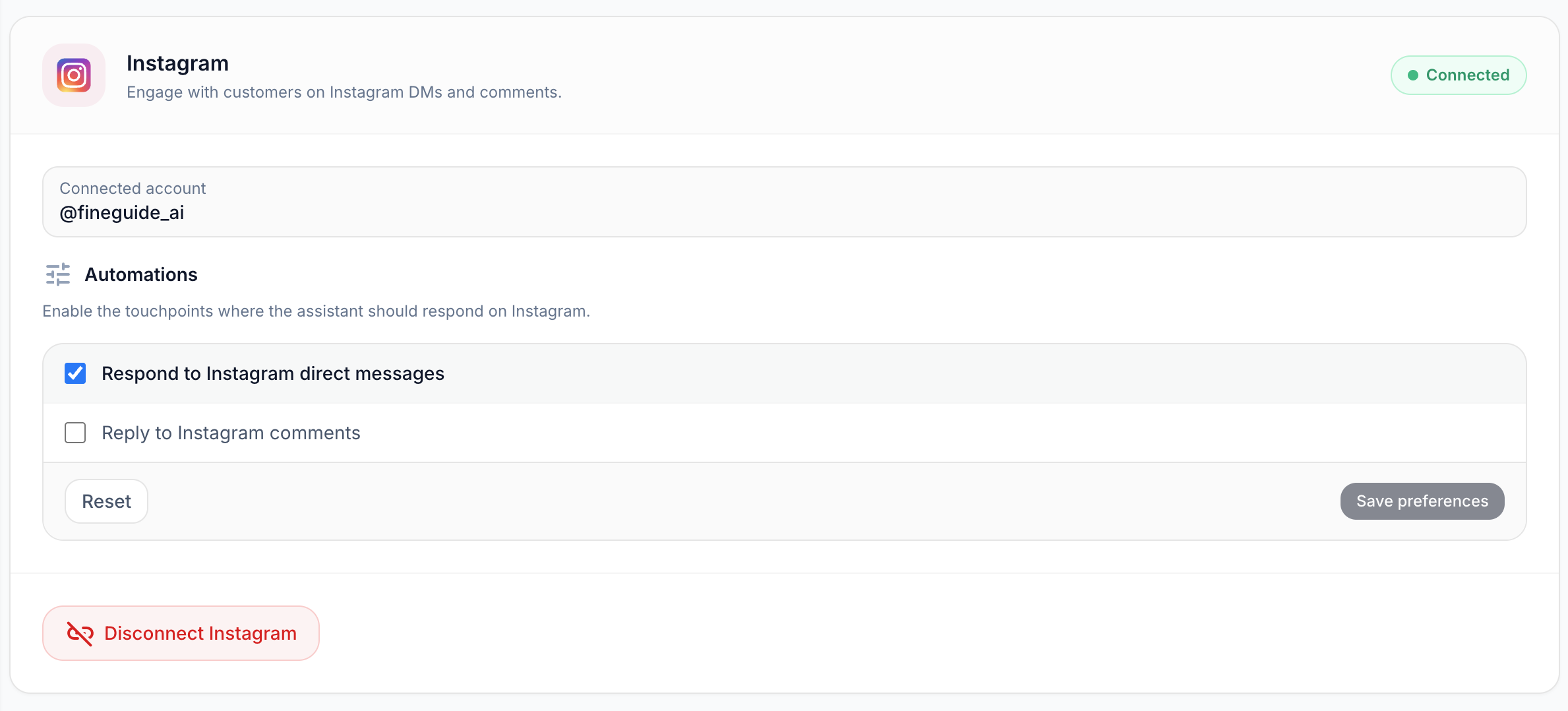
If the handle is wrong, you connected the wrong Meta/Instagram login; disconnect and repeat with the correct account.
### Step 4: Choose where the assistant should respond
Under **Automations**, you control **which Instagram events** trigger your assistant:
| Option | Default | Meaning |
| --- | --- | --- |
| **Respond to Instagram direct messages** | On | Assistant replies in DMs. |
| **Reply to Instagram comments** | Off | Assistant can reply to comments (enable if you want this). |
Most teams start with **DMs only**, test quality, then turn on **comments** if needed.
After changing checkboxes, click **Save preferences**. Use **Reset** to return to defaults (DMs on, comments off).
### Step 5: Test with a real message
1. From another Instagram account (or a colleague’s), send a **DM** to your connected profile.
2. Ask something your assistant should know from its knowledge base.
3. Confirm you get a sensible reply in Instagram.
You can also use the assistant’s **chat preview** in Fineguide to sanity-check behavior, but the real proof is a DM on Instagram.
If there is no reply: check that **Respond to Instagram direct messages** is enabled and saved, and that the assistant has knowledge and is not restricted in a way that blocks answers.
### Disconnecting Instagram
On the same Instagram screen, use **Disconnect Instagram** if you want to remove the link. The assistant itself stays; only the Instagram channel is removed.
## Create your first AI assistant in Fineguide
> Create your first AI assistant in Fineguide: pick a template or Instant Assistant, set its name, company, welcome message and avatar, then test it.
By Liviu Maftuleac · published 2026-05-14 · updated 2026-10-22 · Tutorials, AI Agent, Fineguide
Source: https://fineguide.ai/blog/create-your-first-ai-assistant-in-fineguide/
An AI assistant is your always-on digital teammate. It can answer customer questions, guide visitors, collect leads, and help your team stay available even when nobody is online.
This guide walks through the first setup in a simple, practical way.
### Before you start
Make sure you can sign in to Fineguide and that your account has permission to create assistants. If you do not see the **Create Assistant** button, ask an admin to enable access for your role.
### Step 1: Open the Assistants page
After signing in, open **Assistants** from the main navigation.
If this is your first assistant, you will see a clean empty state with a message inviting you to create one. If your workspace already has assistants, you will see them listed as cards.
Click **Create Assistant** to begin.
### Step 2: Choose how you want to start
Fineguide gives you two ways to create an assistant.
**Use a template** if you want a guided setup with sensible defaults.
Available starting points include:
- **Website Support** for answering questions on your website
- **Social Media Leads** for capturing leads from social conversations
- **E-commerce Assistant** for product questions, orders, and returns
- **Messaging Bot** for platforms like Telegram, Slack, or Discord
**Use Instant Assistant** if you want the fastest possible setup and prefer to configure everything afterward.
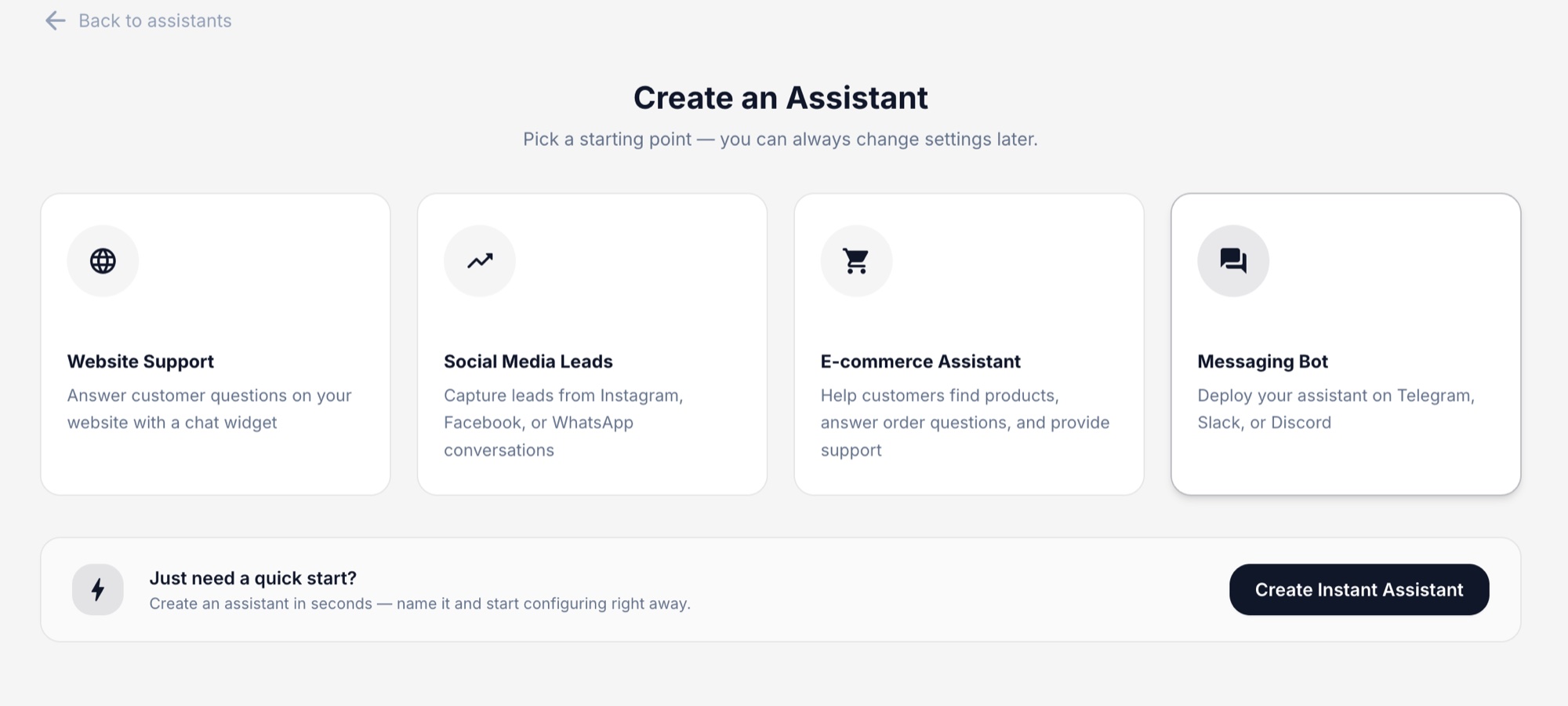
A good rule is simple: choose a template if you already know the use case, and choose instant if you just want to get started quickly.
### Step 3: Set the assistant identity
Every assistant starts with a few basics:
- **Name**\
Give your assistant a clear, friendly name.
- **Company**\
This helps the assistant understand which business it represents.
- **Welcome message**\
This is the first message visitors will see, so keep it warm and helpful.
- **Avatar**\
Pick an image that matches your brand or assistant personality.
Once these fields are filled in, continue to create the assistant.
### Step 4: Continue with the guided setup
If you chose a template, Fineguide may guide you through a few optional setup steps such as:
- **Instructions** to define tone, behavior, and focus
- **Knowledge** to add website pages or documents
- **Theme** to match your brand colors
- **Install** to place the assistant on your website
- **Connect Platform** for messaging or social channels
- **Review** to confirm everything before finishing
You can skip optional steps and come back later. The goal is to help you launch quickly, not slow you down.
If you chose **Instant Assistant**, you will go straight to the assistant after creation and can configure everything from there.
### Step 5: Review and test
After creation, open your assistant and check the essentials:
- Is the name correct?
- Does the welcome message sound right?
- Does the avatar fit your brand?
- Is the assistant ready for the channel you want to use?
Before sharing it with customers, send a few test messages yourself. Try common questions, unusual phrasing, and one or two edge cases. This helps you catch gaps early and improve the setup before launch.
### What to do next
Once your first assistant exists, the next best steps are:
1. Add knowledge so it can answer real business questions.
2. Refine the instructions so the tone matches your brand.
3. Install it on your website or connect a messaging channel.
4. Run a few real test conversations before going live.
## How to add business knowledge to your AI assistant
> Add website pages and documents to your AI assistant, keep its answers grounded in your business information, and set its out-of-scope reply.
By Liviu Maftuleac · published 2026-05-14 · updated 2026-10-22 · Tutorials, AI Agent, Fineguide, Learning Context
Source: https://fineguide.ai/blog/how-to-add-knowledge-to-your-ai-assistant-answer-real-business-questions/
A good assistant is not just well-written. It is well-informed.
If you want useful answers, your assistant needs access to the right business information: what you sell, how your service works, how customers can contact you, what your policies are, and what it should say when it does not know something.
This article explains how to add knowledge the right way, so your assistant becomes genuinely helpful instead of vaguely confident.
### Why knowledge matters
Without knowledge, an assistant can still sound convincing. That is exactly the problem. It may answer in a polished way, but miss important details, invent policies, or give generic replies that do not reflect your business. Real customer questions are rarely abstract. They are specific:
- What services do you offer?
- Do you support returns?
- How long does onboarding take?
- What documents do I need?
- Do you work on weekends?
- How can I contact support?
To answer those well, the assistant needs real source material.
### What kind of knowledge you can add
Fineguide lets you build your assistant’s knowledge from two main source types:
- **Website URLs**
- **Uploaded documents**
That combination is usually enough for a strong first version.
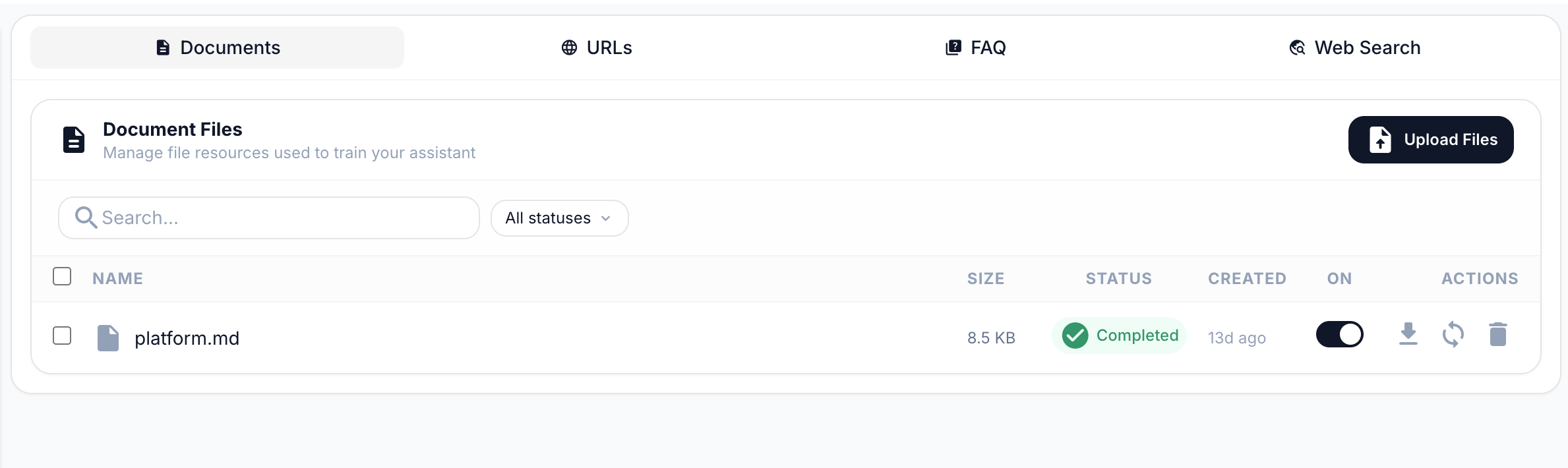
#### Website URLs
Use website URLs for information that already lives on your site, such as:
- service pages
- pricing pages
- FAQ pages
- contact pages
- help center articles
- product pages
- shipping and return policies
This is the fastest way to give your assistant a solid base.
#### Documents
Use uploaded documents for information that is not easy to expose publicly on the website, such as:
- internal PDFs
- product sheets
- service guides
- onboarding documents
- operating instructions
- pricing tables
- knowledge base exports
- markdown or text-based reference files
Supported document formats include common business file types such as PDF, DOCX, TXT, CSV, XLSX, JSON, HTML, and Markdown.
### Step 1: Start with the questions customers actually ask
Before uploading anything, pause for five minutes and write down the most common questions your team hears. This is the best filter for deciding what knowledge to add first.
A simple way to think about it:
- If customers ask it every week, add it.
- If a wrong answer would create support work, add it.
- If the answer changes often, add the most maintainable source.
Do not begin with “everything we have.” Begin with “what people actually need.”
### Step 2: Add your best website pages
The easiest high-value setup is usually a small set of strong URLs. Start with pages like:
- homepage
- services
- pricing
- FAQ
- contact
- about
- shipping / returns / refund pages
- product or category pages
- onboarding or support pages
This gives the assistant enough context to answer practical questions without being overloaded with weak material. A better first setup is **8 clear pages** than **80 messy ones**.
### Step 3: Upload documents that fill the gaps
Once your public pages are covered, add documents for the details that customers still ask about.
Good examples:
- a product catalog
- a service brochure
- a list of requirements
- implementation steps
- support procedures
- partner or reseller information
- internal answer sheets for common questions
Use documents when they add real value, not just volume. If a document repeats what is already on the website, you usually do not need both unless the document is more complete or more current.
### Step 4: Keep the sources clean
The assistant can only be as clear as the material you feed it.
Good source material is:
- current
- specific
- consistent
- well-structured
- written in normal human language
Bad source material is:
- outdated
- contradictory
- duplicated in many versions
- full of placeholders
- stuffed with internal notes nobody would understand
If two sources disagree, the assistant may respond inconsistently. If a page is vague, the assistant may also be vague. If a document is outdated, the assistant may repeat outdated information with confidence. Before adding knowledge, ask one simple question: **Would I trust a new team member to answer customers using only this source?** If the answer is no, improve the source first.
### Step 5: Limit the assistant to its knowledge base
Once your knowledge is uploaded, the next step is to make sure the assistant stays grounded in it. To do that, open your assistant and go to:
**Features** → **Response Limitations**
There, enable the checkbox:
**Restrict to Context-Related Questions**
This tells the assistant to answer only questions related to its knowledge base. After enabling it, you can also fill in the **Outside of Context Answer** field. This is the message users will see when they ask something that falls outside the assistant’s knowledge.
A good example is:
> I can help with questions about our services, pricing, and support. If your question is outside that area, please contact our team directly.
This setting is especially useful when accuracy matters more than creativity. It helps prevent the assistant from improvising answers to questions it should not answer.
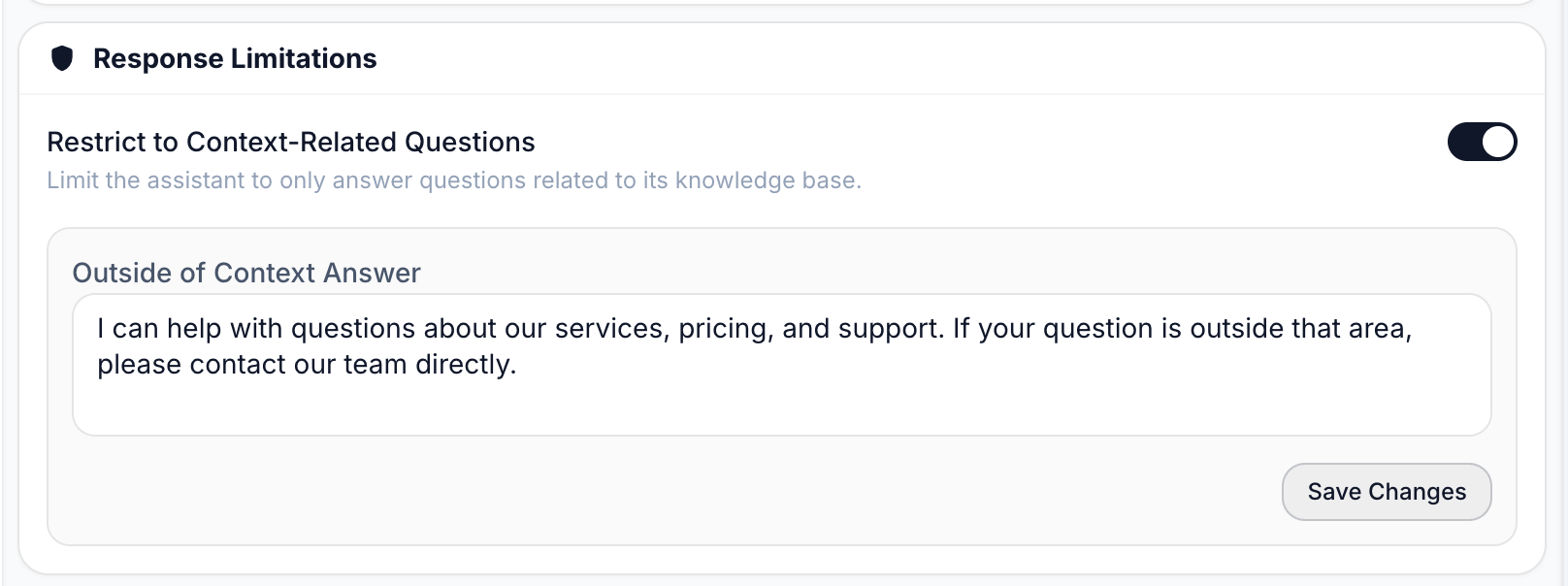
### Step 6: Think in terms of coverage, not quantity
More knowledge is not always better. The real goal is not to upload the largest amount of content. The goal is to cover the most important customer questions with the clearest possible source material. A small, strong knowledge base usually beats a large, messy one. A healthy first version often looks like this:
- your main website pages
- one pricing or service overview document
- one FAQ or support reference
- a clear fallback answer for out-of-scope questions
That alone can already handle a surprising number of real conversations.
### What makes a source “good” for AI
Here is a simple rule:
**Good AI knowledge is specific, explicit, and easy to quote.**
For example, this is weak:
- “We offer flexible onboarding for many types of clients.”
This is much better:
- “Onboarding usually takes 3 to 5 business days. Enterprise setups may take longer depending on integrations.”
Specific language gives the assistant something reliable to work with.
The more concrete your source material is, the better the assistant will perform.
### Common mistakes to avoid
#### 1\. Adding too much too early
Teams often upload everything they can find on day one. This creates noise fast. Start small. Test. Then expand.
#### 2\. Feeding the assistant outdated material
An old brochure or stale policy page can do more harm than no source at all. Use the newest version only.
#### 3\. Mixing internal and customer-facing language
If the source material is full of shorthand, private notes, or unfinished wording, the assistant may mirror that confusion. Clean sources create cleaner answers.
#### 4\. Expecting knowledge to fix weak instructions
Knowledge tells the assistant **what it knows**. Instructions tell it **how to behave**. You need both.
#### 5\. Forgetting to test after adding knowledge
Uploading content is not the finish line. It is the start of validation.
### How to test whether the knowledge is working
After adding knowledge, ask the assistant real business questions, not demo questions.
Good tests include:
- straightforward customer questions
- slightly messy wording
- short questions with little context
- questions that combine two topics
- questions the assistant should refuse or redirect
For example:
- What do you actually offer?
- How long does setup take?
- Can I talk to support on weekends?
- Do you have a refund policy?
- Can you help with something unrelated to your services?
You are looking for three things:
- **accuracy**
- **clarity**
- **boundaries**
If the answer is wrong, the source may be weak. If the answer is vague, the source may be too generic. If the answer goes beyond what you provided, tighten the context restriction and refine the outside-of-scope answer.
### A simple first setup that works well
If you are starting from scratch, this is a strong first version:
1. Add your homepage.
2. Add your services or product pages.
3. Add your pricing page if relevant.
4. Add your FAQ and contact page.
5. Upload one or two high-value documents.
6. Go to `Features` → `Response Limitations`.
7. Enable `Restrict to Context-Related Questions`.
8. Add a clear `Outside of Context Answer`.
9. Test 10 to 15 real customer questions.
That is enough to create a useful assistant without overcomplicating the setup.
### Final thought
Knowledge is not just content. It is the assistant’s reality.
If you give it clear, current, business-relevant material, it can answer with confidence and precision. If you give it weak or messy sources, it will still answer, but not in the way you want.
Start with the questions your customers actually ask. Add the pages and documents that answer those questions best. Keep the scope clear. Then test like a real user would.
That is how you turn an assistant from impressive to dependable.
## Introducing Fineguide's Claude Code Browser Plugin
> Claude Code Browser is Fineguide's open-source Chrome extension: point at page elements, capture the DOM and chat with your local Claude Code.
By Liviu Maftuleac · published 2026-05-06 · updated 2026-10-22 · News, Updates, AI Agent, Fineguide, Claude Code Browser, Chrome Plugin, Claude Code
Source: https://fineguide.ai/blog/claude-code-browser-plugin-by-fineguide/
Claude Code is already great at writing and changing code. But at Fineguide, we kept running into a very practical problem: modern web debugging does not happen only in the code editor.
When you are building a web application, you often need to understand what is happening across both the frontend and the backend. You need to inspect what the browser renders, what the DOM looks like, how elements are structured, what data is coming from the backend, and how all of that connects to the codebase.
Switching between the browser, terminal, editor, screenshots, copied selectors, and manually described bugs slows everything down.
That is why we built **Claude Code Browser**, a Chrome extension that lets you use your local Claude Code instance directly from the browser.
### Why we built it
Claude Code works well when it has the right context. But when debugging web interfaces, the most important context often lives in the browser.
You might see a broken layout, a button that does not behave correctly, a component that renders the wrong state, or a page that looks slightly off. Explaining that manually to Claude Code can be tedious.
You end up doing things like:
“Look at this button in the top-right corner.”
“Here is a screenshot.”
“This selector is probably the one.”
“The issue happens after this API response.”
That works, but it is not the natural way to debug a web page.
We wanted Claude Code to understand the page more directly.
### What Claude Code Browser does
Claude Code Browser lets you point at elements on a web page and ask your local Claude Code instance to help debug, refactor, rewrite, or improve them.
It includes an element picker, DOM tree, and streaming chat, so you can work with Claude Code while staying close to the actual page you are building. The Chrome Web Store description calls this “visual web debugging with element picker, DOM tree, and streaming chat.”
With the extension, you can:
- Click an element on a page and ask Claude Code to fix or improve it.
- Capture DOM context automatically.
- Explore the page structure from the browser side panel.
- Chat with Claude Code while it works.
- Avoid copying selectors or manually describing page structure.
- Use it for debugging, frontend development, layout improvements, and design refinement.
This is useful not only for fixing bugs, but also for improving UI quality. You can ask Claude Code to polish spacing, adjust layout, improve responsive behavior, clean up components, or make a page feel more consistent.
### It uses your local Claude Code installation
Claude Code Browser is not a separate Claude Code replacement.
It is a companion to the Claude Code CLI already installed on your machine. The extension uses your existing Claude Code account, credentials, and tokens, so there is no separate Claude account to create or manage inside the extension.
A small local Node.js bridge connects Chrome to your local Claude Code instance through Chrome’s native messaging API. That bridge starts a Claude Code agent session and exposes browser context such as the DOM, screenshots, and navigation to the agent over MCP.
In practice, this means you can use Claude Code from the browser in a way that still feels like using it locally on your machine, but with much richer page context.
### A better workflow for web development
The main goal is simple: reduce the distance between what you see in the browser and what Claude Code can act on.
Instead of describing a problem manually, you can point to the relevant element. Instead of copying selectors, the extension can capture DOM context. Instead of jumping back and forth between tools, you can keep the browser, page structure, and Claude Code conversation connected.
That makes it especially useful when working on full-stack applications, where the issue might be caused by frontend rendering, backend data, or the way the two interact.
### Open source and privacy-friendly
Claude Code Browser is open source under the MIT license. The listing also states that there is no telemetry, and that page content stays between your browser and your local Claude Code session rather than being sent to a third-party server by the extension.
### Try it
Claude Code Browser is now live on the [Chrome Web Store](https://chromewebstore.google.com/detail/claude-code-browser/mnibceaaapcppokpnnljohdlmojjgbkf).
It is built for developers who already use Claude Code and want a tighter workflow between the browser, the page they are debugging, and the local Claude Code instance doing the work.
Point at a page element. Give Claude Code the right context. Fix, refactor, or improve it directly from the browser.
## Fineguide CRM: AI Assistants for Automated Lead Capture
> How Fineguide CRM uses built-in AI assistants and session data to create contacts and update leads from conversations automatically, with no extra setup.
By Liviu Maftuleac · published 2026-04-30 · updated 2026-10-22 · News, CRM, Updates, Fineguide, CRM, Automatic Leads, AI Lead Generation, AI Automation
Source: https://fineguide.ai/blog/fineguide-crm-with-built-in-ai-assistants-for-automated-lead-capture/
Have you ever wondered how many leads slip away simply because no one had time to capture the details fast enough? That’s exactly the problem Fineguide CRM is built to solve.
Fineguide CRM is more than a place to store contacts. It’s the operational layer for your organization, where contacts, leads, tasks, live conversations, tickets, inbox views, and queue views all work together in one connected system. Instead of treating chat as a separate channel, Fineguide uses it as the starting point for a durable CRM record.
### What Fineguide CRM does
At its core, Fineguide CRM helps teams turn conversations into structured records automatically. When someone starts a chat, the assistant can extract the important details, identify the person behind the message, and create or update the right CRM entry.
That means your team doesn’t have to rely on manual note-taking or copy-pasting information from one place to another. The conversation becomes the source of truth.
### How AI Assistants connect conversations to CRM data
The way this works is simple, but powerful.
Fineguide AI Assistants read the conversation and extract structured fields from the thread. Those details are then sent to the CRM layer, where the system uses the session as the key link between the conversation and the lead.
Each session can update the same lead over time, which means the record stays tied to the conversation that created it. This is especially useful when a visitor comes back later or when the assistant needs to gather more context before handing the lead over.
### How leads and contacts are created automatically
Fineguide doesn’t just collect text and dump it into a note. It organizes the information into real CRM objects.
Here’s what happens behind the scenes:
- The assistant extracts structured data from the conversation.
- The system looks for identity details such as email or phone number.
- If those details exist, it finds or creates the contact.
- It creates or updates the lead linked to that session.
- Any extra qualification data is stored in lead properties, so nothing important is lost.
This is what makes the CRM useful beyond simple lead capture. You’re not just saving a chat transcript — you’re building a working record the team can act on.
### Session data keeps everything connected
A big part of the system is the session itself. Fineguide uses session data to keep the lead, contact, and conversation aligned.
If the assistant captures a name, email, phone number, country, intent, or other known field, that information maps into the right CRM fields. Anything else can still be preserved in lead properties for later use.
That means the CRM stays structured without forcing every piece of data into a fixed column. It gives your team flexibility without losing clarity.
### Setup is automatic
One of the best parts of Fineguide CRM is how easy it is to get started.
Just register, create an AI Assistant, and Fineguide automatically connects everything. Once the assistant is active, it begins adding leads directly to the CRM without any extra workflow setup.
There’s no complicated configuration process, no manual wiring between tools, and no extra steps to make the system work. The assistant and CRM are interconnected from the start.
### Why this matters for sales teams
This kind of setup solves a very real problem: leads often arrive faster than teams can process them.
With Fineguide CRM, your team can:
- capture leads automatically from conversations
- reduce manual data entry
- keep contact records cleaner and more consistent
- respond faster to new opportunities
- preserve extra qualification details in CRM properties
- make sure every session has a durable record
The result is a smoother handoff between the assistant and your sales team, with less friction at every step.
### A simple example
Imagine a visitor starts a conversation and asks about your service. The AI Assistant responds, asks a few qualifying questions, and gathers the information needed to identify the lead.
If the visitor shares an email or phone number, Fineguide creates or updates the contact automatically. The lead is added to the CRM, tied to that session, and enriched with the captured details.
By the time a human teammate steps in, the record is already there.
### Why this is different from a standard CRM
A standard CRM usually depends on manual entry or separate integrations to make lead capture work.
Fineguide takes a more connected approach. The CRM, assistants, and session data are designed to work together automatically, so the system can turn conversations into structured CRM records without extra setup.
That’s a major advantage if you want speed, simplicity, and fewer missed opportunities.
### Final thoughts
If your team wants a faster way to turn conversations into qualified leads, Fineguide CRM makes that process straightforward. Register, create an AI Assistant, and let the system do the work of connecting conversations to CRM records automatically.
That simplicity is the real value: less manual work, cleaner data, and a CRM that helps your team move faster from first message to real opportunity.
## How Small Businesses Can Compete with Big Companies
> How Fineguide helps small businesses compete with bigger companies through AI assistants, automation, multi-channel support and conversation analysis.
By Liviu Maftuleac · published 2026-04-30 · updated 2026-10-22 · News, AI Agent, Fineguide, SME, SMB
Source: https://fineguide.ai/blog/how-small-businesses-can-compete-with-big-companies-using-fineguide/
Have you ever wondered why some small businesses seem to punch far above their weight, even when they’re up against companies with bigger budgets, larger teams, and more brand recognition?
The answer usually isn’t size. It’s speed, focus, and the ability to create a better customer experience.
That’s exactly where Fineguide comes in. For small businesses, competing with larger companies can feel overwhelming, especially when customers expect instant replies, smooth support, and consistent follow-up. Fineguide helps level the playing field by combining AI assistants, automation, multi-channel communication, and conversation analysis into one practical system.
### Why Big Companies Are Hard to Compete With
Big companies often have the advantage of scale. They can afford more staff, more tools, and more specialized departments. But that doesn’t always make them better at serving customers.
In many cases, larger businesses move slowly. Messages get delayed, handoffs get messy, and customers can feel like just another ticket in a queue.
Small businesses have a different advantage: they can be more personal, more flexible, and more responsive. The challenge is making sure those strengths don’t get buried under manual work.
That’s where a platform like Fineguide can make a real difference.
### Where Fineguide Helps Small Businesses Win
Fineguide is built to support customer communication across text, voice, AI, and human agents. That matters because small businesses don’t just need another chatbot. They need a system that helps them respond faster, stay organized, and improve over time.
#### Faster responses without hiring a larger team
One of the biggest frustrations for customers is waiting too long for an answer. Fineguide helps reduce that gap by using AI assistants to respond quickly and handle common questions.
For a small business, that can mean:
- fewer missed messages
- faster first response times
- less pressure on the team
- better customer satisfaction
And let’s be honest: when a customer gets a fast, helpful reply, they usually don’t stop to ask how many people are on your team. They just remember that you were there when they needed help.
#### Consistent support across channels
Customers don’t all use the same channel. Some reach out through a website chat. Others message on social platforms. Some prefer voice support.
Fineguide supports multi-channel communication, which helps small businesses keep the experience consistent instead of scattered. That means fewer dropped conversations and fewer chances for customers to feel ignored.
When support is organized across channels, a small business can act bigger without losing its personal touch.
#### Smarter lead qualification
Not every inquiry is equal. Some people are ready to buy. Others are just browsing. Some need more information before they can move forward.
Fineguide can help qualify leads automatically, so businesses can focus on the conversations that matter most. Instead of manually sorting every message, teams can use AI to identify intent, collect useful details, and route leads appropriately.
That creates a huge advantage for small businesses because it saves time and helps them act quickly on high-value opportunities.
#### Less repetitive work for the team
Small teams often spend too much time answering the same questions over and over.
Fineguide helps reduce that repetition by automating common responses and routine steps. That gives owners and employees more time to focus on tasks that actually move the business forward, like closing deals, solving complex issues, and building relationships.
Have you ever noticed how much time disappears into small tasks that don’t seem urgent but still need to get done? That’s the kind of problem automation is meant to solve.
### Why Human-AI Collaboration Matters
One of the most useful things about Fineguide is that it doesn’t force businesses to choose between AI and people. It combines both.
That’s important because not every customer question should be handled the same way. Simple questions can be answered instantly by AI. More complex or sensitive issues can be escalated to a human agent.
Fineguide’s approach to human-AI collaboration helps small businesses stay efficient without sounding robotic. Customers get quick answers when they need them, but they can still reach a real person when the situation calls for it.
That balance is what makes the experience feel professional without becoming impersonal.
### Conversation Analysis: The Part Many Businesses Miss
Responding quickly is only part of the equation. Small businesses also need to understand what’s happening inside their conversations.
Fineguide includes conversation analysis, which helps identify patterns, strengths, and weak points in both AI and human interactions. That means businesses aren’t just reacting to customers — they’re learning from every conversation.
This is especially valuable for smaller teams, because they may not have a dedicated QA department or a large operations team. Fineguide helps bring that visibility into the workflow.
In practical terms, that can help a business:
- spot common support issues
- improve response quality
- refine workflows
- train teams more effectively
- understand what customers are asking most often
And once you can see the patterns, it becomes much easier to improve them.
### What Small Businesses Can Actually Do with Fineguide
Here’s where things get practical. Fineguide isn’t just useful in theory — it can support real day-to-day operations.
#### A local service business
A small service company can use Fineguide to answer frequent questions, qualify new inquiries, and route serious leads to the right person faster.
#### An online store
An e-commerce business can use it to handle order questions, product inquiries, and customer support without overwhelming the team.
#### A growing agency
A small agency can use Fineguide to separate casual interest from qualified leads and keep communication organized across channels.
#### A customer support team
A support team can use AI assistants and conversation analysis to improve consistency, reduce manual work, and spot performance issues sooner.
In each case, the benefit is the same: the business acts with more speed and structure, without losing its human side.
### The Real Advantage Isn’t Size. It’s Responsiveness.
Big companies may have more resources, but that doesn’t automatically make them better at building trust.
Small businesses can compete by being:
- faster
- more personal
- more focused
- more adaptive
- more consistent
Fineguide helps make those strengths easier to scale. Instead of relying on extra headcount, businesses can rely on smarter workflows, AI support, and better visibility into customer conversations.
That’s a powerful shift.
Because when a small business can respond faster, qualify leads better, and deliver a more consistent experience, it stops competing like a small business and starts operating like a much larger one.
### How to Get Started the Smart Way
If you’re thinking about using Fineguide to help your business compete more effectively, start with the areas that create the most friction.
#### 1\. Identify your most common customer questions
What do people ask over and over again?
#### 2\. Look at your lead qualification process
Where are you losing time or missing opportunities?
#### 3\. Review your communication channels
Are your messages spread across too many places?
#### 4\. Find the repetitive tasks
What could be automated without hurting the customer experience?
#### 5\. Use conversation insights to improve
What are your conversations telling you about your customers?
The goal isn’t to automate everything. The goal is to free your team to focus on the work that actually needs a human touch.
### Final Thoughts
Small businesses don’t need to outspend big companies to compete with them. They need better systems, faster responses, and a stronger customer experience.
Fineguide helps make that possible by combining AI assistants, multi-channel support, lead qualification, human-AI collaboration, and conversation analysis into one platform.
So if you’ve ever wondered how a small business can hold its own against a much bigger competitor, here’s the honest answer: it starts by being easier to reach, easier to trust, and easier to work with.
And that’s exactly the kind of advantage Fineguide is built to support.
## Is Kommo the Same as amoCRM? Here’s What You Need to Know
> Is Kommo the same as amoCRM? Learn the key differences, why amoCRM rebranded to Kommo, and how both integrate with Fineguide.
By Liviu Maftuleac · published 2026-04-08 · updated 2026-10-22 · CRM, AmoCRM, Kommo, AI Agent, AmoCRM integrations, Fineguide
Source: https://fineguide.ai/blog/is-kommo-the-same-as-amocrm/
If you’re exploring CRM tools for sales and messaging automation, you’ve likely come across both Kommo and amoCRM.
This often leads to a common question:\
**Is Kommo the same as amoCRM, or are they different platforms?**
The short answer is simple:\
**Kommo is the rebranded version of amoCRM, built on the same core system with a stronger global focus.**
### Kommo vs amoCRM: The Short Answer
- **amoCRM** is the original product name
- **Kommo** is the new global brand
They are not separate CRMs. Kommo is the evolution of amoCRM, not a replacement.
### Why Did amoCRM Rebrand to Kommo?
The transition from amoCRM to Kommo was driven by global expansion.
As the company grew beyond its original markets, it needed:
- A more globally recognizable name
- A clearer positioning as a modern, messaging-first CRM
- Stronger appeal in international markets
Kommo reflects this shift while keeping the same underlying platform.
### What Features Are the Same?
Both Kommo and amoCRM share identical core functionality:
- Messaging-based CRM across WhatsApp, Instagram, Telegram, and more
- Sales automation and chatbot workflows
- Pipeline and deal tracking
- Third-party integrations
From a technical perspective, there is no major difference between the two.
### What’s Changed with Kommo?
While the system remains the same, Kommo introduces:
**Global Positioning**\
A brand designed for international users and teams
**Improved User Experience**\
A more modern interface and smoother onboarding
**Clearer Messaging Strategy**\
A focus on conversational sales through chat-based interactions
### Kommo vs amoCRM: Which One Should You Choose?
In reality, you are choosing the same platform.
- If you are an existing user, you may still see the amoCRM name
- If you are new, you will likely sign up under Kommo
Either way, the functionality and infrastructure are the same.
### Kommo and amoCRM Integration with Fineguide
At [Fineguide](https://fineguide.ai), we ensure full compatibility with both Kommo and amoCRM.
Because they share the same system, our integration works seamlessly regardless of the name your account uses.
With Fineguide, you can:
- Automate lead capture and qualification
- Sync conversations and customer data in real time
- Build advanced workflows across messaging platforms
- Enhance your CRM with AI-powered automation
This allows businesses to unlock the full potential of Kommo (formerly amoCRM) without worrying about branding differences.
---
### Final Thoughts
Kommo and amoCRM are fundamentally the same CRM platform. The difference lies in branding and positioning, not functionality.
amoCRM represents the original product, while Kommo reflects its global evolution.
For businesses integrating with platforms like Fineguide, the takeaway is clear:\
**You are working with a single, unified system designed for modern, messaging-driven sales.**
## VoiceQA: AI Quality Assurance and Analytics for PBX Systems
> VoiceQA transcribes and scores every call against your own rules, with evidence and suggestions, staff and client tracking, and dashboards.
By Liviu Maftuleac · published 2026-03-26 · updated 2026-10-22 · News, VoiceQA, AI-powered Quality Assurance, PBX, ai sales voice quality assurance, Fineguide
Source: https://fineguide.ai/blog/voiceqa-ai-powered-quality-assurance-analytics-for-pbx-systems/
Most call centers review about 2–3% of their conversations. The rest? Nobody knows what happened. Maybe the agent followed the script. Maybe they didn't. Maybe a customer walked away frustrated and you'll only find out when they churn.
Fineguide's VoiceQA flips that number to 100%. Every call is transcribed, evaluated against your rules, and scored — automatically, by AI. No sampling, no guesswork, no waiting weeks for a QA report that's already outdated.
Here's what it actually does.
---
### Automatic Transcription and Evaluation
When a call recording lands in VoiceQA — whether through an integration with your telephony provider or a manual upload — the system gets to work immediately. First, it transcribes the audio with speaker labels, so you get a clean dialogue between agent and customer. Then it evaluates the conversation against the rules you've defined, scoring each one individually.
The result isn't just a number. For every rule, the AI provides the **score**, **evidence** pulled directly from the transcript, **reasoning** for the assessment, and a concrete **suggestion** for improvement. It's the kind of detailed feedback that would take a human reviewer 15–20 minutes per call — delivered in seconds.
---
### Departments, Rules, and Categories
Not every team plays by the same rules — and they shouldn't have to. VoiceQA lets you create **departments** that mirror your actual org structure: Sales, Support, Billing, Technical, or whatever makes sense for you. Each department gets its own set of evaluation rules, its own scoring method, and its own performance dashboards.
**Rules** are the heart of the system. They're plain-language statements that describe what a good call looks like — things like *"Agent verified the customer's identity before accessing account information"* or *"Agent offered a clear next step before ending the call."* You write them in your own words, and the AI knows how to evaluate against them.
Rules can be grouped into **categories** (Opening, Problem Resolution, Compliance, Closing — whatever fits), and you can mark each rule as applying to incoming calls, outgoing calls, or both.
You also get to choose between **fixed scoring** (every rule counts equally) and **weighted scoring** (critical rules are worth more). A compliance team might want fixed; a sales team probably wants weighted.
---
### Staff Performance Tracking
Every agent builds up a performance profile over time. You can see their average quality score, how many conversations they've handled, and how they perform across different rule categories. An interactive chart lets you track trends over any date range — is this agent improving? Did last week's coaching make a difference?
The category-level breakdown is where it gets really useful. You might discover that an agent scores well on technical accuracy but consistently underperforms on empathy. That's a specific, actionable coaching conversation — not a vague "do better."
---
### Client Tracking
VoiceQA also keeps track of the other side of the conversation. You can create client profiles (individuals or companies), associate phone numbers with them, and build up a full interaction history. When a known number calls in, the client is linked automatically.
Over time, you can see patterns: which clients generate the most calls, how quality trends look for a specific customer, whether a particular relationship is heading in the wrong direction. It's a lightweight CRM layer built right into your QA workflow.
---
### Dashboards and Analytics
At the organization level, a statistics dashboard shows you the big picture: total minutes evaluated, credit usage, and performance trends across departments. Drill into any department and you get a more focused view — rule-level analytics, top and bottom performers, and category averages over time.
The **rules performance** view is particularly useful. It tells you which rules your team consistently nails and which ones keep causing problems. If 80% of your agents score poorly on the same rule, the issue probably isn't the agents — it's the training, the process, or maybe the rule itself.
---
### Multilingual, Out of the Box
VoiceQA supports over 30 languages for transcription and evaluation. Your team in Bucharest and your team in Madrid can both use the same platform with evaluations in their respective languages. You configure the evaluation language per department, so there's no one-size-fits-all limitation.
---
### In essence
VoiceQA takes every call your team handles — not a sample, every single one — and turns it into structured, scored, actionable feedback. Your QA team stops spending hours listening to recordings and starts spending their time on what actually matters: coaching agents, improving processes, and keeping customers happy.
Set up your departments, write your rules, connect your phones, and let the AI do the rest.
## Connect Your AI Assistant to Kommo
> Connect your AI assistant to Kommo in about five minutes: authorize the account, set up an AI user, choose channels, and hand chats to your team.
By Liviu Maftuleac · published 2026-02-13 · updated 2026-10-22 · CRM, Tutorials, AmoCRM, Kommo, AI Agent, AmoCRM integrations
Source: https://fineguide.ai/blog/kommo-integration-guide/
### A Step-by-Step Guide
Your AI assistant is ready to handle customer conversations - but what if those conversations are happening inside your CRM? With the Kommo integration, your assistant can read and respond to messages directly within Kommo's chat interface, so your team never has to leave the tool they already use every day.
In this guide, we'll walk you through the entire setup process, from connecting your Kommo account to fine-tuning which channels your assistant responds on. It takes about five minutes.
---
### What You'll Need Before You Start
Before diving in, make sure you have the following:
- **A Fineguide account** with at least one AI assistant already created. If you haven't built your first assistant yet, head to the AI Agents section and create one - it only takes a couple of minutes.
- **A Kommo account** with admin-level access. You'll need permission to authorize third-party applications, since the integration uses OAuth to securely connect the two platforms.
- **Allow popups** for your Fineguide dashboard. The authorization step opens a popup window, so make sure your browser isn't blocking it.
That's it. No API keys to copy, no webhooks to configure manually - the integration handles all of that for you.
---
### 1\. Open the Connect Apps Page
Start by navigating to the assistant you want to connect. From your Fineguide dashboard, go to **AI Agents**, then click on the assistant you'd like to integrate with Kommo.
Once you're inside the assistant's settings, look at the sidebar on the left. Click on **Apps** - this is where all your integration options live.
You'll see a grid of available platforms: Telegram, WhatsApp, Slack, Discord, and others. Find the **Kommo** card and click on it.
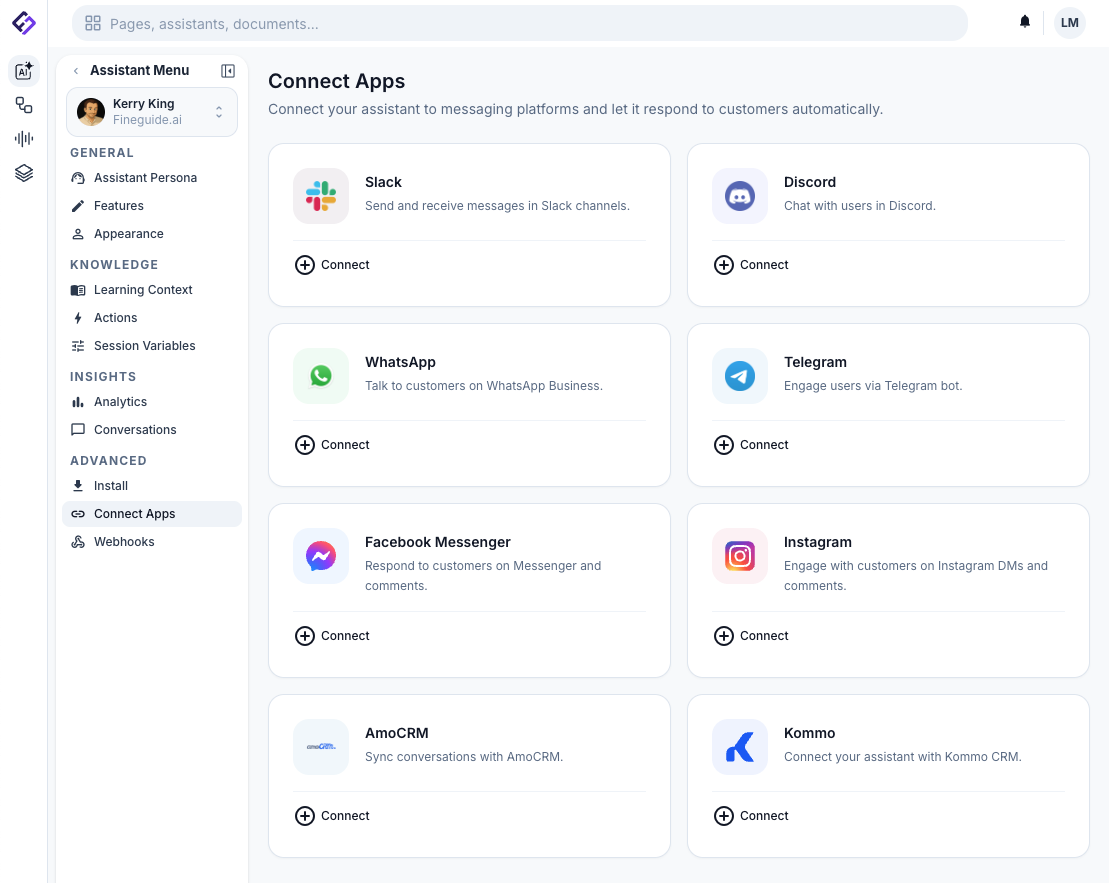
---
### 2\. Authorize Your Kommo Account
After clicking the Kommo card, you'll see a brief description of what the integration does: syncing conversations and letting your assistant respond through CRM channels. Below that, there's a **"Connect Kommo"** button.
Click it. A popup window will open, taking you to Kommo's authorization page. If you're already logged into Kommo, you'll see a permission request screen. If not, you'll need to log in first.
Kommo will ask you to grant Fineguide access to your account. Review the permissions and click **Allow** (or the equivalent confirmation button in your language).
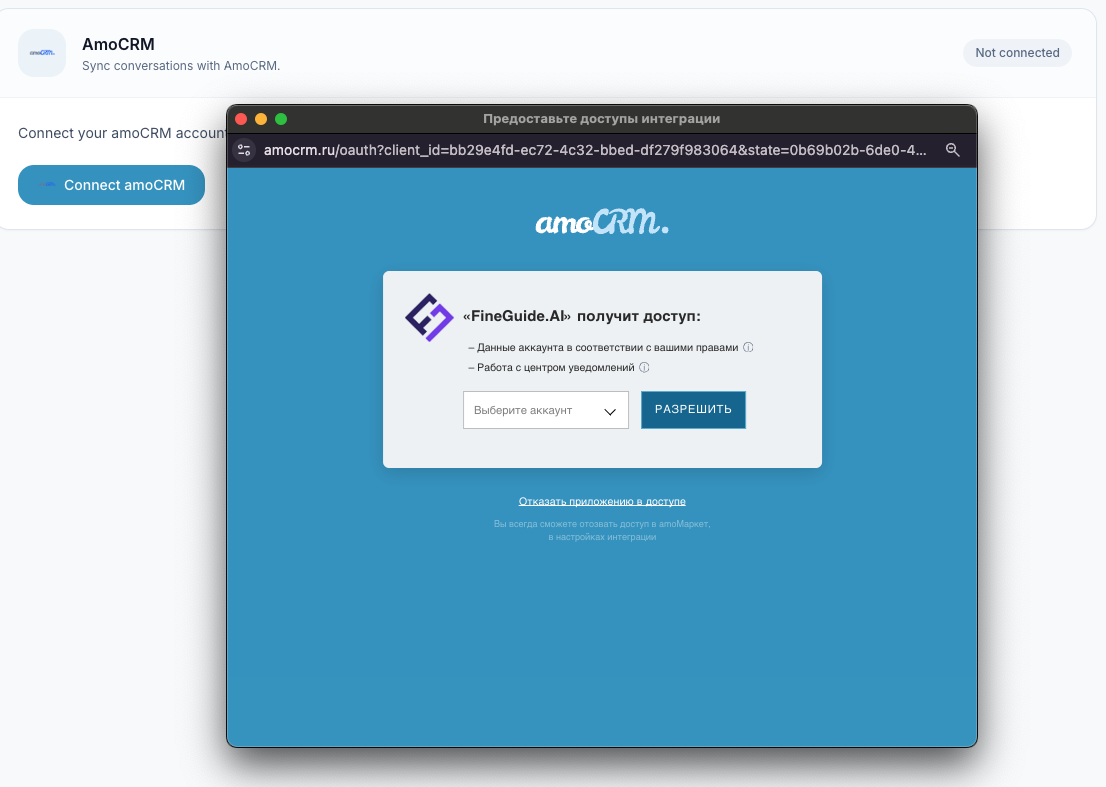
Once you approve, the popup will close automatically and you'll be back on the Fineguide dashboard. A success notification will confirm that your Kommo account is now connected.
**Troubleshooting:** If the popup doesn't appear, check your browser's popup blocker settings. If you see an error after authorizing, try disconnecting and reconnecting — the OAuth token may have expired during the process.
### 3\. Set Up the AI User
Now that your account is connected, you'll see a **Channel Permissions** section in the Kommo panel. Initially, only the **Fineguide** channel will appear in the list. Click **reload** button if no channels are listed. To see the full list of your Kommo channels - WhatsApp, Instagram, Facebook, website chat, and any others - you need to provide a Kommo user account.
In the **AI User** section, enter the following:
- **Email** — the email address of a Kommo user account.
- **Password** — the password for that account.
Click **Save**. You'll see a **"Configured"** badge appear, and the channel list will update to show all your connected Kommo channels.
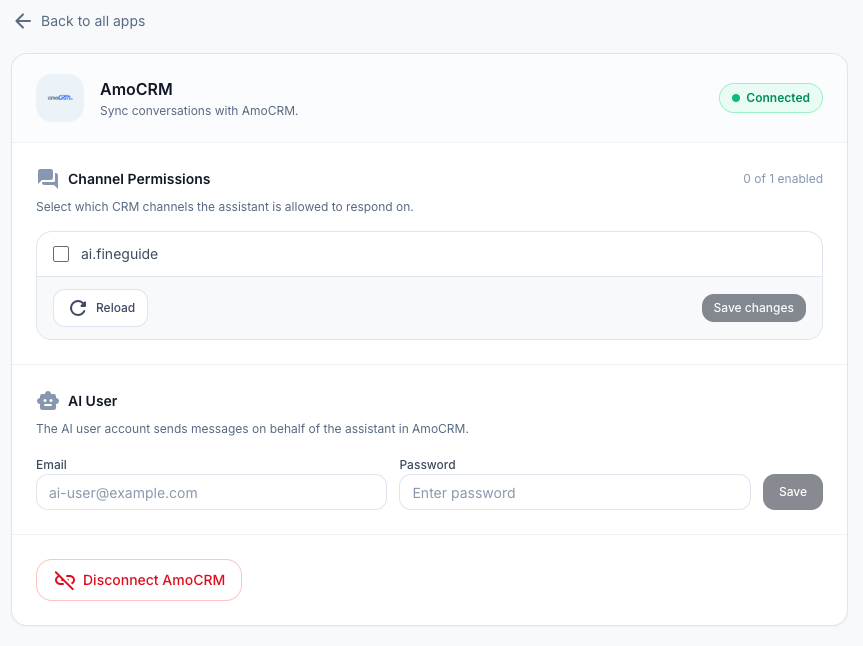
Now you can go back to **Channel Permissions** and toggle on the channels where you want your assistant to be active. Click **Save Changes** when you're done.
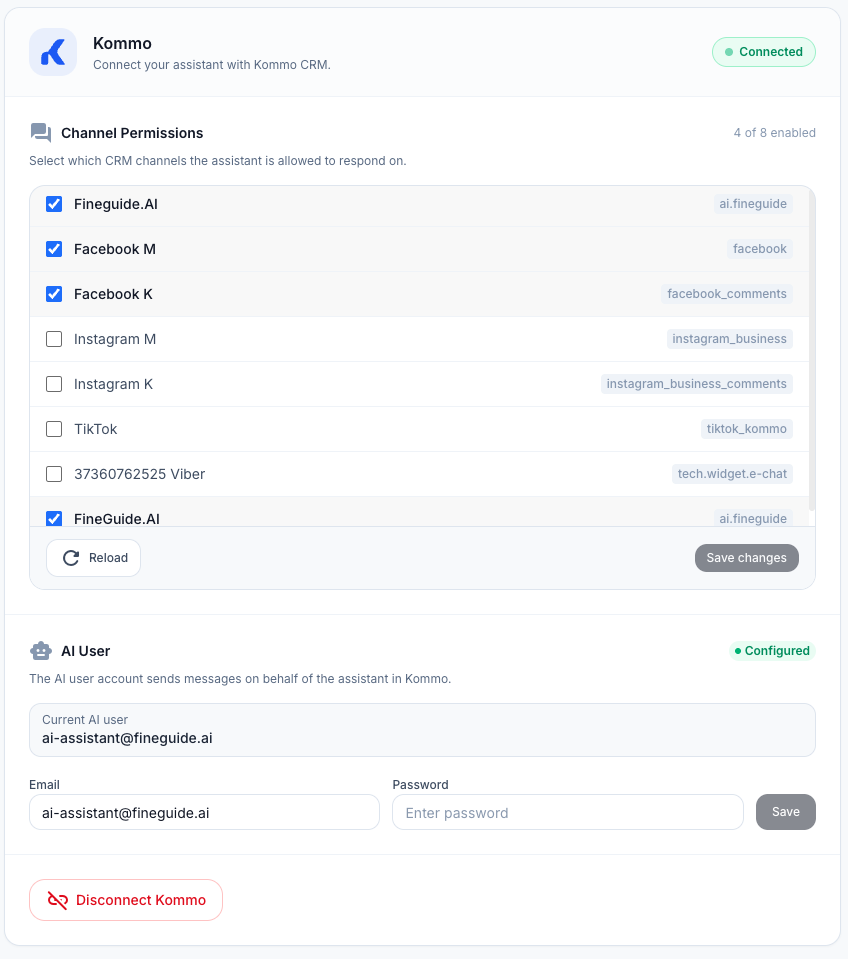
**What account should you use?** We recommend creating a dedicated Kommo user for your assistant (something like ai-assistant@yourcompany.com). This keeps things clean - your team can easily tell which messages came from the AI versus human agents, and you're not sharing your personal login.
**Is my password stored?** No. Your credentials are only used once to generate an authentication token. Fineguide stores only this token. If you ever change the password on the Kommo side, you'll simply need to re-enter the new credentials to generate a fresh token.
**Tip:** If you've recently added new chat sources in Kommo and don't see them in the channel list, click the **Reload** button to refresh.
**Troubleshooting:** If the popup doesn't appear, check your browser's popup blocker settings. If you see an error after authorizing, try disconnecting and reconnecting - the OAuth token may have expired during the process.
---
### 4\. Test the Connection
With everything configured, it's time to make sure it works. Here's a quick way to test:
1. Open your Kommo account and navigate to any active conversation, or start a new one through a connected channel.
2. Send a test message - something your assistant is trained to answer.
3. If the channel is enabled in your Fineguide permissions, the assistant should pick up the message and respond within a few seconds.
You should see the AI's reply appear in the Kommo conversation thread, attributed to the AI user you configured in Step 3.
### AI-to-Human Handoff: Escalation to Your Team
Sometimes a conversation needs a real person. Maybe the customer has a complex issue, or they simply prefer speaking with a human. Fineguide handles this gracefully through a feature called **Human Escalation**.
When Fineguide connects to your Kommo account, it automatically adds a custom checkbox field called **"Handed to Operator"** to every lead. When this checkbox is turned on for a lead, the AI assistant stops responding to that conversation entirely - your team takes it from there.
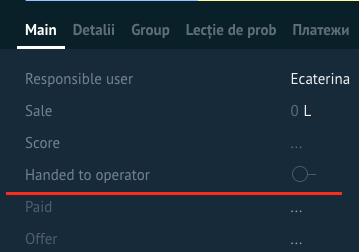
#### How does escalation get triggered?
There are three ways a conversation can be escalated:
**A human agent replies.** This is the most common scenario. If someone on your team sends a message to the lead from Kommo, the escalation is triggered automatically. The moment your agent types a reply, Fineguide recognizes that a human is taking over and steps aside. No buttons to click, no settings to change - it just works.
**Manually, via the checkbox.** You can also escalate a conversation at any time by opening the lead in Kommo and checking the **"Handed to Operator"** box. This is useful when you want to preemptively take over a lead before the next message comes in - for example, if you see a VIP customer in your pipeline and want to handle them personally.
**The AI escalates itself.** If a customer explicitly asks to speak with a human - saying something like "I want to talk to a real person" or "can I speak to someone?" - the AI recognizes this intent and automatically escalates the conversation. It will let the customer know that a team member will be with them shortly, and then stop responding.
#### Resuming AI responses
To hand the conversation back to the AI, simply uncheck the **"Handed to Operator"** checkbox on the lead. The assistant will pick up the next incoming message as usual.
---
### What Happens Behind the Scenes
Once connected, here's what the integration actually does:
- **Conversations sync automatically.** When a customer sends a message through any enabled channel in Kommo, the assistant receives it, processes it, and sends a reply - all within the CRM's native chat interface.
- **Sessions are tied to leads.** Each conversation maps to a Kommo lead, so you have full context: the assistant knows which lead it's talking to and can reference previous interactions.
- **Human handoff works seamlessly.** The "Human Escalated" checkbox on each lead gives your team full control over when the AI responds and when a human takes over (see the section above for details).
- **Channel filtering keeps things tidy.** The assistant only responds on the channels you've enabled, so there's no risk of it jumping into conversations it shouldn't.
- **Full channel access.** Once you've provided a Kommo user account, the assistant can operate across all your connected channels - WhatsApp, Instagram, Facebook, and everything else.
---
### Disconnecting the Integration
If you ever need to remove the connection, go back to the **Apps** page for your assistant, click on the **Kommo** integration, and scroll down to the **Disconnect Kommo** button. You'll be asked to confirm - once you do, the integration is removed and the assistant will stop responding in Kommo.
You can always reconnect later by going through the same steps above.
---
### Quick Reference
1. Go to **AI Agents → \[Your Assistant\] → Connect Apps**
2. Click **Kommo → Connect Kommo**, authorize in the popup
3. Set up an **AI User**, then choose which channels the assistant responds on
4. Send a test message in Kommo to verify
---
### Frequently Asked Questions
**Can I connect multiple assistants to the same Kommo account?** Yes. Each assistant connects independently, so you can have different assistants handling different channels or use cases within the same CRM account.
**I'm using AmoCRM, not Kommo - does this still work?** Absolutely. Kommo is the international rebrand of AmoCRM. If your account is still on AmoCRM (common in Russian-speaking markets), you'll find a separate **AmoCRM** card on the Connect Apps page. The setup process is identical.
**Does the assistant respond to all messages or only new ones?** The assistant only responds to new incoming messages on enabled channels. It won't retroactively reply to old conversations.
**Do I need to configure webhooks manually?** No. The integration sets up all necessary webhooks automatically during the OAuth connection process. You don't need to touch any webhook settings in Kommo.
**Is my Kommo password stored on Fineguide's servers?** No. When you enter your credentials in the AI User step, they are used once to generate an authentication token. Only this token is stored - your password is never saved. If you change your Kommo password, just re-enter the new one to generate a fresh token.
**Why can I only see the Fineguide channel after connecting?** To see all your Kommo channels, you need to provide a Kommo user account in the AI User step (Step 3). Once that's done, the full list of channels will appear.
---
That's it - your AI assistant is now live inside Kommo, ready to handle conversations without your team lifting a finger. If you run into any issues, reach out to our support team and we'll get you sorted out.
## Как подключить ИИ-ассистента к amoCRM: пошаговое руководство
> Подключите ИИ-ассистента к amoCRM примерно за пять минут: авторизуйте аккаунт, настройте ИИ-пользователя, выберите каналы для ответов.
By Liviu Maftuleac · published 2026-02-13 · updated 2026-10-22 · CRM, Tutorials
Source: https://fineguide.ai/blog/rukovodstvo-po-integratsii-s-amocrm/
Благодаря интеграции с amoCRM ИИ-ассистент может читать и отвечать на сообщения прямо в чате amoCRM, и вашей команде не придётся переключаться между инструментами.
В этом руководстве мы пошагово разберём весь процесс настройки — от подключения аккаунта amoCRM до выбора каналов, на которые будет отвечать ассистент. Это займёт около пяти минут.
---
### Что понадобится перед началом
Прежде чем приступить, убедитесь, что у вас есть:
- **Аккаунт Fineguide** с хотя бы одним созданным ИИ-ассистентом. Если вы ещё не создали своего первого ассистента, перейдите в раздел AI Agents и создайте его — это займёт пару минут.
- **Аккаунт amoCRM** с правами администратора. Вам потребуется разрешение на авторизацию сторонних приложений, так как интеграция использует OAuth для безопасного подключения.
- **Современный браузер** с разрешёнными всплывающими окнами для панели Fineguide. На этапе авторизации откроется всплывающее окно — убедитесь, что браузер его не блокирует.
Это всё. Никаких API-ключей, никакой ручной настройки вебхуков — интеграция сделает всё за вас.
---
### Шаг 1: Откройте страницу подключения приложений
Перейдите к ассистенту, которого хотите подключить. В панели Fineguide откройте **AI Agents**, затем кликните на нужного ассистента.
В настройках ассистента найдите в боковом меню слева пункт **Apps** — здесь находятся все доступные интеграции.
Вы увидите сетку с платформами: Telegram, WhatsApp, Slack, Discord и другие. Найдите карточку **amoCRM** и нажмите на неё.

---
### Шаг 2: Авторизуйте ваш аккаунт amoCRM
После нажатия на карточку amoCRM вы увидите краткое описание интеграции: синхронизация диалогов и возможность для ассистента отвечать через каналы CRM. Ниже будет кнопка **«Подключить amoCRM»**.
Нажмите на неё. Откроется всплывающее окно со страницей авторизации amoCRM. Если вы уже вошли в amoCRM, вы увидите запрос на предоставление доступа. Если нет — сначала потребуется войти в аккаунт.
amoCRM запросит разрешение для Fineguide на доступ к вашему аккаунту. Ознакомьтесь с запрашиваемыми правами и нажмите **Разрешить**.

После подтверждения окно закроется автоматически, и вы вернётесь в панель Fineguide. Уведомление об успешном подключении подтвердит, что аккаунт amoCRM подключён.
**Возможные проблемы:** Если всплывающее окно не появляется, проверьте настройки блокировщика всплывающих окон в браузере. Если после авторизации появляется ошибка, попробуйте отключить и подключить интеграцию заново — возможно, OAuth-токен истёк в процессе.
---
### Шаг 3: Настройте ИИ-пользователя
После подключения аккаунта вы увидите раздел **Channel Permissions** в панели amoCRM. Изначально в списке будет только канал **Fineguide**. Чтобы увидеть полный список каналов amoCRM — WhatsApp, Instagram, Facebook, онлайн-чат и другие — необходимо указать учётную запись пользователя amoCRM.
В разделе **AI User** введите:
- **Email** — адрес электронной почты пользователя amoCRM.
- **Password** — пароль этой учётной записи.
Нажмите **Save**. Появится значок **«Configured»**, а список каналов обновится и покажет все подключённые каналы amoCRM.

Теперь вернитесь в **Channel Permissions** и включите каналы, на которых должен работать ассистент. Нажмите **Save Changes**, когда закончите.

**Какую учётную запись использовать?** Мы рекомендуем создать отдельного пользователя amoCRM для ассистента (например, `ai-assistant@yourcompany.com`). Так ваша команда легко отличит сообщения ИИ от сообщений живых операторов, а ваши личные данные не будут задействованы в интеграции.
**Сохраняется ли мой пароль?** Нет. Учётные данные используются однократно для генерации токена авторизации. Fineguide хранит только этот токен — ваш пароль никогда не сохраняется на наших серверах. Если вы измените пароль в amoCRM, достаточно будет ввести новые данные для генерации нового токена.
**Совет:** Если вы недавно добавили новые источники чата в amoCRM и не видите их в списке каналов, нажмите кнопку **Reload** для обновления.
---
### Шаг 4: Проверьте подключение
Всё настроено — пора убедиться, что интеграция работает. Вот простой способ проверки:
1. Откройте amoCRM и перейдите в любой активный диалог или начните новый через подключённый канал.
2. Отправьте тестовое сообщение — что-то, на что ваш ассистент обучен отвечать.
3. Если канал включён в настройках Fineguide, ассистент подхватит сообщение и ответит в течение нескольких секунд.
Ответ ИИ появится в ветке диалога amoCRM от имени ИИ-пользователя, настроенного на шаге 3.
---
### Передача диалога от ИИ человеку
Иногда разговор требует участия живого человека. Возможно, у клиента сложный вопрос, или он просто предпочитает общаться с оператором. Fineguide решает это с помощью функции **эскалации на оператора**.
При подключении к amoCRM Fineguide автоматически добавляет пользовательское поле-чекбокс **«Передано оператору»** к каждой сделке. Когда этот чекбокс установлен, ИИ-ассистент прекращает отвечать в данном диалоге — дальше ведёт ваша команда.
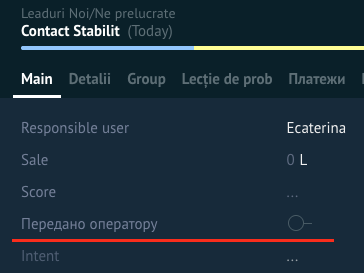
#### Как срабатывает передача?
Есть три способа передать диалог оператору:
**Оператор отвечает в чате.** Это самый частый сценарий. Если кто-то из вашей команды отправляет сообщение по сделке в amoCRM, эскалация срабатывает автоматически. Как только оператор начинает писать ответ, Fineguide понимает, что человек берёт диалог на себя, и отступает. Никаких кнопок, никаких настроек — всё работает само.
**Вручную, через чекбокс.** Вы можете передать диалог в любой момент, открыв сделку в amoCRM и поставив галочку **«Передано оператору»**. Это полезно, когда вы хотите заранее взять сделку на себя — например, если видите VIP-клиента в воронке и хотите общаться с ним лично.
**ИИ передает сам.** Если клиент прямо просит переключить на человека — например, «хочу поговорить с оператором» или «можно связаться с живым человеком?» — ИИ распознаёт намерение и автоматически эскалирует диалог. Он сообщит клиенту, что оператор скоро подключится, и перестанет отвечать.
#### Возврат к ИИ
Чтобы вернуть диалог ИИ-ассистенту, просто снимите галочку **«Передано оператору»** на сделке. Ассистент подхватит следующее входящее сообщение как обычно.
---
### Что происходит за кулисами
После подключения интеграция работает следующим образом:
- **Диалоги синхронизируются автоматически.** Когда клиент отправляет сообщение через любой включённый канал в amoCRM, ассистент получает его, обрабатывает и отправляет ответ — всё в рамках нативного чата CRM.
- **Сессии привязаны к сделкам.** Каждый диалог связан со сделкой amoCRM, поэтому контекст всегда сохраняется: ассистент знает, с какой сделкой работает, и может ссылаться на предыдущие сообщения.
- **Передача оператору работает бесшовно.** Чекбокс «Передано оператору» на каждой сделке даёт вашей команде полный контроль над тем, когда отвечает ИИ, а когда — человек (подробнее — в разделе выше).
- **Фильтрация по каналам.** Ассистент отвечает только в тех каналах, которые вы включили, — нет риска, что он вмешается в нежелательный диалог.
- **Полный доступ к каналам.** После указания учётной записи amoCRM ассистент может работать во всех подключённых каналах — WhatsApp, Instagram, Facebook и любых других.
---
### Отключение интеграции
Если вам нужно отключить интеграцию, вернитесь на страницу **Apps** вашего ассистента, нажмите на интеграцию **amoCRM** и прокрутите до кнопки **Отключить amoCRM**. После подтверждения интеграция будет удалена, и ассистент перестанет отвечать в amoCRM.
Подключить заново можно в любой момент, повторив шаги выше.
---
### Краткая памятка
1. Перейдите в **AI Agents → \[Ваш ассистент\] → Apps**
2. Нажмите **amoCRM → Подключить amoCRM**, авторизуйтесь во всплывающем окне
3. Настройте **AI User**, затем выберите каналы для работы ассистента
4. Отправьте тестовое сообщение в amoCRM для проверки
---
### Часто задаваемые вопросы
**Можно ли подключить несколько ассистентов к одному аккаунту amoCRM?** Да. Каждый ассистент подключается независимо, поэтому можно назначить разных ассистентов на разные каналы или задачи в рамках одного аккаунта CRM.
**Я использую Kommo, а не amoCRM — это сработает?** Конечно. Kommo — это международный ребрендинг amoCRM. Если ваш аккаунт на Kommo, вы найдёте отдельную карточку **Kommo** на странице подключения приложений. Процесс настройки идентичен.
**Ассистент отвечает на все сообщения или только на новые?** Ассистент отвечает только на новые входящие сообщения в подключённых каналах. Он не будет отвечать на старые диалоги задним числом.
**Нужно ли вручную настраивать вебхуки?** Нет. Интеграция автоматически создаёт все необходимые вебхуки при OAuth-подключении. Вам не нужно ничего настраивать в amoCRM.
**Мой пароль от amoCRM хранится на серверах Fineguide?** Нет. Учётные данные, введённые на этапе настройки AI User, используются однократно для генерации токена авторизации. Хранится только токен — пароль никогда не сохраняется. Если вы измените пароль в amoCRM, просто введите новый для генерации нового токена.
**Почему после подключения виден только канал Fineguide?** Чтобы увидеть все каналы amoCRM, нужно указать учётную запись пользователя amoCRM в настройках AI User (шаг 3). После этого полный список каналов станет доступен.
---
Вот и всё — ваш ИИ-ассистент теперь работает внутри amoCRM и готов обрабатывать диалоги без участия вашей команды. Если возникнут вопросы, обращайтесь в нашу службу поддержки — мы поможем.
## How to Train Your Assistants to Trigger Workflows in n8n
> Connect n8n to Fineguide, start a workflow with a webhook, import it as an assistant action, test it, and let your assistant run it in a chat.
By Liviu Maftuleac · published 2025-09-09 · updated 2026-10-22 · Automations, Tutorials, Automations, Fineguide, n8n, Tutorials, Workflow
Source: https://fineguide.ai/blog/how-to-train-your-ai-assistants-to-trigger-n8n-workflows/
Have you ever wondered how to seamlessly automate tasks by connecting powerful workflow automation with AI assistants? If you’re looking to integrate n8n workflows with Fineguide Assistants, this guide will walk you through the process step-by-step, making it straightforward to boost your productivity.
### Setting up n8n
Start by logging into your Fineguide account and navigating to the **Settings** page. Click on the **n8n** tab where you have two options:
- **Connect an existing n8n instance:** If you already have an n8n setup, click the **Connect to n8n API** button. For the smoothest connection, make sure your API key includes all read and write permissions.
- **Create a new n8n instance:** Fineguide can host an n8n instance for you, automatically installing and configuring it.
Once connected, you can create new workflows or use existing ones to integrate with your assistants.
### Understanding Webhooks in n8n
Webhooks are the gateway for triggering and handling data in n8n workflows. When you set up a webhook node as the **trigger** in your workflow, it waits for an incoming HTTP request to start the process. This is essential because Fineguide Assistants trigger workflows via HTTP requests.
Additionally, webhooks can **return data** back to the requester after the workflow completes — this means your workflow can send results back to Fineguide, which the assistant can then use to respond to your queries.
In simple terms:
- The **webhook trigger** starts your workflow when called.
- The **webhook response** sends data back to whoever triggered the workflow.
This two-way communication makes your AI assistant smarter and more interactive.
### How Fineguide Assistants Execute n8n Workflows
Fineguide Assistants can’t run workflows directly; instead, they send HTTP requests to the webhook endpoint to activate them. An HTTP request is like sending a message over the internet asking n8n to run a specific workflow and optionally providing input data.
Because the webhook is the entry point, your workflow must begin with a webhook node configured to accept this request.
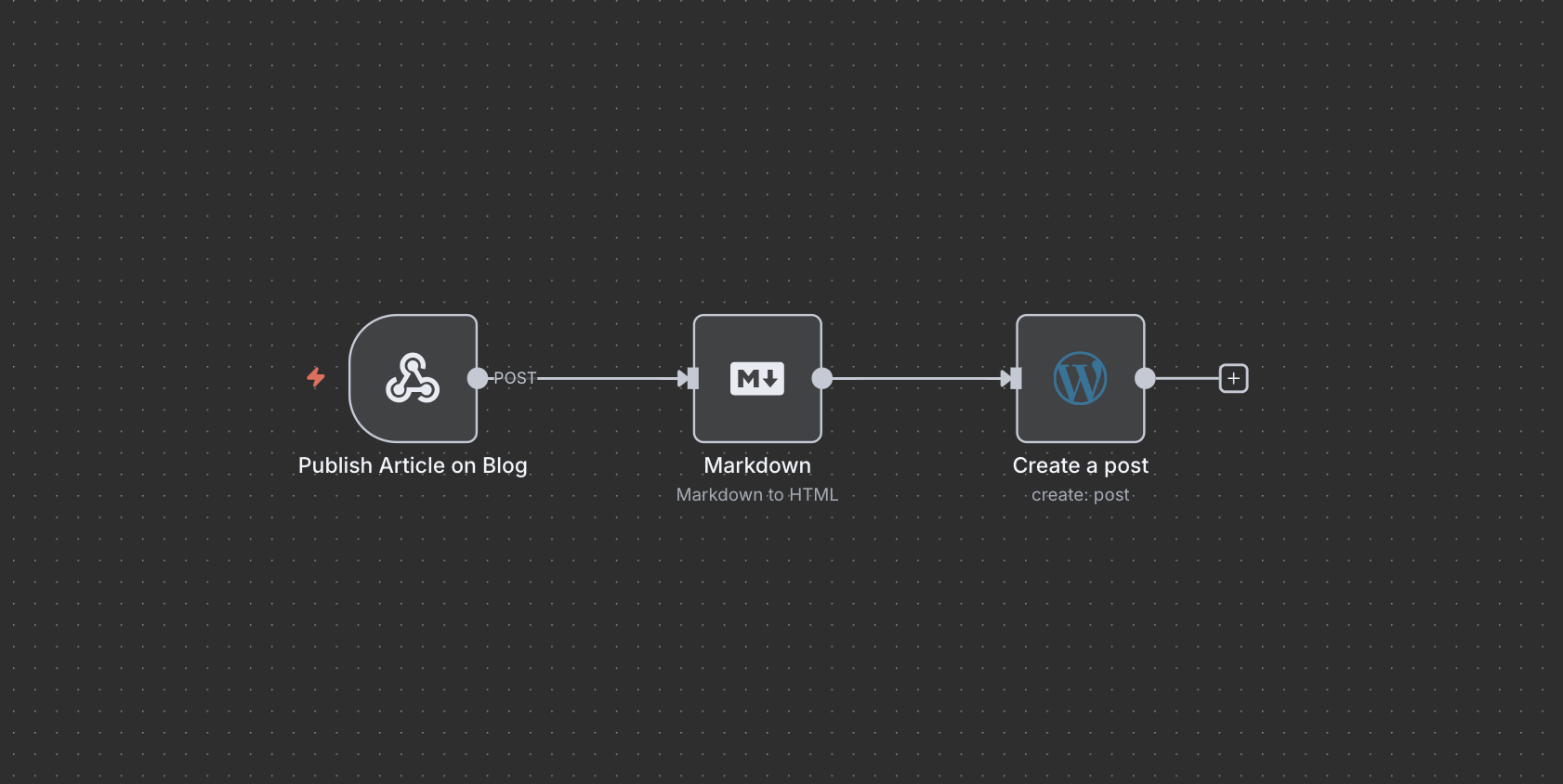
### How to import n8n workflows into Fineguide
Once your workflow includes a webhook as the input, head over to the **Assistant** page in Fineguide. Select the assistant you want to connect, then navigate to the **Actions** tab.
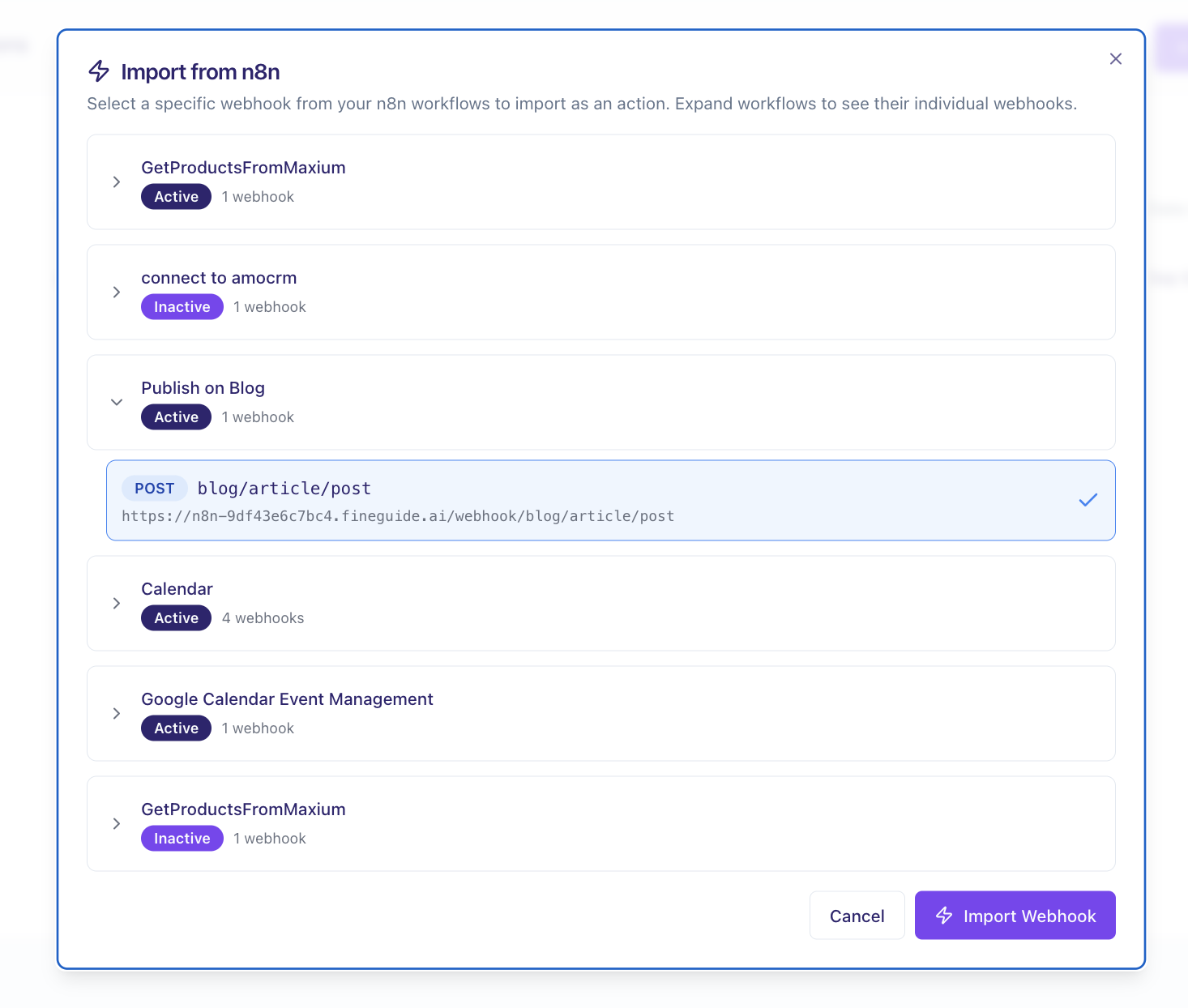
If your n8n instance is properly set up, click on **Import from n8n**. A modal will appear listing all workflows that begin with a webhook. Choose the one you want and click **Import**.
Voilà! You’ll see a new action added to your assistant’s action list. This means your assistant can now execute the workflow using the parameters you’ve defined.
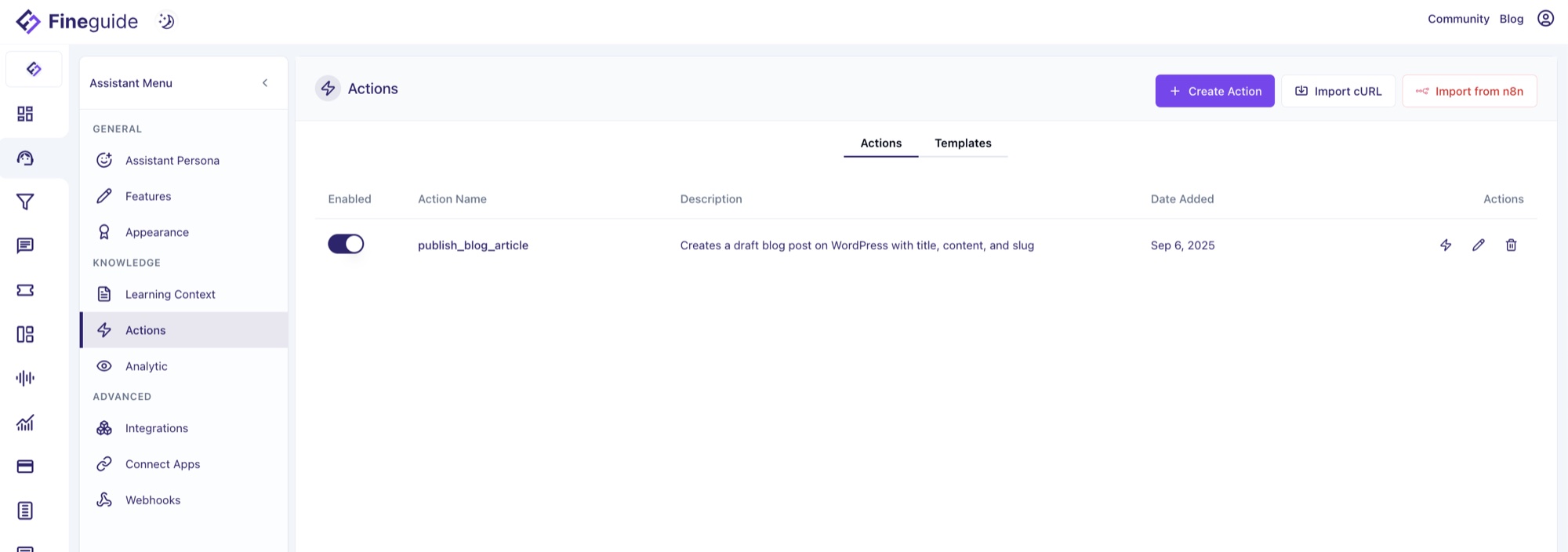
### Testing the Action
Before putting it to work, test your action. Click the **Test Action** button (marked with a thunder icon). A modal will display all input parameters for your workflow. Fill them in and hit **Test**.
You’ll see the workflow’s output right away. It’s important to note that large amounts of returned data can overwhelm AI agents like large language models (LLMs). Because they have limits on how much information they can process at once, make sure your workflow’s webhook response returns data within reasonable size limits. This helps your assistant respond efficiently and accurately.
### Your Action is Ready
Once tested, your assistant is ready to roll. For instance, if your workflow fetches a list of products from an e-commerce platform, simply ask your assistant to recommend a product. It will execute the workflow and respond accordingly.
### Other Important Factors
The AI understands when and how to call your new action based on the descriptions of the action and its parameters. Usually, the import process does a great job, but it’s wise to double-check to ensure everything functions as expected.
---
Connecting n8n workflows with Fineguide Assistants opens up a world of automation possibilities. What’s the biggest task you’d like to automate with this setup? How might this integration change the way you work or interact with your AI assistants?
[Give it a try](https://app.fineguide.ai) and see how much smoother your workflows can become!
## Week in AI: Legal Battles, Breakthroughs and Strategic Moves
> AI news from early September 2025: lawsuits against Apple and Midjourney, Anthropic’s $1.5B settlement, OpenAI’s Statsig deal, and more.
By Liviu Maftuleac · published 2025-09-06 · updated 2026-10-22 · News
Source: https://fineguide.ai/blog/week-in-ai-legal-battles-breakthroughs-strategic-moves-sept-2025/
Have you ever wondered how AI’s rapid evolution is reshaping not only technology but also legal frameworks, business strategies, and everyday life? The past week has been a whirlwind—packed with landmark lawsuits, innovative product launches, and bold partnerships that hint at where AI might be headed next.
Here’s an in-depth look at the most compelling AI news from the last week, with sources to keep you fully informed.
---
### Legal Storms Over AI Training Data
The legal landscape around AI training data has heated up significantly:
- **Apple Faces Lawsuit Over AI Training Data**\
A group of authors sued Apple, accusing the tech giant of using their copyrighted books without permission to train its AI language models, specifically the “OpenELM” system. The authors allege Apple utilized pirated content, bringing up critical questions about data ethics and AI transparency.\
[Read more on Reuters](https://www.reuters.com/sustainability/boards-policy-regulation/apple-sued-by-authors-over-use-books-ai-training-2025-09-05/)
- **Warner Bros. Takes on Midjourney**\
Warner Bros. filed a lawsuit against Midjourney for enabling AI-generated images that infringe on copyrighted characters like Superman and Bugs Bunny. The lawsuit demands substantial damages per infringement, highlighting challenges around intellectual property in AI-generated art.\
[AP News coverage](https://apnews.com/article/b87d80d7b4a4dfdcf0ee149d30830551)
- **Anthropic’s $1.5 Billion Settlement**\
Anthropic, a leading AI research company, agreed to a record $1.5 billion settlement over allegations of unauthorized use of copyrighted texts in their model training. This settlement includes financial compensation and the destruction of pirated datasets, setting a precedent for AI companies’ accountability.\
[Financial Times details](https://www.ft.com/content/96b59d8c-3625-4c2c-a6d6-435cff0392bf)
These legal battles underscore the growing pains of the AI industry as it navigates intellectual property rights, raising the question: How might these cases shape future AI training practices?
---
### Strategic Partnerships and Government Collaborations
- **Greece Partners with OpenAI for Educational and Business Innovation**\
In a push to democratize AI access, Greece signed a memorandum with OpenAI to integrate AI tools into secondary education and support small business innovation. Greece is among the first countries to deploy ChatGPT Edu, a version tailored for academic use.\
[More on Reuters](https://www.reuters.com/technology/greece-openai-agree-deal-boost-innovation-schools-small-businesses-2025-09-05/)
- **Microsoft and U.S. Government Deal**\
Microsoft secured a major deal with the U.S. General Services Administration, providing millions of federal workers free access to Microsoft 365 Copilot for one year. The agreement promises up to $3.1 billion in taxpayer savings and aligns with federal AI modernization efforts.\
[Details at Crescendo](https://www.crescendo.ai/news/latest-ai-news-and-updates)
---
### AI Product and Technology Advances
- **OpenAI Acquires Statsig for $1.1 Billion**\
OpenAI is accelerating its generative AI product development by acquiring Statsig, a platform for product experimentation and iteration. This move aims to fast-track updates to flagship products like ChatGPT and Codex.\
[Computerworld report](https://www.computerworld.com/article/4015023/openai-latest-news-and-insights.html)
- **OpenAI Launches AI Job Platform**\
OpenAI announced plans to develop an AI-centric job platform to connect AI-trained workers with employers. This ambitious project could rival Microsoft’s LinkedIn and signals a shift toward AI-driven labor market matchmaking.\
[CNBC coverage](https://www.cnbc.com/2025/09/05/openai-is-building-an-ai-jobs-platform-that-could-rival-microsofts-linkedin.html)
- **IBM’s AI-Powered Tennis Commentary**\
IBM, in collaboration with its MIT-IBM Watson AI Lab, piloted an AI system that offers real-time, emotion-aware tennis commentary using computer vision and speech models. This innovation enhances fan engagement without replacing human commentators.\
[Read more at Crescendo](https://www.crescendo.ai/news/latest-ai-news-and-updates)
- **UCLA’s Wearable Brain-Computer Interface (BCI)**\
UCLA engineers developed a non-invasive BCI combining EEG decoding with AI to interpret user intent in real time. This breakthrough helps users control devices up to four times faster and offers a safer alternative to implanted systems.\
[Details via Crescendo](https://www.crescendo.ai/news/latest-ai-news-and-updates)
---
### Industry Impact and Market Moves
- **Salesforce Cuts 4,000 Jobs as AI Handles Half of Support**\
Salesforce CEO Marc Benioff revealed AI agents now manage about half of customer service interactions, leading to significant workforce reductions but also enabling the company to reconnect with over 100 million leads. This illustrates AI’s dual role in efficiency and disruption.\
[More on Crescendo](https://www.crescendo.ai/news/latest-ai-news-and-updates)
- **Alibaba’s AI Cloud Business Drives 19% Stock Surge**\
Alibaba’s strong quarterly growth in AI-powered cloud services thrilled investors, boosting its Hong Kong stock by nearly 19%. The company is also advancing development of new AI chips, reinforcing its competitive edge in AI infrastructure.\
[Source: Crescendo](https://www.crescendo.ai/news/latest-ai-news-and-updates)
---
### AI and Regulatory Landscape
- **AI Recognized as a Search Competitor in Court Ruling**\
A recent court decision recognized AI as a valid competitor to traditional internet search engines, challenging the U.S. Department of Justice’s stance on Google’s search monopoly. This ruling could reshape the competitive dynamics of online information access.\
[Axios report](https://www.axios.com/2025/09/04/google-ai-doj-alphabet)
---
### Final Thoughts
The past week’s AI news reveals a field maturing under the spotlight of legal scrutiny, government interest, and corporate strategy. It’s clear AI is no longer just a technical curiosity but a societal force influencing law, education, labor markets, and even how we consume entertainment.
What do you think will be the biggest challenge for AI companies moving forward? Will legal frameworks catch up quickly enough to balance innovation and rights? And how might AI-driven job platforms change the future of work?
Stay curious, because next week promises even more surprises.
---
#### Sources
1. Reuters: [Apple sued by authors over AI training books](https://www.reuters.com/sustainability/boards-policy-regulation/apple-sued-by-authors-over-use-books-ai-training-2025-09-05/)
2. AP News: [Warner Bros. sues Midjourney](https://apnews.com/article/b87d80d7b4a4dfdcf0ee149d30830551)
3. Financial Times: [Anthropic settles copyright lawsuit](https://www.ft.com/content/96b59d8c-3625-4c2c-a6d6-435cff0392bf)
4. Reuters: [Greece and OpenAI partnership](https://www.reuters.com/technology/greece-openai-agree-deal-boost-innovation-schools-small-businesses-2025-09-05/)
5. Crescendo.ai: [Latest AI news and updates](https://www.crescendo.ai/news/latest-ai-news-and-updates)
6. Computerworld: [OpenAI acquires Statsig](https://www.computerworld.com/article/4015023/openai-latest-news-and-insights.html)
7. CNBC: [OpenAI’s AI jobs platform](https://www.cnbc.com/2025/09/05/openai-is-building-an-ai-jobs-platform-that-could-rival-microsofts-linkedin.html)
8. Axios: [AI recognized as search competitor](https://www.axios.com/2025/09/04/google-ai-doj-alphabet)
## Connect Fineguide AI Agents with n8n for Powerful Automation
> What n8n is, why it suits AI automation, and how Fineguide hosts n8n Community Edition so your AI agents trigger workflows by actions and webhooks.
By Liviu Maftuleac · published 2025-08-24 · updated 2026-10-22 · Automations, News, Automations, Community Edition, Fineguide, Hosted, n8n
Source: https://fineguide.ai/blog/connect-fineguide-ai-with-n8n-the-ultimate-automation-powerhose/
Have you ever wondered how the most productive teams seem to have everything connected and running on autopilot? While you’re manually copying data between apps and juggling repetitive tasks, they’ve cracked the code on something most people overlook: the power of intelligent automation.
Here’s what I’ve discovered after working with countless automation tools – most promise the world but leave you frustrated with limitations, hefty price tags, or platforms that break when you need them most. That’s where n8n changes everything, especially when you combine it with AI agents.
### What Exactly Is n8n?
Think of [n8n](https://n8n.io/) as the Swiss Army knife of automation, but with superpowers. It’s an open-source workflow automation tool that connects different applications, services, and data sources through a visual, node-based interface. Instead of writing complex code or being locked into expensive proprietary platforms, you drag and drop components to build sophisticated workflows.
But here’s what makes [n8n](https://n8n.io/) special – it’s not just another automation tool. It’s designed with developers and power users in mind, offering the flexibility to handle everything from simple data syncing to complex multi-step processes that would typically require a full development team.
What would happen if you could automate not just basic tasks, but actually create intelligent workflows that make decisions, process data, and interact with AI? That’s exactly what n8n enables.
### Why n8n Outshines Every Other Automation Platform
Let me ask you this: how many times have you hit a wall with automation tools because they couldn’t handle your specific use case? Or worse, you’ve built something amazing only to discover the monthly costs are eating into your budget faster than you expected?
#### Complete Control Over Your Data
Unlike cloud-based alternatives, n8n gives you full control over where your data lives and how it flows. When you’re dealing with sensitive customer information or proprietary business data, this isn’t just nice to have – it’s essential.
#### Unlimited Workflow Complexity
Most automation platforms limit you to simple if-this-then-that logic. n8n lets you build workflows that can:
- Handle multiple conditional branches
- Process data through complex transformations
- Integrate with virtually any API or service
- Execute custom JavaScript code when needed
#### Cost-Effective Scaling
Have you ever built a workflow only to discover each additional execution costs you more money? With n8n’s community edition, you can run thousands of workflows without worrying about per-execution fees or user limits.
#### Developer-Friendly Architecture
The biggest obstacle you’ll face with most automation tools? When you need something they don’t support, you’re stuck. n8n’s open-source nature means you can always extend functionality or contribute to the community.
### Discovering n8n Community Edition: Your Free Automation Powerhouse
Here’s where things get interesting. The n8n Community Edition isn’t a watered-down version with critical features locked behind paywalls. It’s the full-featured platform that includes:
- **Complete workflow automation capabilities**
- **Visual workflow editor** with drag-and-drop simplicity
- **500+ pre-built integrations** with popular tools and services
- **Custom code execution** for unlimited flexibility
- **Webhook support** for real-time triggers
- **Database integrations** for data management
- **Error handling and retry mechanisms** for reliable operations
What’s the biggest challenge most people face when deploying automation tools? The technical overhead of setup, maintenance, and scaling. That’s exactly what we’ve solved.
### How Fineguide Eliminates Your n8n Hosting Headaches
Setting up n8n typically requires server management, security configurations, and ongoing maintenance – tasks that can consume hours of your valuable time. What if you could skip all that complexity and get straight to building powerful automations?
**Fineguide hosts n8n Community Edition completely free.** Here’s what that means for you:
#### Zero Setup Friction
- No server provisioning or Docker configurations
- No SSL certificate management
- No database setup or backup concerns
- Instant access to your n8n instance
#### Enterprise-Grade Reliability
- 99.9% uptime guarantee
- Automatic updates and security patches
- Professional backup and disaster recovery
- Scalable infrastructure that grows with your needs
#### Complete Feature Access
You get the full n8n Community Edition experience without any Fineguide-specific limitations or modifications. It’s the same powerful platform, just hosted professionally. You can always upgrade your instance and get a licence to use pro features, something that we encourage you to do. This will allow your instance to get the full features of your n8n instance. **Whether you remain on the Community Edition or choose to upgrade to a Pro license is entirely up to you. Fineguide’s role is solely to host the platform for you.**
### Connecting AI Agents with n8n: Two Powerful Approaches
Now here’s where the magic happens. How might you bridge the gap between your AI agents and the thousands of applications n8n can connect to?
#### Method 1: Direct Actions Integration
Your AI agents can trigger n8n workflows directly through structured actions. When your AI agent needs to:
- Update a CRM record after a conversation
- Send a Slack notification about a completed task
- Process data through multiple applications
- Generate and distribute reports
The agent simply calls the appropriate n8n workflow, passing along the necessary data. The workflow handles all the complex integrations while your AI agent focuses on intelligent decision-making.
#### Method 2: Webhook-Powered Real-Time Communication
What’s the biggest challenge with traditional automation? Timing. Your Fineguide AI agents are emitting webhooks on every interaction so you can always be on target!
**From AI Agents to n8n**: Create a new Webhook in your AI agent and send data to n8n webhooks, immediately triggering complex multi-step automations across your entire tech stack.
### Real-World Integration Scenarios
Picture this: Your AI customer service agent receives a complex inquiry. Instead of just providing an answer, it:
1. **Logs the conversation** in your CRM through n8n
2. **Checks inventory levels** across multiple systems
3. **Creates a support ticket** if needed
4. **Sends follow-up emails** through your marketing automation
5. **Updates dashboards** with relevant metrics
All of this happens automatically, in seconds, without any manual intervention.
### Getting Started: Your Next Steps
You’re probably wondering: “This sounds powerful, but how do I actually implement it?” Here’s exactly how to begin:
1. **Access your free n8n instance** through Fineguide
2. **Explore the pre-built templates** to understand workflow structure
3. **Set up your first simple automation** connecting two tools you already use
4. **Configure webhook endpoints** for AI agent communication
5. **Test the integration** with small, controlled workflows
6. **Scale gradually** as you discover new automation opportunities
The biggest mistake I see people make? Trying to automate everything at once. Start small, understand the patterns, then expand systematically.
What would happen to your productivity if your AI agents could seamlessly interact with every tool in your tech stack? With n8n and Fineguide, you’re about to find out.
**Ready to supercharge your AI agents with unlimited automation possibilities?** Get started with your free n8n Community Edition instance on [Fineguide](https://app.fineguide.ai) today, and discover why the smartest teams are choosing this powerful combination for their automation needs.
## Fineguide’s Web Search Feature: How It Works, Why It Matters
> How Fineguide’s web search works: four engines (Perplexity, Google, OpenAI, Claude), domain whitelists and blacklists, and when to use each one.
By Liviu Maftuleac · published 2025-08-24 · updated 2026-10-22 · News, Updates, AI Agents, Anthropic, Fineguide, Google, OpenAI, Perplexity, Web Search
Source: https://fineguide.ai/blog/fineguide-ais-powerful-new-websearch-feature-how-it-works-and-why-it-matters/
Fineguide Websearch Feature Explained: 4 Search Engines, Domain Filters, and Smarter AI Agents
### Have You Ever Wondered How Smart an AI Could Be with the Right Search Tools?
Imagine you’re working on a project, and you ask an AI for the latest research. It gives you something helpful, but you can’t quite tell if it’s fully up to date or sourced from the right places. That’s a common challenge with AI assistants: their knowledge is powerful, but often limited to what they were trained on.
Now, what if your AI could **search the web in real time** with multiple engines, each with unique strengths? That’s exactly what Fineguide’s new **websearch feature** makes possible.
Let’s break down what this tool does, how it works, and why it’s a game-changer for businesses.
### What Is the Fineguide Websearch Feature?
The new feature allows AI agents on Fineguide to **search the internet directly** instead of relying only on their built-in knowledge. Think of it as giving your AI access to a live library of the web, so it can bring you back the most relevant, accurate, and up-to-date insights.
And it’s not just one search engine. You get access to **four different options**:
- **Perplexity** – lightning-fast, always fresh
- **Google** – slower, but highly accurate
- **OpenAI** – balanced in speed and reliability
- **Claude** – similar to OpenAI, with its own approach to retrieval
Each engine has its own strengths, and you can choose the one that fits your situation best.
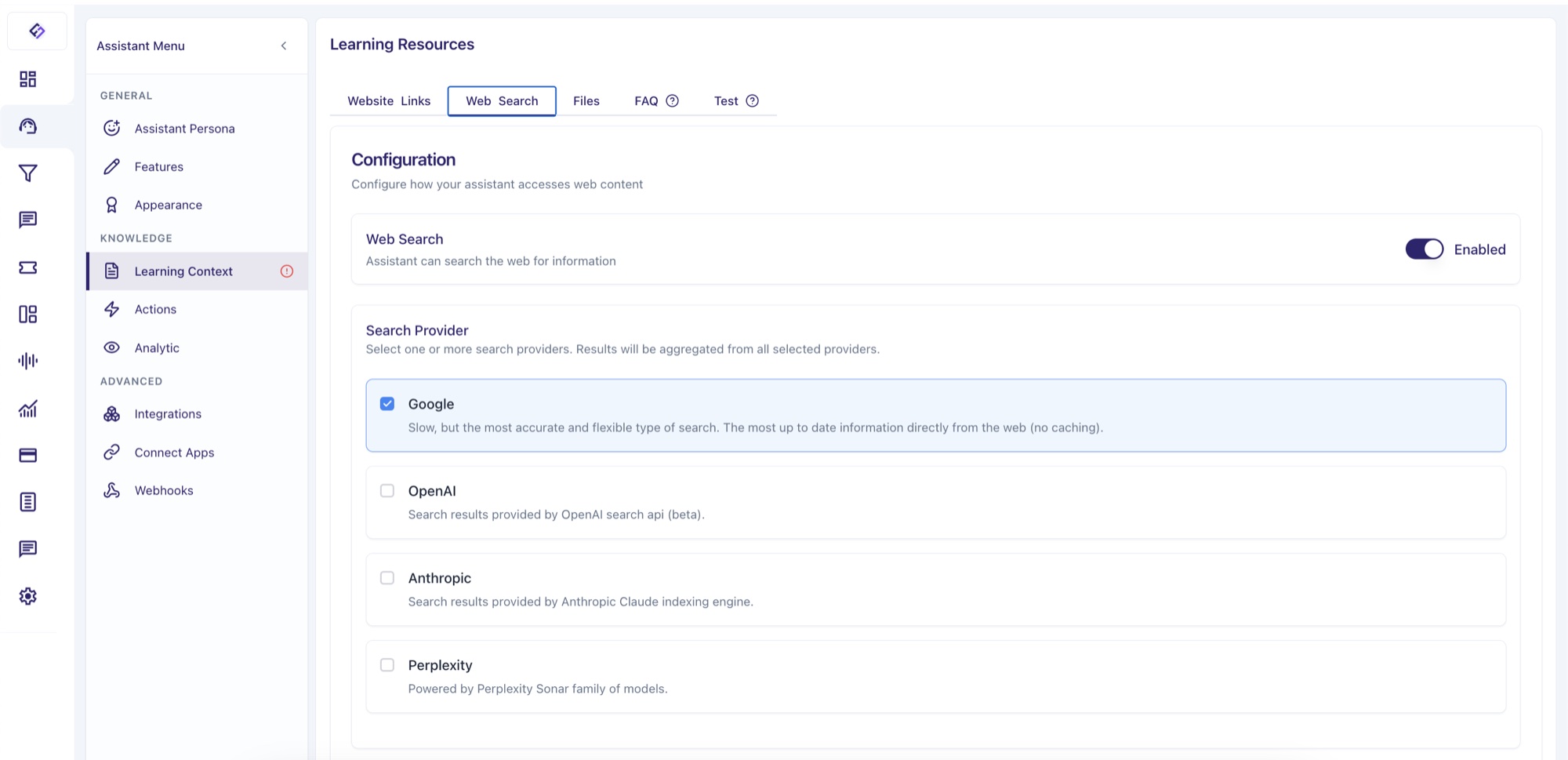
### How Each Search Engine Works Within Fineguide
#### 1\. Perplexity: Fast and Fresh
If speed matters most – for example, monitoring breaking news or industry updates – **Perplexity** is often the best choice.
##### 2\. Google: Slow but Precise
When accuracy and authority are critical, **Google** usually delivers the strongest results. It’s ideal for compliance-heavy industries or when reliability is non-negotiable.
##### 3\. OpenAI: Balanced and Reliable
**OpenAI’s search** provides a good balance of speed and thoroughness. It’s well-suited for general queries where you need confidence without long wait times.
##### 4\. Claude: Another Balanced Option
**Claude’s engine** is similar to OpenAI’s, making it another solid option for everyday use and cross-checking results.
### Can You Use All Search Engines Together?
Yes, you can run multiple search engines consecutively. But here’s the tradeoff: the more engines you use, the longer it takes to return results.
In most cases, one engine is enough. If you need a second opinion, try pairing two. Using all four is possible, but it’s rarely necessary and can slow down response times.
### Smarter Searching with Domain Filters
One of the most valuable aspects of the websearch feature is **domain filtering**.
You can **whitelist** or **blacklist** certain domains, giving you control over which sources the AI uses. This means you can shape searches to match your business needs:
- **Whitelist**: Focus only on trusted websites like official industry portals, academic databases, or government sites.
- **Blacklist**: Exclude low-quality blogs, spam-heavy sites, or domains you don’t trust.
This is particularly powerful for companies that need to ensure information accuracy. For example, a healthcare provider might whitelist medical journals, while a finance firm might restrict searches to regulatory bodies and leading financial publications.
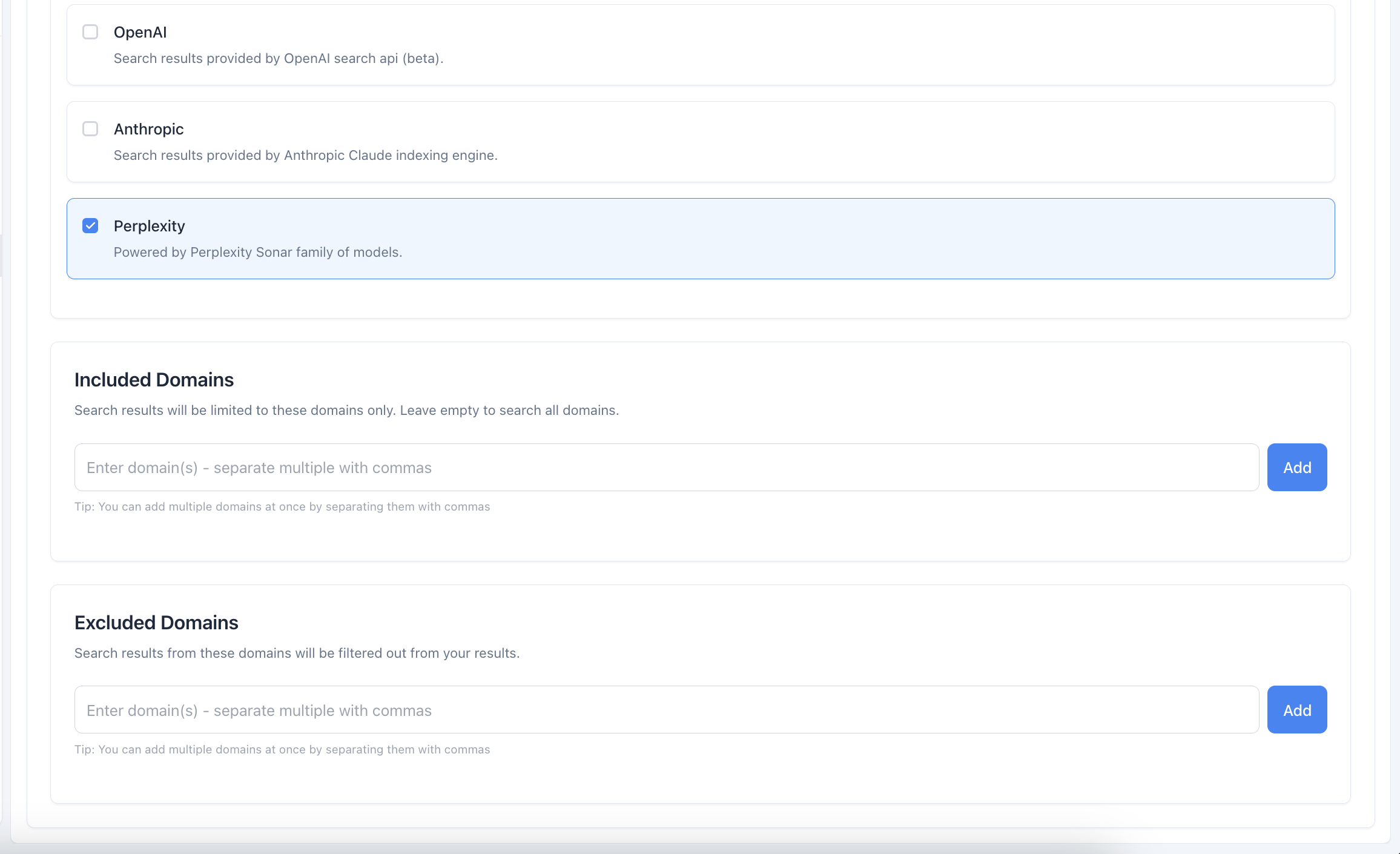
### Practical Use Cases: When This Feature Really Shines
Fineguide’s websearch is designed to help businesses and their agents deliver **accurate, timely, and reliable support**. Here are some scenarios where it proves especially valuable:
- **Customer Support Teams**: A SaaS company with frequent product updates can configure its AI agent to always check the latest documentation, ensuring customers never receive outdated instructions.
- **HR & Internal Helpdesks**: Employees often ask about benefits, workplace policies, or compliance. With domain filters, an internal agent can pull information only from official company portals or HR-approved sources.
- **Legal & Compliance Departments**: Regulations and standards evolve quickly. Companies can set their AI agents to source directly from government websites or recognized legal resources, minimizing the risk of outdated advice.
- **Financial Services & Advisory Firms**: Markets shift daily. An AI agent can surface the latest insights from trusted financial outlets while filtering out unreliable commentary.
- **Healthcare & Medical Providers**: Clinics and telehealth companies can whitelist journals and trusted health agencies, giving patients clear, evidence-based guidance.
The real win here is control – companies decide exactly where their AI looks for answers, which helps balance speed, trust, and accuracy.
### Why This Matters for Businesses
It’s easy to feel overwhelmed when information is scattered across countless sources. By combining websearch with domain filters, Fineguide puts businesses back in control. Agents don’t just answer faster – they answer with the right information, tailored to your company’s standards.
### FAQs About the Fineguide Websearch Feature
**1\. Can I use more than one search engine at the same time?**\
Yes, but it may slow results. Most of the time, one engine is enough.
**2\. Which search engine is best for industry news?**\
Perplexity is usually the fastest and most current.
**3\. What if I only want official or trusted sources?**\
Use the **whitelist option** to restrict results to specific domains.
**4\. Can I block unreliable websites?**\
Yes. The **blacklist option** lets you exclude unwanted sources.
**5\. Does the AI pick the engine for me?**\
No, you choose which engine to use. This ensures control stays in your hands.
**6\. Is this feature useful for internal company agents?**\
Absolutely. Internal helpdesks, HR bots, and compliance agents benefit the most by always pulling up-to-date, source-controlled information.
### Conclusion: A Smarter Way to Search with AI
The new **Fineguide websearch feature** gives companies more than answers – it gives them **confidence**. By choosing the right search engine and filtering sources, businesses can ensure their AI agents stay accurate, current, and trustworthy.
So the next time you rely on an AI agent, ask yourself: *Which search engine and sources should it draw from?* That small decision could make a big difference in the quality of the support you deliver.
## Introducing Integration with amoCRM and Kommo
> Fineguide integrates with amoCRM and Kommo: automatic lead collection, human escalation, and AI replies on every channel Kommo supports.
By Liviu Maftuleac · published 2025-05-12 · updated 2026-10-22 · CRM, Tutorials, AmoCRM, Kommo, AI Agent
Source: https://fineguide.ai/blog/introducing-integration-with-amocrm-and-kommo-expanding-your-crm-capabilities/
At Fineguide, we are committed to providing cutting-edge solutions that enhance your business operations. We are excited to announce our latest integration with amoCRM, now rebranded as Kommo. This integration brings a host of new features designed to streamline your customer relationship management and boost your sales efficiency.
### What are amoCRM and Kommo?
**AmoCRM/Kommo:** Originally known as amoCRM, Kommo is a robust, web-based CRM solution designed to help businesses manage leads, daily tasks, and sales teams efficiently. It is particularly known for its ease of use and powerful automation features. Kommo integrates various communication tools, including messengers and social media platforms, into one unified system, providing businesses with a comprehensive solution for customer interaction and sales management.
### New Features with Fineguide Integration
**1\. Automatic Lead Collection:** Our AI assistant can now automatically collect contact details from users during conversations. This information, such as phone numbers and email addresses, is securely stored in a dedicated database. Your sales team can later access this database to follow up with leads, ensuring no potential customer is missed.
**2\. Human Escalation:** To enhance customer support, we have introduced a feature that allows human operators to take over conversations between the AI assistant and users. This can be initiated either by the user's request to speak with a human or by the operator's decision. This ensures that complex or sensitive issues are handled with a personal touch, improving customer satisfaction.
**3\. Support for Multiple Channels:** With our integration, you can now automatically support all the existing channels that Kommo offers. This includes popular platforms like Telegram, WhatsApp, Viber, Instagram, Facebook, SMS, and more. This omnichannel capability ensures that you can reach and interact with your customers on their preferred communication platforms, all managed through a single CRM interface.
### Benefits for Your Business
**Streamlined Sales Process:** Integrating with Kommo allows you to capture and manage leads more efficiently. The automation features reduce manual tasks, allowing your sales team to focus on closing deals and building customer relationships.
**Enhanced Customer Engagement:** With support for multiple communication channels and the ability to escalate to human operators, you can provide a seamless and personalized customer experience. This leads to higher customer satisfaction and loyalty.
**Comprehensive Data Management:** By automatically collecting and storing lead information, you ensure that all customer interactions are logged and easily accessible. This data can be used to tailor your sales strategies and improve overall business performance.
### Check out our integration guide for [Kommo](https://fineguide.ai/blog/kommo-integration-guide/) and [AmoCRM](https://fineguide.ai/blog/%d1%80%d1%83%d0%ba%d0%be%d0%b2%d0%be%d0%b4%d1%81%d1%82%d0%b2%d0%be-%d0%bf%d0%be-%d0%b8%d0%bd%d1%82%d0%b5%d0%b3%d1%80%d0%b0%d1%86%d0%b8%d0%b8-%d1%81-amocrm/)
Our integration is available in the amoCRM or Kommo market, check it out today.
### Get Started Today
We are thrilled to offer these new capabilities to help you optimize your customer relationship management and sales processes. To learn more about the integration and how to set it up, visit our website [here](https://fineguide.ai/) or contact our support team for assistance.
Join us in leveraging the power of AI and advanced CRM features to take your business to the next level.
**Fineguide Team**
## AI Assistant with LaTeX Math Formula Support
> Fineguide assistants render LaTeX: see one explain Pythagoras’ theorem, matrix determinants, a derivative and a chemical equation step by step.
By Liviu Maftuleac · published 2024-12-27 · updated 2026-10-22 · Updates
Source: https://fineguide.ai/blog/ai-assistant-with-math-formulas-support-2/
### LaTeX Support in Fineguide: A New Era of Versatility
At Fineguide, we’re constantly evolving to meet the diverse needs of our users. Today, we’re thrilled to announce the addition of LaTeX support to our AI assistant’s capabilities. This powerful new feature allows Fineguide to handle rich mathematical and scientific formulas, unlocking new possibilities for our users.
#### Why Math Support?
Mathematics is vital across industries like engineering, finance, and education, and Fineguide assistants are designed to handle math problems with ease. They can tackle equations, explain concepts like Pythagoras' Theorem, and adapt to different applications. To put this to the test, we created an assistant using **GPT-4o-mini** and gave it the role of **Mentor**. The results? Clear, accurate, and helpful math support that’s ready for real-world use!
#### Example 1: Understanding Pythagoras’ Theorem
This example shows how the assistant makes math easy to understand. When asked to "**explain Pythagoras' theorem**" it gives a simple explanation and even writes out the formula in a clean, professional way using LaTeX. This is super handy for students and anyone working on school projects or presentations. Plus, the assistant can go a step further by giving examples or helping solve problems related to the theorem.
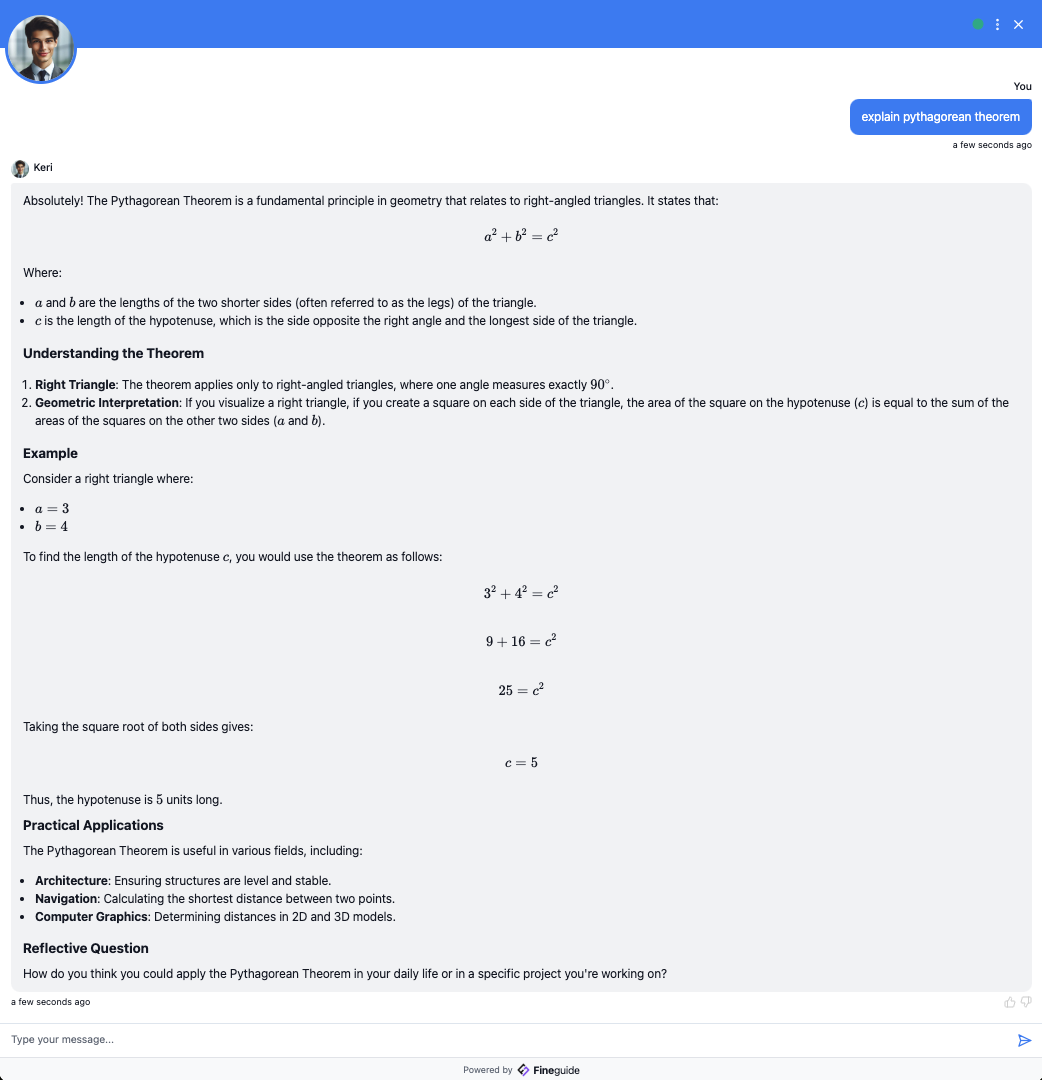
#### Example 2: Calculating a Matrix Determinant
This example shows how the assistant can tackle linear algebra problems. When asked, "**How to find the determinant of a matrix?**" it gives a clear and detailed explanation, including the formula. It even lays out the steps in a clean and easy-to-read way using LaTeX. Whether you need help with homework, want to double-check your work, or are teaching others, this feature makes understanding and solving matrix problems a breeze.
#### Example 3: Explaining a Differential
This example highlights the assistant's proficiency in calculus. When prompted with the question, "**Explain how X^2 becomes 2X using differential method**" the assistant provided a detailed, step-by-step explanation of the differentiation process. We intentionally avoided mentioning the power rule, as we wanted the assistant to rely on fundamental principles. To our surprise, it did exactly that—deriving the solution by applying limits and extending the formula until arriving at the correct result. This approach not only ensured mathematical accuracy but also presented the explanation in a visually intuitive manner, making complex concepts more accessible to students.
#### Example 4: Chemical Reactions
Here’s where the assistant shows its versatility. When asked about a simple chemistry equation, like mixing sodium chloride (NaCl) with water (H₂O), it explained the reaction and the expected result in a clear and easy-to-follow way. Perfect for quick science help or brushing up on basic chemistry!
#### Why These Capabilities Matter
The ability to handle complex mathematical and scientific queries elevates our AI Assistants far beyond a traditional customer service tool. By mastering tasks like solving equations, explaining calculus, and analysing scientific formulas, Fineguide demonstrates its potential to serve as a resource in education, research, and professional environments. These capabilities allow users to:
- Offer reliable support for technical problem-solving for efficient and accurate outcomes.
- Enhance learning experiences for students and educators by providing clear, step-by-step explanations.
- Support industries such as engineering, finance, and science with reliable computational assistance.
Best of all, these advanced features are available by default to all assistants so our users can benefit from these tools. With Fineguide we aim to simplify complex technical concepts, making them more approachable and practical. This feature represents a significant step in enhancing the capabilities of our AI Assistants, pushing it beyond traditional expectations. Our goal is to provide tools that are not only innovative but also practical, delivering real value to our users. As we continue to grow alongside our clients, we are dedicated to improve the assistant's performance and introducing new features that address evolving needs. This ongoing commitment ensures that our assistant remains a powerful, adaptable tool for solving complex problems and supporting diverse use cases.
#### Try It Yourself
Want to see these capabilities in action? Test [Fineguide](https://app.fineguide.ai/login) today and experience how it simplifies problem-solving across domains.
## Fineguide Launches on AppSumo: AI-Powered Customer Support
> Fineguide launched on AppSumo with a lifetime deal: no-code AI assistants for websites, a choice of AI models, dynamic widgets and ticketing.
By Liviu Maftuleac · published 2024-09-01 · updated 2026-10-22 · News
Source: https://fineguide.ai/blog/fineguideai-launches-on-appsumo-a-new-era-of-ai-powered-customer-support/
Fineguide, an innovative platform designed to help businesses integrate AI virtual assistants into their websites, has officially launched on AppSumo. This release marks a significant step forward in making AI-driven customer support more accessible and customizable for businesses of all sizes.
Fineguide offers a variety of features that set it apart from other AI tools in the market. Users can easily create AI assistants tailored to specific roles, such as customer service, tech support, or sales, without needing any coding skills or prompt engineering expertise. The platform supports multiple AI models, including popular ones like GPT-4o and Claude 3.5 Sonnet, providing flexibility depending on the specific needs and budget of the business.
One of the standout features of Fineguide is its ability to integrate dynamic widgets, such as Google Maps and Calendly, directly into the AI assistant. This allows businesses to offer more interactive and useful experiences to their customers. Additionally, the platform includes live support ticketing integration, making it easy to escalate issues that require human intervention.
Businesses can also customize their AI assistants to reflect their brand’s voice and values, enhancing the overall customer experience. With Fineguide, businesses can provide 24/7 support, streamline customer interactions, and significantly improve service efficiency.
The Fineguide lifetime deal available on AppSumo makes this cutting-edge technology more affordable for small businesses and startups, providing them with the tools needed to stay competitive in an increasingly digital marketplace.
For more information, you can explore Fineguide on AppSumo and see how this tool can revolutionize your customer support strategy.
## Full Integration with Anthropic Models, Including Claude 3.5
> Fineguide integrates Anthropic’s Claude models, Haiku 3, Sonnet 3, Opus 3 and the new Sonnet 3.5, adding multimodality and actions to assistants.
By Liviu Maftuleac · published 2024-07-21 · updated 2026-10-22 · Updates
Source: https://fineguide.ai/blog/announcing-full-integration-with-anthropic-models-including-the-latest-35-generation/
We are thrilled to announce a major milestone at Fineguide: the full integration of the latest Anthropic models, including the highly anticipated 3.5 generation models with advanced multimodality and action capabilities. This integration marks a significant leap forward in the capabilities of our AI-powered assistants, offering unprecedented performance and versatility.
### Meet the Anthropic Models
**Haiku 3:** Known for its concise and highly efficient processing, Haiku 3 excels in scenarios requiring rapid and precise information retrieval. This model is perfect for applications where speed and succinctness are crucial, providing quick, accurate answers without unnecessary verbosity.
**Sonnet 3:** This model balances depth and breadth of knowledge, making it ideal for more complex queries that require nuanced understanding and detailed responses. Sonnet 3 can handle intricate customer inquiries with ease, ensuring comprehensive and accurate support.
**Opus 3:** Opus 3 stands out with its extensive contextual understanding and capability to manage long-form content. It’s particularly effective in applications such as content generation, detailed technical support, and in-depth customer interactions, where maintaining context over longer conversations is essential.
**Sonnet 3.5:** The latest in the Sonnet series, Sonnet 3.5 brings cutting-edge advancements in multimodality, allowing it to process and generate responses that incorporate multiple types of data, such as text, images, and even actions. This makes Sonnet 3.5 incredibly versatile, capable of understanding and responding to complex queries that involve a mix of textual and visual information.
### Benefits of the Integration
**Enhanced Multimodality:** With the integration of Sonnet 3.5, our AI assistants can now process and respond to queries that involve multiple forms of media. This means your virtual assistants can handle more complex tasks, such as providing visual product support or interpreting and generating text based on images.
**Advanced Action Capabilities:** The new models come with improved action capabilities, allowing the AI to perform tasks on behalf of users. From scheduling appointments to initiating transactions, the enhanced action capabilities streamline processes and improve user experience.
**Improved Accuracy and Context Understanding:** The Haiku 3 and Opus 3 models bring superior accuracy and context retention to our platform. Whether it’s providing concise answers or managing long, detailed interactions, these models ensure that customer queries are handled with precision and relevance.
**Customizable and Adaptable:** All the integrated models are fully customizable to align with your brand’s voice and specific needs. This flexibility ensures that your AI assistants not only provide accurate and efficient support but also reflect your unique business identity.
### What This Means for You
The integration of these advanced Anthropic models into Fineguide’s platform means that our AI assistants are now more powerful, versatile, and capable than ever before. Whether you’re a small business looking to enhance customer support or a large enterprise seeking to streamline operations, these new capabilities provide the tools you need to transform your customer engagement strategies.
Experience the future of AI-powered customer interaction with Fineguide. Explore the possibilities and see how our advanced AI assistants can help you achieve your business goals with unmatched efficiency and precision.\
—
For more details and to start integrating these cutting-edge models into your systems, visit our website [here](https://fineguide.ai).
**Fineguide Team**
## Announcing Integration with Google Gemini Models
> Fineguide now supports Google’s Gemini 1.0, Gemini 1.5 Pro and Gemini 1.5 Flash models, with long context, multimodality and actions for assistants.
By Liviu Maftuleac · published 2024-07-21 · updated 2026-10-22 · Updates
Source: https://fineguide.ai/blog/announcing-integration-with-google-gemini-models-elevating-ai-capabilities/
We are excited to announce the integration of Google Gemini models into the Fineguide platform. This integration includes the powerful Gemini 1.0, Gemini 1.5 Pro, and Gemini 1.5 Flash models, each offering unique capabilities that enhance our AI assistants' performance, context understanding, and multimodal interaction.
### Discover the Google Gemini Models
**Gemini 1.0:** This foundational model from Google offers robust performance for general AI tasks. Known for its reliability and efficiency, Gemini 1.0 ensures seamless interaction, providing accurate and contextually relevant responses for a wide range of customer support scenarios.
**Gemini 1.5 Pro:** Building on the strengths of its predecessor, Gemini 1.5 Pro introduces advanced features that significantly improve the AI's ability to understand and process complex queries. With enhanced natural language understanding and improved context retention, this model is ideal for businesses requiring detailed and precise customer interactions.
**Gemini 1.5 Flash:** The standout feature of Gemini 1.5 Flash is its exceptional context length, capable of processing up to 2 million tokens. This allows the AI to maintain context over extended conversations and handle intricate queries that span multiple interactions. Additionally, Gemini 1.5 Flash excels in multimodal capabilities, seamlessly integrating text, images, and actions into coherent responses.
### Key Features and Benefits
**Extended Context Length:** With the Gemini 1.5 Flash model, our AI assistants can now manage conversations with up to 2 million tokens of context. This extended context length ensures that the AI can maintain continuity over long interactions, providing accurate and relevant responses even in complex, multi-turn conversations.
**Multimodal Capabilities:** All integrated Gemini models support multimodality, enabling our AI to process and generate responses that incorporate text, images, and actions. This makes our virtual assistants more versatile, capable of handling diverse queries that involve different types of data.
**Action Execution:** The advanced action capabilities of the Gemini models allow our AI assistants to perform tasks on behalf of users, such as booking appointments, processing transactions, and retrieving detailed information. This feature streamlines workflows and enhances user experience by reducing the need for manual intervention.
**High Accuracy and Reliability:** Google Gemini models are known for their high accuracy and reliability. By integrating these models, Fineguide ensures that our AI assistants deliver precise and contextually appropriate responses, enhancing overall customer satisfaction.
**Customizable Integration:** The Gemini models are fully customizable, allowing businesses to tailor the AI's behavior and responses to align with their brand voice and specific requirements. This flexibility ensures that the AI assistants not only provide accurate support but also reinforce the unique identity of each business.
### Transforming Customer Engagement
The integration of Google Gemini models into the Fineguide platform represents a significant advancement in our AI capabilities. Businesses can now leverage the extended context length, multimodal interaction, and advanced action execution to provide superior customer support and engagement. Whether you need detailed and accurate responses or seamless integration of various data types, the Gemini models offer the tools you need to elevate your customer service.
—
Explore the possibilities with Fineguide and see how our new capabilities can transform your business. For more information and to start integrating these cutting-edge models into your systems, visit our website [here](https://fineguide.ai).
**Fineguide Team**
## Announcing Support for OpenAI GPT-4o and GPT-4o mini
> Fineguide assistants can now use OpenAI’s GPT-4o and GPT-4o mini, with a 128,000-token context window, multimodal input and lower costs.
By Liviu Maftuleac · published 2024-07-21 · updated 2026-10-22 · Updates
Source: https://fineguide.ai/blog/announcing-support-for-openai-gpt-4o-and-gpt-4o-mini-advanced-ai-capabilities/
At Fineguide, we are proud to announce the integration of OpenAI’s latest models, GPT-4o and GPT-4o mini, into our platform. As OpenAI’s primary LLM models and industry flagships, these new additions bring unparalleled capabilities to our AI-powered assistants, enhancing their performance, flexibility, and efficiency.
### Understanding GPT-4o and GPT-4o mini
**GPT-4o:** GPT-4o, the "omni" model, represents the pinnacle of OpenAI’s LLM technology. It excels in handling complex, multi-step tasks and supports multimodal inputs, including text, audio, and video. With a context length of up to 128,000 tokens, GPT-4o can process extensive information, maintaining context over long interactions and providing highly accurate and contextually relevant responses. This makes it ideal for applications requiring deep understanding and sustained engagement.
**GPT-4o mini:** The GPT-4o mini is a more cost-efficient version of GPT-4o, designed to make advanced AI capabilities accessible to a broader range of applications. Despite its smaller size, GPT-4o mini outperforms previous models like GPT-3.5 Turbo in terms of both accuracy and speed. It supports up to 16,000 output tokens per request and excels in tasks such as mathematical reasoning, coding, and multimodal interactions. With a context window of 128,000 tokens, it can handle detailed and prolonged conversations, making it a versatile tool for various business needs ([OpenAI](https://openai.com/index/gpt-4o-mini-advancing-cost-efficient-intelligence/)) ([Business Standard](https://www.business-standard.com/technology/tech-news/openai-brings-gpt-4o-mini-ai-model-targeting-app-developers-check-details-124071900496_1.html)).
### Key Features and Benefits
**Extended Context Length:** Both GPT-4o and GPT-4o mini offer extensive context lengths, allowing them to handle large volumes of information and maintain coherence over extended dialogues. This is particularly useful for applications involving complex customer support scenarios, detailed technical assistance, and long-form content generation.
**Multimodal Capabilities:** These models support multimodal inputs and outputs, enabling them to process and respond to queries that include text, images, and audio. This flexibility enhances the AI’s ability to understand and generate rich, context-aware responses, improving user interactions and support experiences.
**Advanced Action Capabilities:** The GPT-4o models can perform actions on behalf of users, such as booking appointments, processing transactions, and retrieving information. This functionality streamlines workflows and enhances user convenience by reducing the need for manual intervention.
**High Accuracy and Reliability:** GPT-4o and GPT-4o mini are built with advanced safety and alignment techniques, including reinforcement learning with human feedback (RLHF). These measures ensure that the models provide accurate, reliable, and contextually appropriate responses, minimizing risks associated with AI-generated content ([Business Standard](https://www.business-standard.com/technology/tech-news/openai-brings-gpt-4o-mini-ai-model-targeting-app-developers-check-details-124071900496_1.html)) ([OpenAI Platform](https://platform.openai.com/docs/models/gpt-4o%23.ppt#:~:text=URL%3A%20https%3A%2F%2Fplatform.openai.com%2Fdocs%2Fmodels%2Fgpt,100)).
**Cost Efficiency:** GPT-4o mini is particularly noted for its cost efficiency, making advanced AI capabilities more affordable. This model is priced significantly lower than its predecessors, allowing businesses to scale their AI applications without incurring prohibitive costs ([OpenAI](https://openai.com/index/gpt-4o-mini-advancing-cost-efficient-intelligence/)).
### Transforming Customer Engagement
The integration of GPT-4o and GPT-4o mini into Fineguide’s platform marks a significant advancement in our AI capabilities. These models enhance our ability to deliver precise, context-aware, and multimodal interactions, transforming the way businesses engage with their customers.
Experience the future of AI-powered customer support and engagement with Fineguide. Explore the enhanced capabilities of GPT-4o and GPT-4o mini and see how these advanced models can help you achieve your business goals with unmatched efficiency and accuracy.
For more information and to start integrating these cutting-edge models into your systems, visit our website [here](https://fineguide.ai).
**Fineguide Team**
## Introducing Automatic Lead Collection for Business Growth
> Automatic Lead Collection lets Fineguide AI assistants ask for contact details during conversations and store them for your sales team to follow up.
By Liviu Maftuleac · published 2024-07-21 · updated 2026-10-22 · Updates
Source: https://fineguide.ai/blog/introducing-automatic-lead-collection-enhancing-your-business-growth/
At Fineguide, we are committed to continuously improving our AI-powered assistants to better serve your business needs. Today, we are excited to introduce a new feature that promises to revolutionize your customer interactions and sales processes: Automatic Lead Collection.
### What is Automatic Lead Collection?
Automatic Lead Collection is a powerful new feature that enables our AI assistants to gather essential contact information from users during their interactions. This feature is designed to streamline the lead generation process, making it easier for your sales team to follow up with potential customers and convert them into loyal clients.
### How Does It Work?
**Seamless Integration:** During a conversation with a customer, our AI assistant will naturally and unobtrusively ask for contact details such as their phone number, email address, and any other relevant information. This approach ensures that the user experience remains smooth and engaging, without feeling intrusive.
**Secure Data Storage:** The collected information is securely stored in a separate, dedicated database. This ensures that all data is handled with the utmost care and in compliance with data protection regulations, safeguarding your customers' privacy.
**Streamlined Sales Process:** Once the contact details are collected, they are made accessible to your sales team through a user-friendly interface. This allows your team to easily review and manage leads, enabling them to prioritize follow-ups and tailor their approach based on the collected information.
**Improved Customer Engagement:** By capturing leads during initial interactions, your business can ensure timely follow-ups, providing a more personalized and attentive customer experience. This not only increases the chances of conversion but also fosters a stronger relationship with your potential clients.
### Benefits of Automatic Lead Collection
**Efficiency and Productivity:** Automating the lead collection process saves your team valuable time and resources. Your sales team can focus on engaging with qualified leads rather than spending time manually gathering contact information.
**Enhanced Data Accuracy:** By collecting information directly from the customer during their interaction with the AI assistant, you reduce the risk of errors and ensure that the data is up-to-date and accurate.
**Scalability:** Automatic Lead Collection allows your business to handle a higher volume of leads without compromising on the quality of interactions. This scalability is essential for growing businesses looking to expand their customer base.
**Actionable Insights:** The collected data can provide valuable insights into customer preferences and behaviors. This information can be leveraged to refine your marketing strategies and tailor your offerings to better meet the needs of your audience.
### Get Started with Automatic Lead Collection
We are confident that this new feature will significantly enhance your lead generation efforts and contribute to your business growth. To learn more about Automatic Lead Collection and how to integrate it into your existing systems, visit our website [here](https://fineguide.ai) or contact our support team for a personalized demo.
—
Join us in transforming the way you engage with your customers and drive your business forward with Fineguide's innovative solutions.
**Fineguide Team**
## Introducing Claude 3.5 Sonnet Integration at Fineguide
> Fineguide’s AI assistants can now use Claude 3.5 Sonnet, for more nuanced, accurate and context-aware answers to your customers’ questions.
By Liviu Maftuleac · published 2024-07-21 · updated 2026-10-22 · Updates
Source: https://fineguide.ai/blog/introducing-claude-35-sonnet-integration-at-fineguideai/
At Fineguide, we continuously strive to enhance the capabilities of our AI-powered assistants to provide the best possible customer engagement solutions. In line with this commitment, we are excited to announce the integration of the latest Claude 3.5 Sonnet into our engine, marking a significant advancement in our AI technology.
[](https://www.anthropic.com/_next/image?url=https%3A%2F%2Fwww-cdn.anthropic.com%2Fimages%2F4zrzovbb%2Fwebsite%2F4e78f69ef8d4186fb5691714abe36224483d91b0-2880x1620.png&w=3840&q=75)
### What Does This Mean for You?
**Enhanced Conversational Abilities:** Claude 3.5 Sonnet brings state-of-the-art natural language processing to our AI assistants, allowing for more nuanced and accurate responses. This means your virtual assistants will understand and address customer queries with greater precision and context awareness.
**Improved Customer Experience:** With Claude 3.5 Sonnet, our AI can handle more complex interactions, providing a smoother and more satisfying customer experience. Whether it’s answering detailed product questions, resolving technical issues, or assisting with purchases, the enhanced capabilities ensure your customers receive timely and relevant support.
**Customization and Flexibility:** Our platform allows for extensive customization, and with the integration of Claude 3.5 Sonnet, you can tailor the AI's responses to align perfectly with your brand voice and values. The assistant can adapt to different roles, providing specialized knowledge and context-relevant responses based on the specific needs of your business.
**Advanced Features:** The integration comes with reinforced learning algorithms that allow the AI to improve continuously through user feedback. Additionally, the reduction in hallucination rates ensures more accurate and reliable responses, enhancing the overall trustworthiness of the assistant.
**Seamless Integration:** Incorporating our AI assistants into your website or application is straightforward and requires no coding expertise. The assistants can integrate with various third-party tools and platforms, ensuring a consistent and efficient user experience across all touchpoints.
### Why Fineguide?
At Fineguide, we are dedicated to revolutionizing customer engagement through cutting-edge AI technology. Our proprietary algorithms and robust search databases, combined with the powerful capabilities of Claude 3.5 Sonnet, provide a comprehensive solution for businesses looking to enhance their customer support and engagement strategies.
Join us on this journey of innovation and let our AI-powered assistants transform the way you interact with your customers. Experience the future of customer engagement with Fineguide.
For more information and to get started, visit our website [here.](https://fineguide.ai)
Together, let's redefine the future of customer engagement.
—
Feel free to provide feedback or reach out to our team for any custom requirements or questions. We are here to help you every step of the way.
**Fineguide Team**
## How to Integrate Fineguide with Helpscout
> Connect Fineguide to Help Scout step by step: create an app, add its App ID and secret, choose a mailbox, and forward chat tickets to your inbox.
By Liviu Maftuleac · published 2024-07-11 · updated 2026-10-22 · Tutorials
Source: https://fineguide.ai/blog/how-to-integrate-fineguide-with-helpscout/
This document provides step-by-step instructions for setting up the integration with Helpscout. This integration enables users to transition from automated assistance to human support.
Why this integration is useful - while Fineguide handles most of the inquiries, some users might still need human interaction. This pairing becomes especially beneficial when most inquiries can be managed by AI, leaving only those that require human support for your customer service team to handle.
Let's get started!
**Step I**
Login to your Fineguide account, go to **Settings > Integrations > Helpscout**
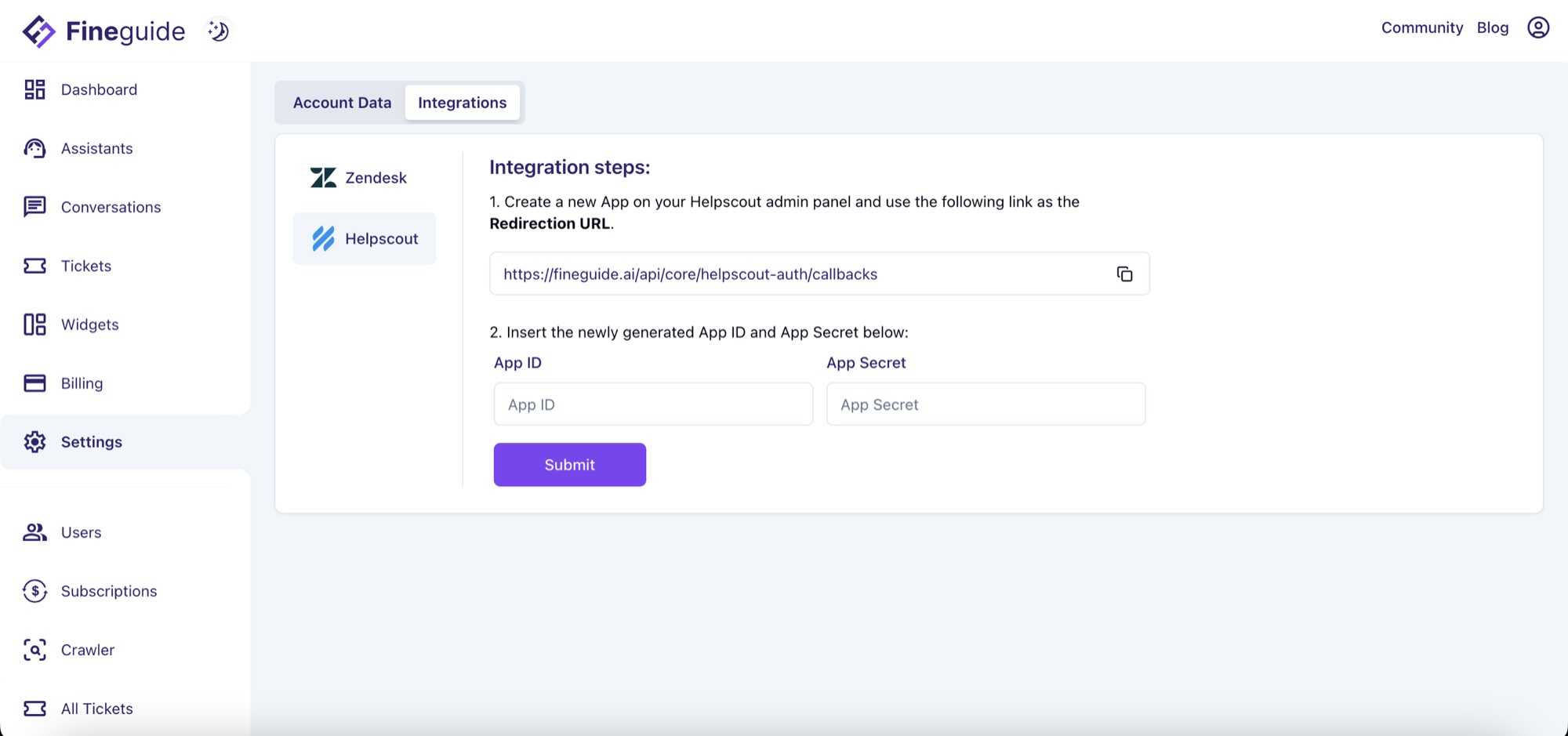
click on the Copy the redirection URL icon. It's better to keep this tab open since we're going to need it in **Step 3**.
**Step 2**
Open a new tab in your browser and log in to Helpscout. Once logged in, Click on **Account > Your Profile**
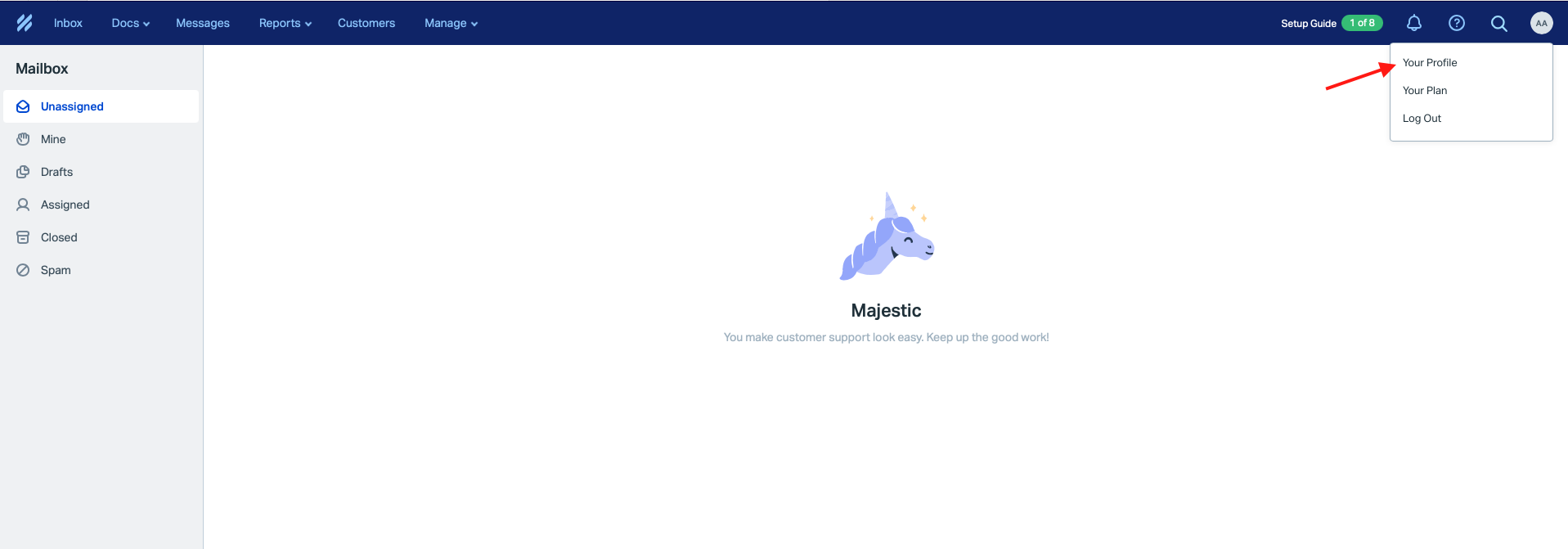
From the left menu, click on **My Apps > Create My App**
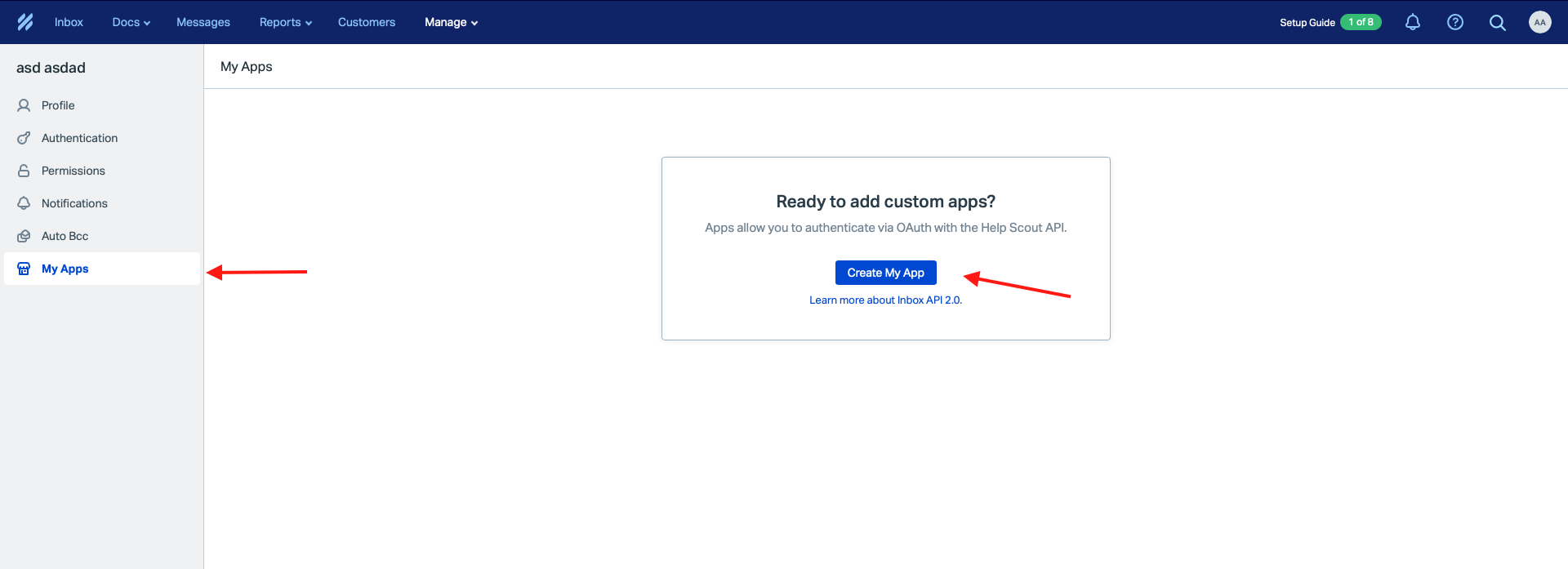
In the **App Name** write "**Fineguide Chatbot**", paste the callback URL from the **Redirection** **URL** from **Step 1**, and click **Create**.
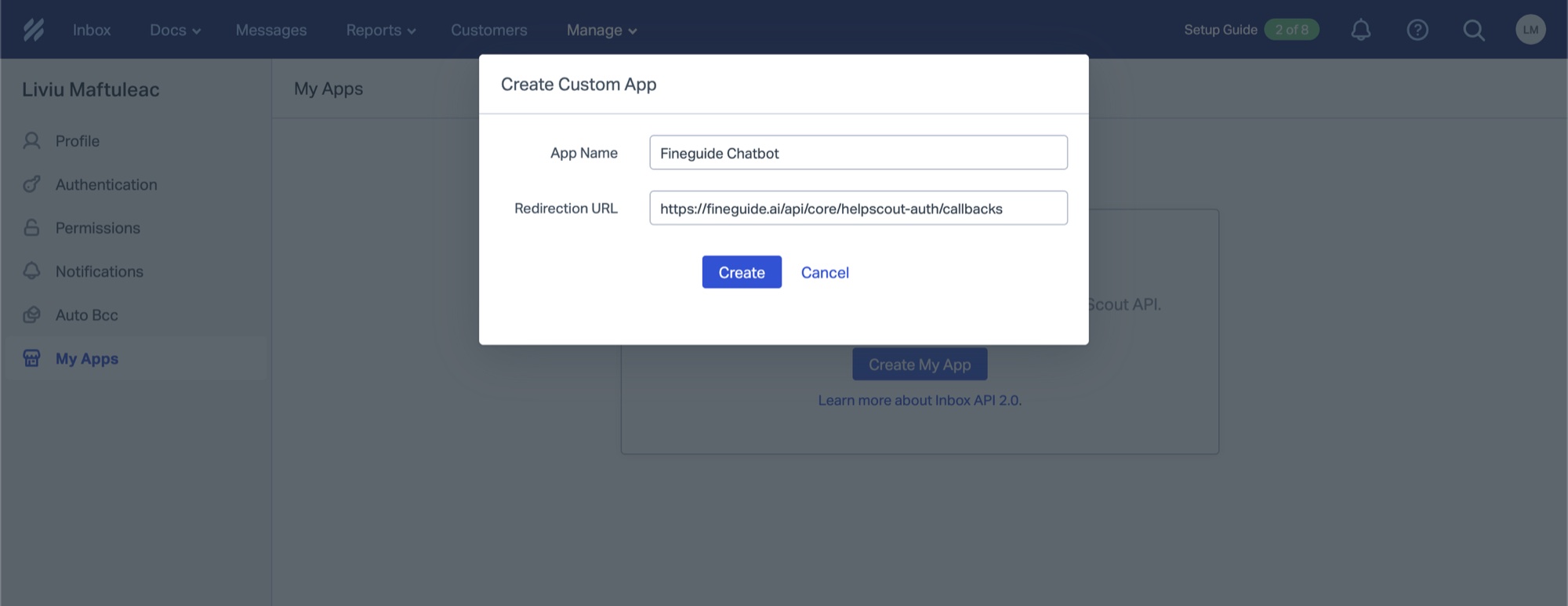
If all goes well, you should see a screen where you have **App ID** and **App Secret.** We'll need those two values for Fineguide.
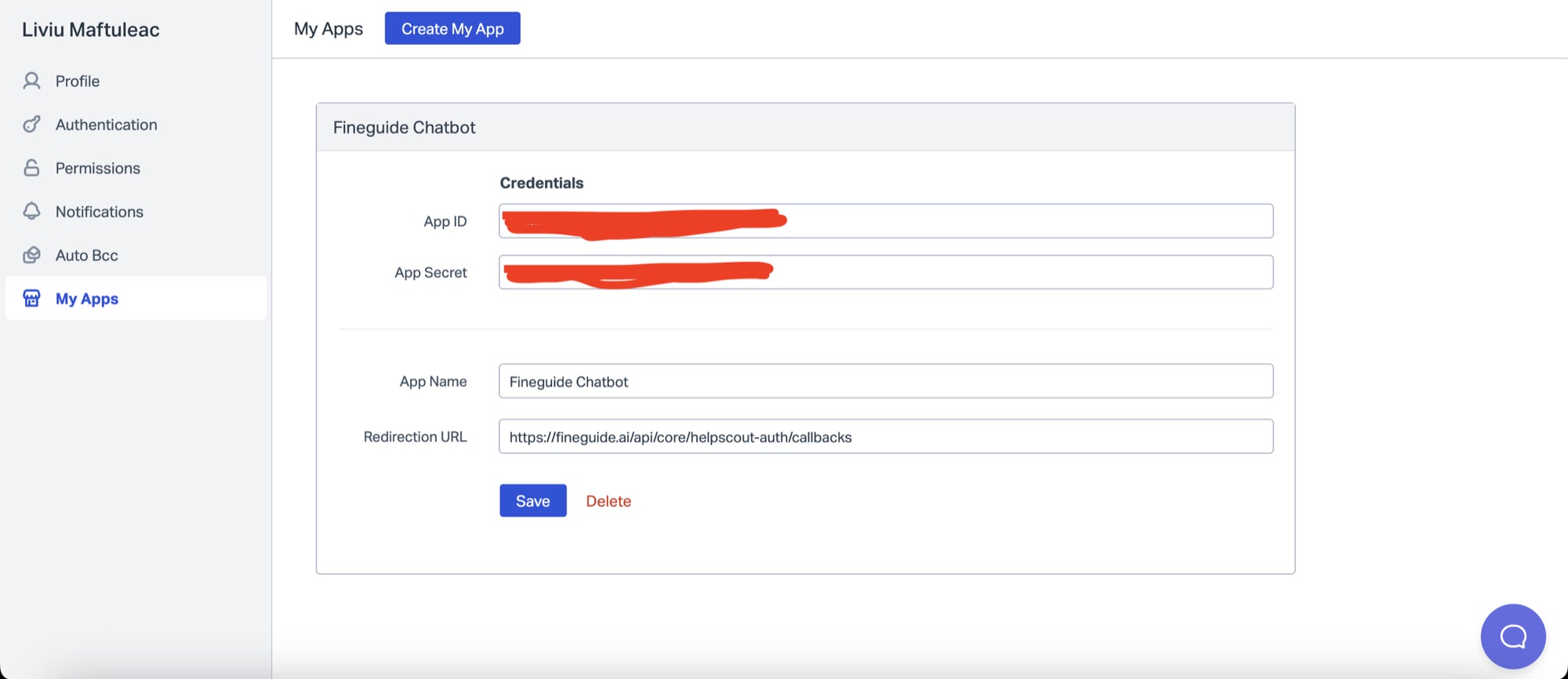
**Step 3.**
Go back to **Fineguide** Tab, paste **App ID** and **App Secret** in their respective fields, and then click Submit. Follow the link to go to Helpscout authorization screen.
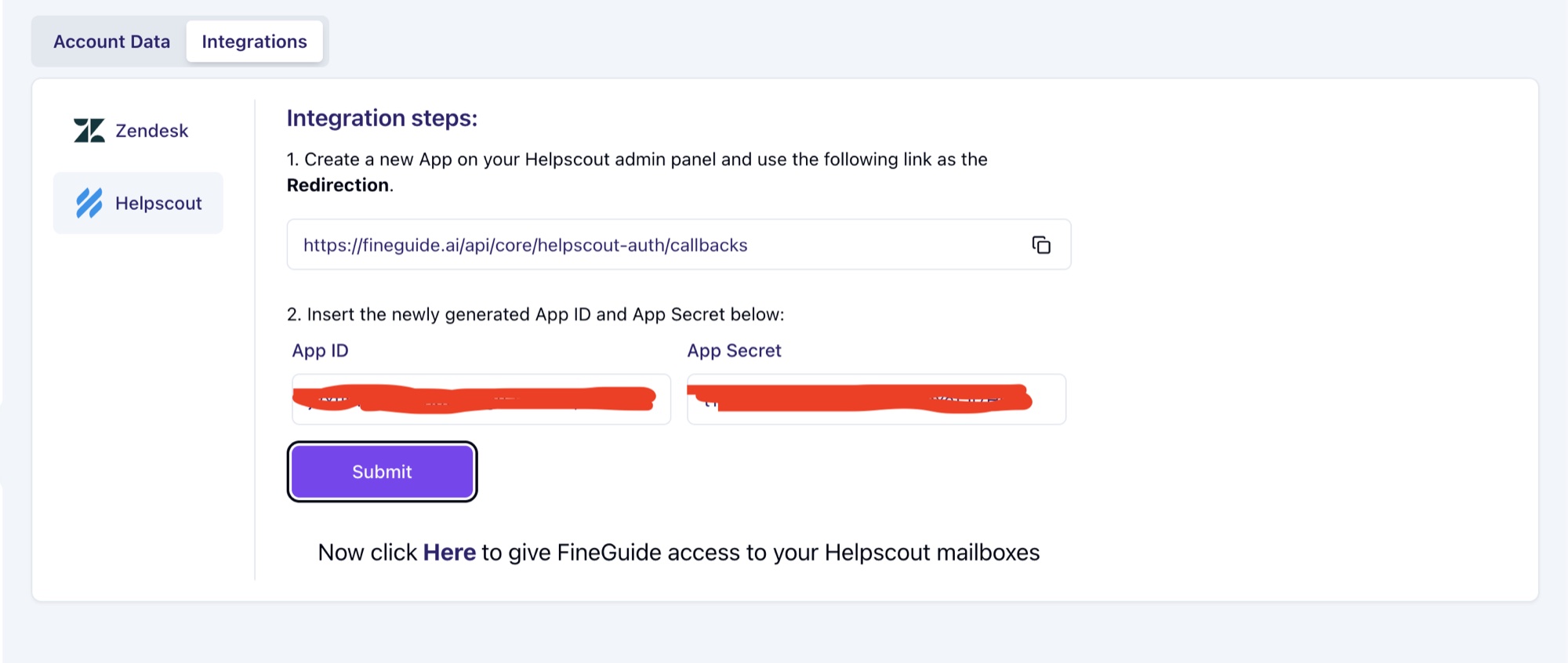
Click on the link to authorize Fineguide to send tickets to your Helpscout Inbox.
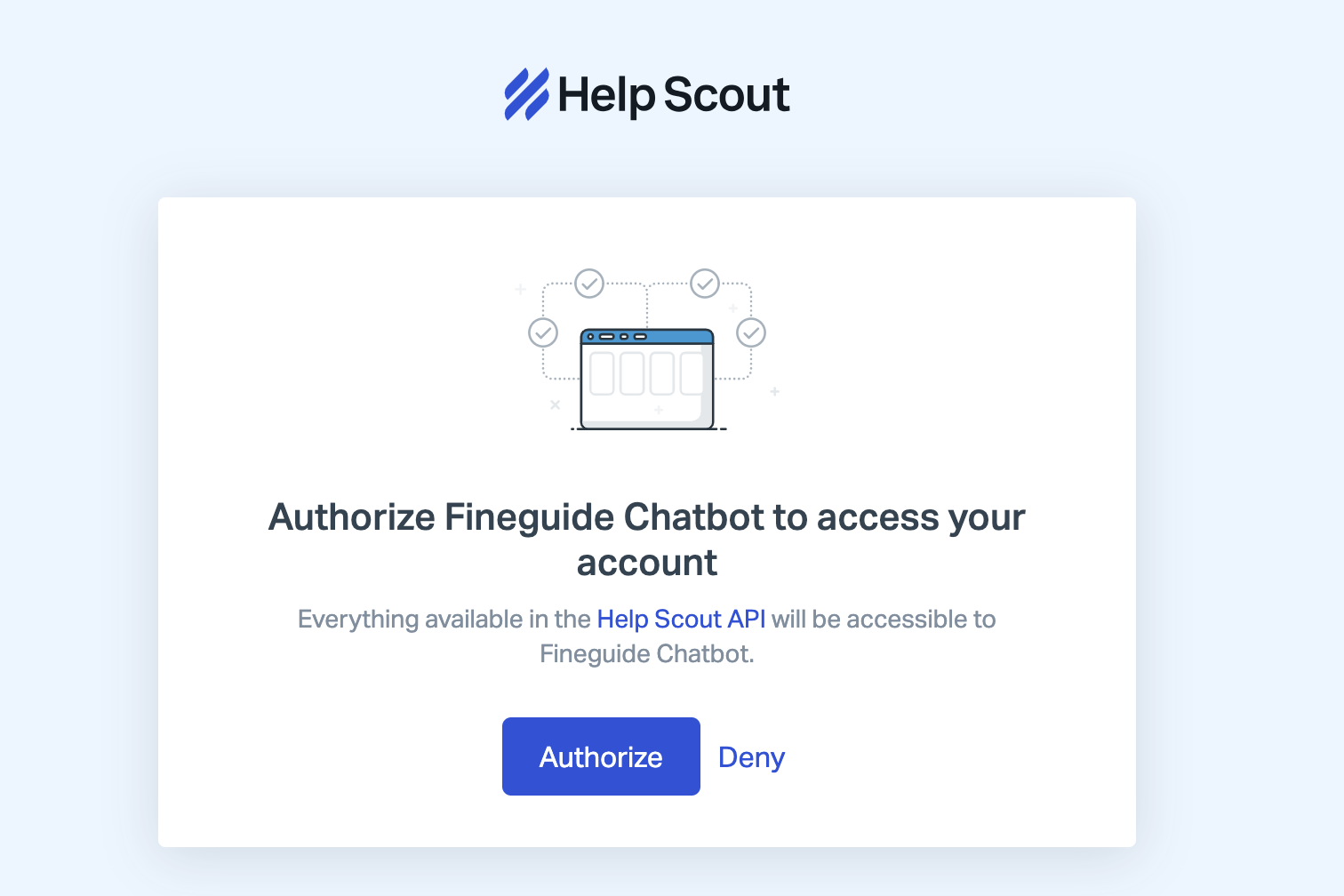
After you click on the **Authorize** button, the screen should remain blank. Go back to Fineguide settings, and you should now see Helpscout activated.
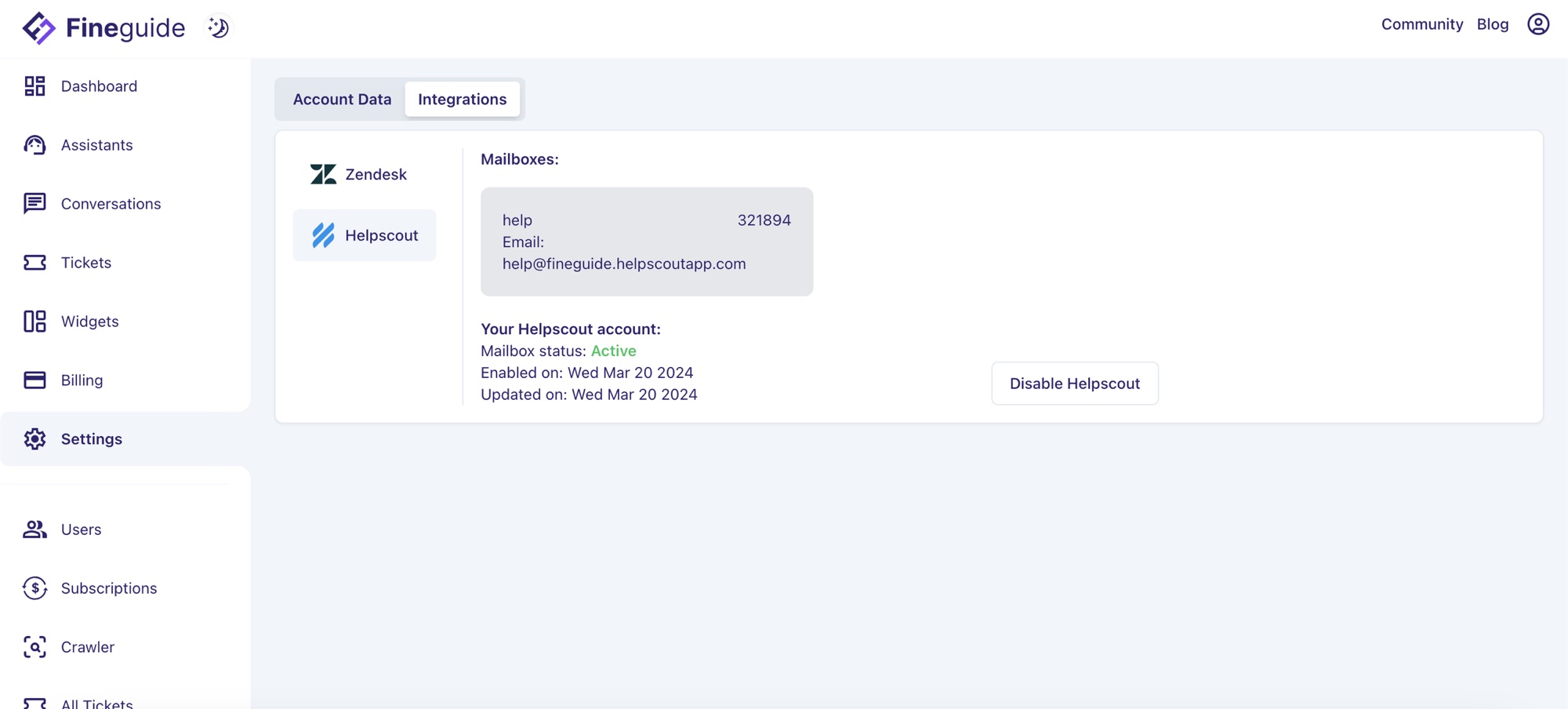
Next, click on the Mailbox you want to forward your tickets to. In my case, I have only one mailbox named **"help".** After you select and confirm the mailbox, you should see your chosen mailbox highlighted
**Step 4: Testing**
Now let's test if your tickets end up in Helpscout. Go to Assistants, click on any Assistant, and start a conversation. Once the conversation starts you should see a mailbox icon in the chat header.
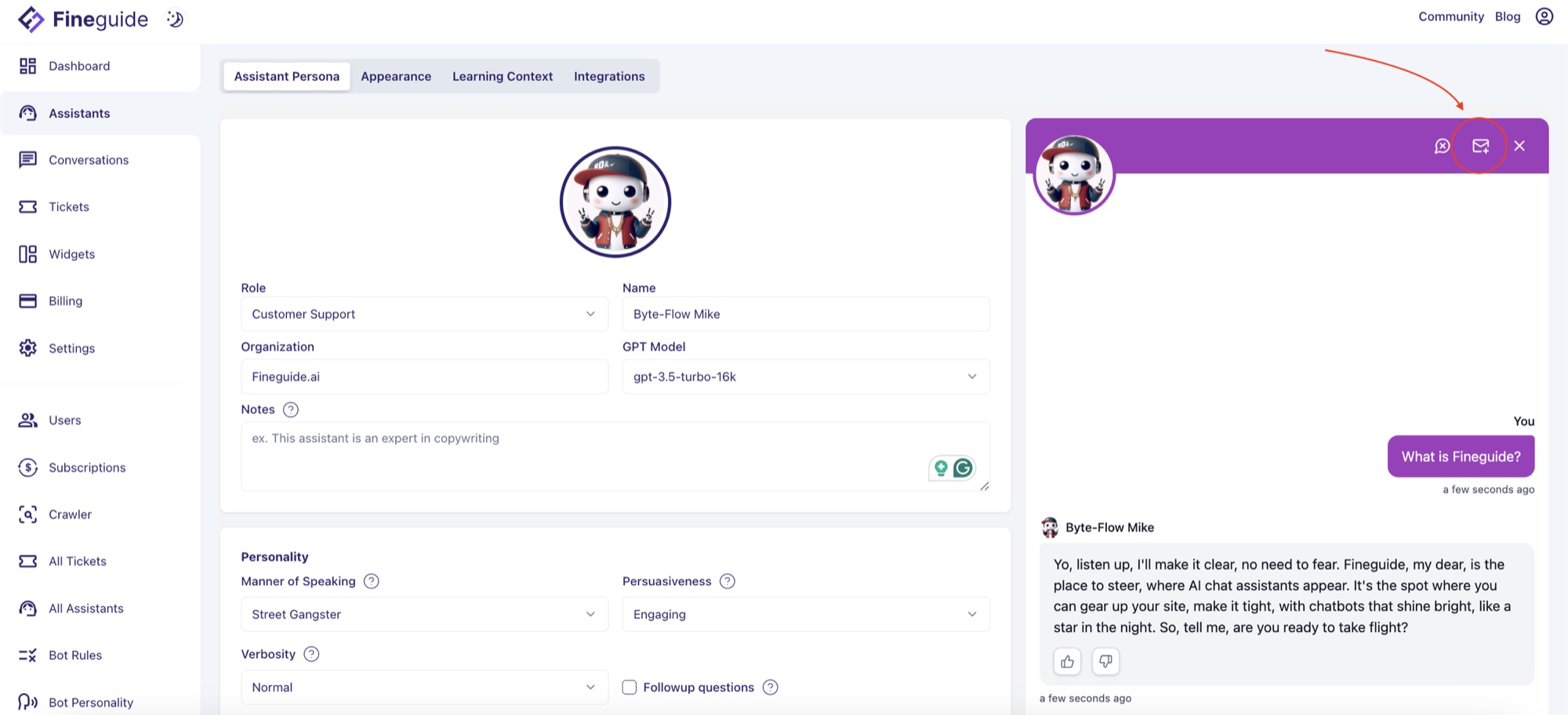
This should open a ticket creation pop-up. Complete the form and click on submit
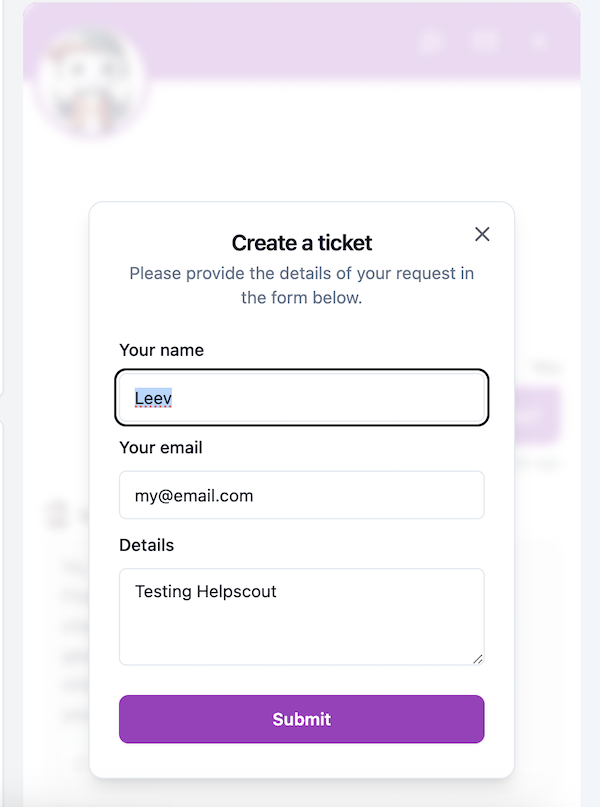
Once this is done, Fineguide should forward your Ticket to Helpscout Inbox.
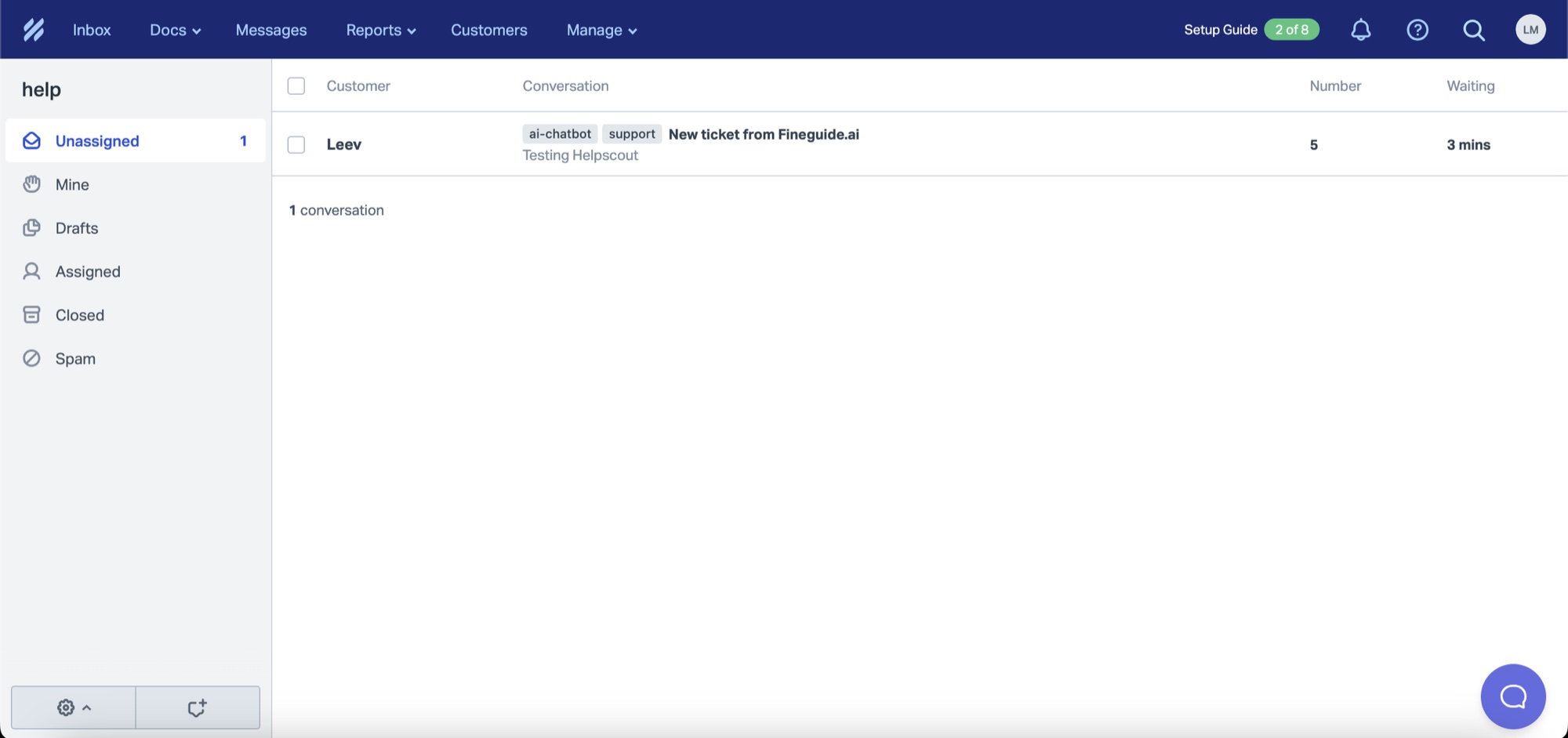
A copy of the ticket is also created in the Fineguide ticketing system. You should see the Helpscout logo if the ticket was successfully forwarded.
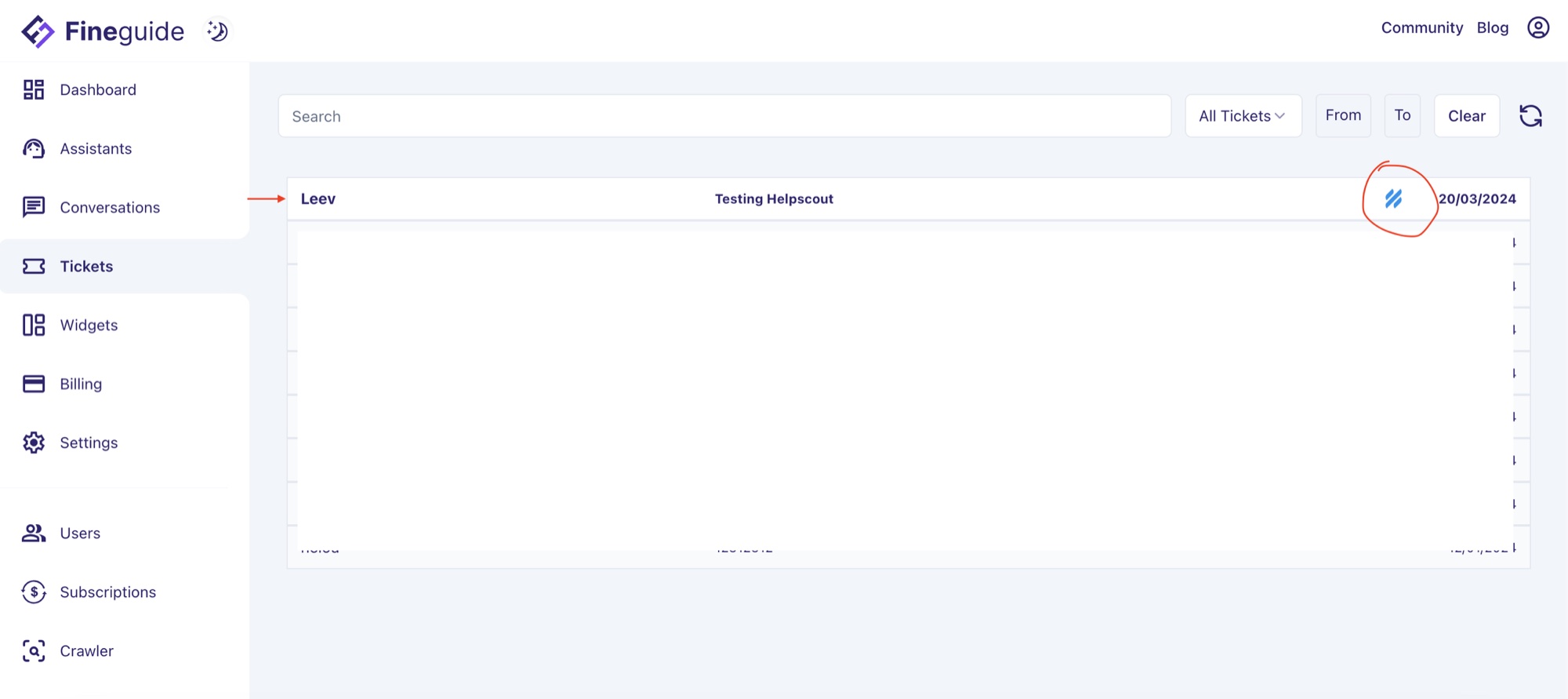
That’s it! 🙂
## Intro to Fineguide.AI
> Meet Fineguide: AI assistants that support customers, act on their behalf, show widgets and connect to third-party tools. Watch the intro video.
By Liviu Maftuleac · published 2024-03-13 · updated 2026-10-22 · News
Source: https://fineguide.ai/blog/intro-to-fineguideai/
Hey there! I am excited to introduce our fresh new product that we have been working hard on the past several months [https://fineguide.ai](https://fineguide.ai)
We built this product because we believe we can successfully integrate AI Assistants into every business allowing companies to significantly improve the quality of their customer support while also significantly lowering the costs. It is incredible how effective these agents can be and how they can transform your business.
There are successful AI Agents Support implementation stories based on OpenAI, one of them is Klarna AI assistant which already handles two-thirds of customer service chats in its first month or equivalent work of 700 full-time agents.
At Fineguide we go even further providing next gen solution augmented with our in-house data processing algorithms and powerful state-of-the art search databases.
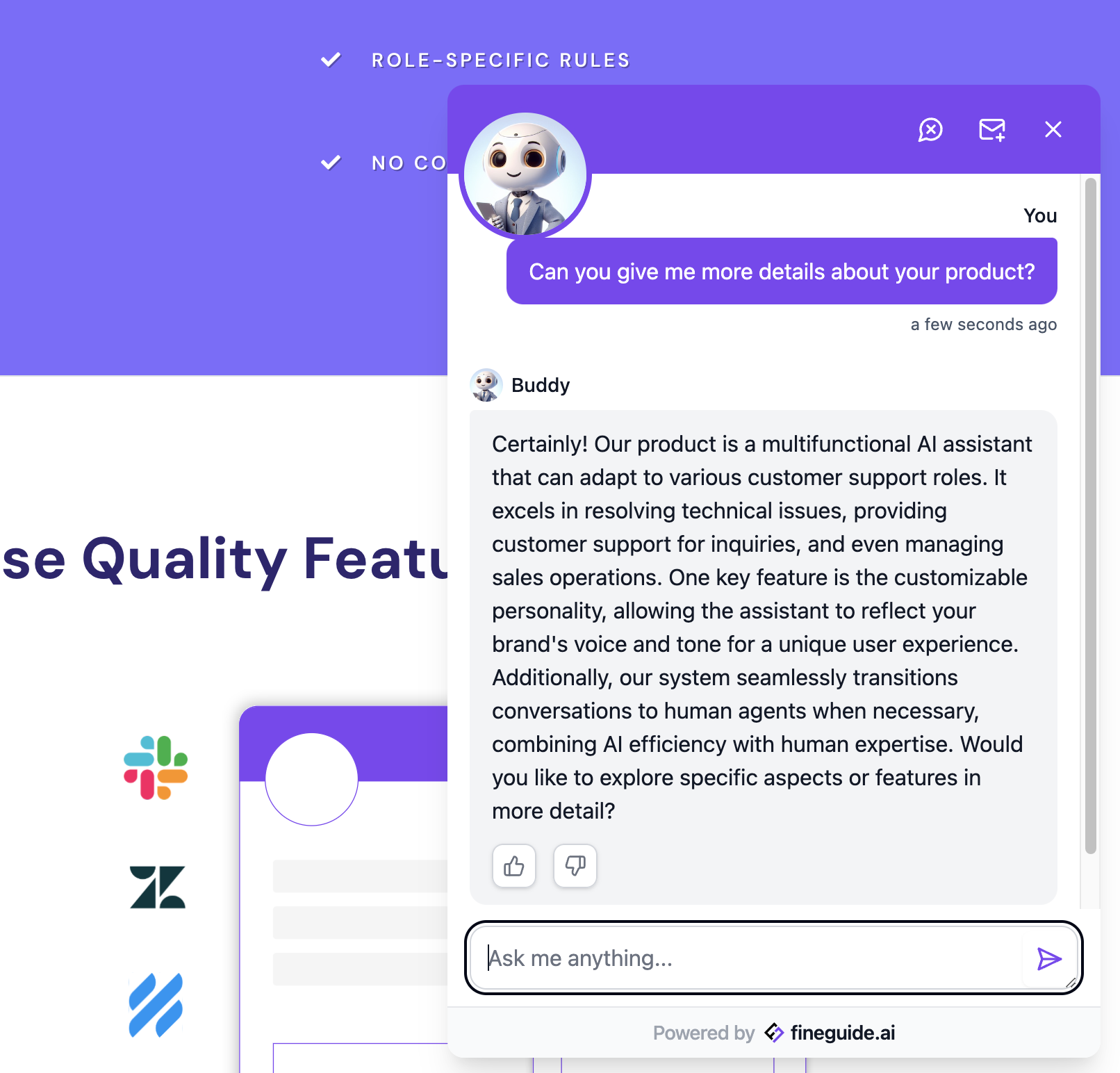
This is not only a powerful Support Assistant it can also perform actions on behalf of users, provide information in a suite of different widgets and integrate with a variety of 3rd party tools for. We aim to provide the most accurate conversational engine with low hallucination rate and fast responsiveness.
Watch out our quick intro here [https://youtu.be/c-gJ4ByecTM](https://youtu.be/c-gJ4ByecTM)
[▶ Watch the video](https://www.youtube.com/watch?v=c-gJ4ByecTM)
Your feedback will be instrumental in shaping our roadmap!
Join our beta try it now for free -> [https://fineguide.ai](https://fineguide.ai)
Liviu Maftuleac (CEO) liviu@fineguide.ai
## Introducing Fineguide.AI
> Fineguide puts an AI assistant on any website, trained on your own content and ready in minutes without code. Here is why we built it and how it works.
By Liviu Maftuleac · published 2024-02-12 · updated 2026-10-22 · News, Fineguide, AI Agent
Source: https://fineguide.ai/blog/introducing-fineguideai/
Today we are launching Fineguide, a platform that lets any business put an AI assistant on its website: one that has learned the business's own content, answers customers instantly, and is ready in minutes, without a single line of code.
We built Fineguide in Moldova, for companies of every size, from a two-person online shop to a support team handling thousands of conversations a month. This post explains why we built it, how it works, and what it can already do for you.
### Why we built Fineguide
Customers expect an answer the moment they ask, whether it is three in the afternoon or three in the morning. For most businesses that expectation is expensive to meet. Support teams spend much of their day on the same questions about delivery, pricing, opening hours and returns, while the questions that really need a person wait in the queue.
Traditional chatbots were supposed to help, but rigid decision trees break as soon as a customer phrases something in an unexpected way. Large language models changed what is possible: they understand natural questions and reply in natural language. On their own, though, they know nothing about your products or policies, and they can sound confident while being wrong.
Fineguide closes that gap. It combines modern language models with your own knowledge, so the assistant speaks for your business, not for the internet.
### How it works
Getting an assistant live takes three steps.
1. **Create your assistant.** Give it a name and a role, such as customer support, sales or onboarding. It takes seconds.
2. **Teach it your business.** Add the content it should learn from: your website pages, your FAQ, product information or PDF documents. Like a new colleague on their first day, the assistant studies this material and answers from it.
3. **Add it to your website.** Copy a short snippet into your site, as easily as embedding a YouTube video. The assistant appears in a chat window that matches your brand, and starts answering visitors right away.
No prompt engineering is needed. Each assistant comes with carefully tuned prompts and role-specific rules, so it behaves appropriately from the first conversation.
### What your assistant can do
- **Support around the clock.** Answer frequently asked questions and resolve common issues instantly, at any hour, so your team can focus on the conversations that need them.
- **Capture and qualify leads.** Ask visitors the right questions, collect their contact details and pass qualified prospects to your sales team.
- **Schedule appointments.** Help customers book a call, a demo or a meeting without back-and-forth emails.
- **Recommend products.** Guide shoppers to the products that fit what they are looking for, and help turn questions into sales.
- **Share internal knowledge.** Give employees quick answers from internal documents and help new hires through onboarding.
### Accuracy comes first
An assistant is only useful if people can trust what it says. That is where most of our engineering effort goes.
- **Answers grounded in your content.** Our in-house data processing and search technology finds the passages that actually answer the question, and the assistant responds from them.
- **Fewer made-up answers.** These same methods significantly reduce hallucinations: responses that sound plausible but are not true.
- **Better understanding of context.** The assistant follows the thread of a conversation, so follow-up questions get relevant answers.
- **Proactive help.** It asks clarifying and follow-up questions, which keeps customers engaged and surfaces more leads.
- **It improves with use.** Feedback from real conversations helps us make every assistant more accurate over time.
### Make it yours
Fineguide is designed to look and sound like your brand, not like ours.
- **A fully customizable chat interface.** Adjust colors, appearance and placement to match your website.
- **Your voice and personality.** Define the assistant's persona and tone so every reply fits your brand.
- **Rich widgets.** Show more than text inside the conversation, such as structured information and interactive elements.
- **Integrations.** Connect the assistant to the tools and platforms you already use.
- **White label.** Agencies and larger companies can offer Fineguide under their own name.
### Insight into every conversation
Every conversation is a direct line to what your customers want. Fineguide keeps the full history of your assistant's conversations, so you can see what people ask most, where the assistant needs more information, and which topics deserve a page of their own. The more you learn, the better both your assistant and your business become.
### Get started
You can [create your first assistant for free](https://app.fineguide.ai), with no credit card required, and see it answer questions about your own business within minutes. If you need a custom integration, a white-label solution or a feature we do not have yet, [talk to our team](https://fineguide.ai/contact/). We would love to hear what you are building.
This launch is only the beginning. Your feedback will shape what we build next, and we look forward to building it with you.
## Customer Support: Cut Costs and Improve Service Quality
> Lower customer support costs and raise service quality with AI chatbots, self-service, data analytics, agent training and continuous improvement.
By Liviu Maftuleac · published 2024-02-12 · updated 2026-10-22 · News
Source: https://fineguide.ai/blog/unlocking-cost-savings-and-improving-service-quality-the-power-of-efficient-customer-support/
In today's competitive business landscape, providing exceptional customer support is not just a necessity but a strategic advantage. However, traditional customer support models can be costly and often fail to meet the evolving needs of customers. The good news is that advancements in technology, particularly in artificial intelligence (AI) and automation, offer businesses an opportunity to lower costs, improve service quality, and keep customers happy simultaneously. In this blog post, we'll explore how businesses can achieve these goals effectively.
**Embrace AI-Powered Chatbots:**
AI-powered chatbots are revolutionizing customer support by offering instant, round-the-clock assistance to customers. Unlike traditional support methods that require hiring and training large teams, chatbots can handle a wide range of customer inquiries efficiently and cost-effectively. By implementing AI chatbots, businesses can significantly reduce support costs while ensuring prompt and accurate responses to customer queries.
**Implement Self-Service Options:**
Empowering customers to find answers to their questions independently through self-service options can significantly reduce the workload on customer support teams. Self-service portals, knowledge bases, and interactive FAQs provide customers with instant access to information, reducing the need for them to contact support agents for assistance. By investing in robust self-service solutions, businesses can lower support costs while enhancing customer satisfaction.
**Leverage Data Analytics for Insights:**
Data analytics tools enable businesses to gain valuable insights into customer behavior, preferences, and pain points. By analyzing customer interactions and feedback, businesses can identify trends, anticipate customer needs, and proactively address issues before they escalate. Leveraging data analytics not only improves service quality but also enables businesses to optimize support processes and allocate resources more efficiently.
**Invest in Training and Development:**
While automation and AI play a crucial role in modernizing customer support, human interaction remains invaluable in certain scenarios. Investing in ongoing training and development programs for support agents equips them with the skills and knowledge needed to deliver exceptional service. Well-trained agents can handle complex inquiries with empathy and professionalism, leading to higher customer satisfaction and loyalty.
**Foster a Culture of Continuous Improvement:**
Continuous improvement is key to delivering outstanding customer support while optimizing costs. Encourage feedback from both customers and support teams to identify areas for improvement and implement necessary changes. By fostering a culture of continuous improvement, businesses can adapt to evolving customer needs, refine support processes, and enhance service quality over time.
In conclusion, lowering the cost of customer support while improving service quality and keeping customers happy is achievable through a combination of technology adoption, data-driven insights, and a customer-centric approach. By embracing AI-powered chatbots, implementing self-service options, leveraging data analytics, investing in training and development, and fostering a culture of continuous improvement, businesses can transform their customer support operations and gain a competitive edge in today's market.